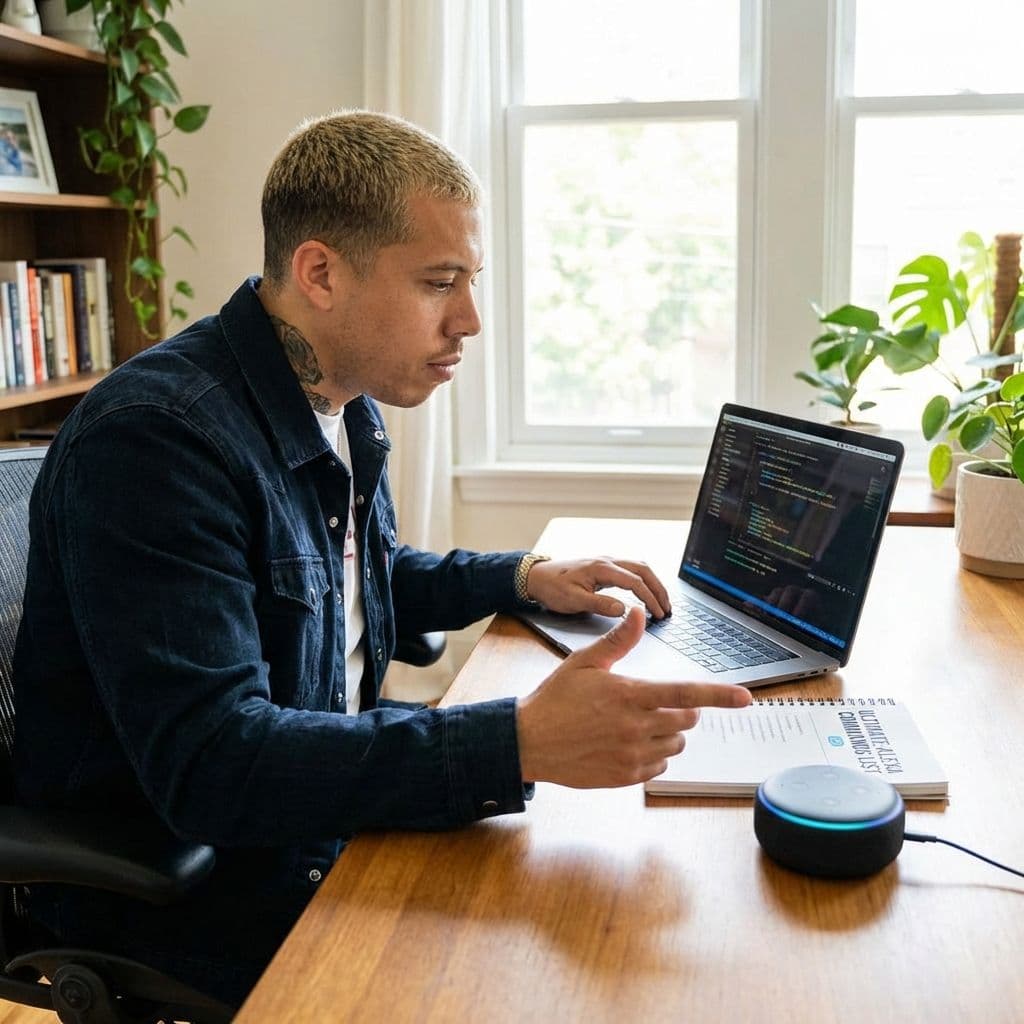
Ultimate Alexa Command List: 200+ Voice Commands for Echo

Ultimate Alexa Command List: 200+ Voice Commands for Echo

Team GimmieTeam Gimmie
Published on February 17, 2026

YOUR SMART HOME CONCIERGE: MASTERING ALEXA FOR REAL LIFE

If you recently unwrapped a sleek, fabric-covered cylinder or a screen-bearing smart hub, congratulations. You have just invited a roommate who never sleeps, never complains about the dishes, and has the entire internet memorized. For many new owners, the first 48 hours with an Echo device are spent asking about the weather or setting a timer for pasta. But you are sitting on a goldmine of productivity and comfort.

This guide is not just a list of commands; it is a roadmap for your day. Whether you are a total beginner trying to avoid new tech overwhelm or a seasoned user looking to see what the new AI-powered Alexa Plus can actually do, here is how to turn that speaker into a true home concierge.

JUST UNBOXED? START HERE

Before we dive into the complex stuff, do yourself a favor: download the Alexa app and name your devices logically. Calling a lamp Light One is fine, but calling it Sofa Lamp is better. If you have just received this as a gift, start with one room—usually the kitchen or bedroom—and master three commands before moving on. It prevents the feeling that you have to learn a new language just to turn on the lights.

THE MORNING RUSH: FROM GROGGY TO GOING

The first sixty minutes of the day are usually the most chaotic. Alexa shines when she acts as the conductor of your morning orchestra. Instead of fumbling for your phone, try these commands to bridge the gap between your bed and the front door.

Alexa, start my day. This is the ultimate shortcut. You can program a Routine in the app so this one phrase triggers the weather report, your calendar highlights, and turns on your smart coffee maker.

Alexa, how is the traffic to the office? If you have saved your work address in the app, she will give you a real-time update on delays.

Alexa, what is my Flash Briefing? This gives you a curated 2-minute news summary from your favorite sources like NPR, BBC, or ESPN.

PRO TIP: THE POWER OF GROUPS In the Alexa app, group your devices by room. If you put all the bedroom lights in a group called Bedroom, you can simply say, Alexa, turn off the bedroom, as you walk out the door rather than naming every single bulb.

THE MID-DAY PIVOT AND THE FRIDAY NIGHT IN

Once the workday begins or the weekend arrives, your needs shift from information to atmosphere. This is where the new Alexa Plus features really start to show off. Unlike the older software, Alexa Plus can handle multi-turn conversations and more complex reasoning.

Alexa, I need to focus for the next hour. With Alexa Plus, this can trigger a sequence where your smart lights shift to a cool white (better for concentration), your notifications are silenced, and a Lo-Fi beats playlist starts playing.

Alexa, make the living room cozy for movie night. Older versions required specific percentage commands. Now, with enhanced AI reasoning, Alexa can interpret cozy by dimming the lights, closing the smart blinds, and powering on your TV and soundbar in one go.

Alexa, what should I make for dinner with chicken and spinach? Instead of just reading a single recipe, Alexa Plus can engage in a back-and-forth, asking if you want something keto-friendly or if you are in a rush, then sending the shopping list for missing ingredients to your phone.

THE SECURE SLEEP ROUTINE

Your smart home should work hardest when you are resting. The goal of a secure sleep routine is to ensure you never have to get out of bed because you forgot to check the back door.

Alexa, is the front door locked? If you have a compatible smart lock, you don’t even have to ask her to lock it—just check the status. If it is open, follow up with, Alexa, lock the front door.

Alexa, show me the nursery camera. For those with an Echo Show (the one with the screen), this command brings up a live feed of your Ring or Arlo cameras instantly.

Alexa, set a sleep timer for thirty minutes. If you like listening to white noise or podcasts as you fall asleep, this command ensures the audio doesn't play all night long.

PRO TIP: USE DO NOT DISTURB To avoid accidental middle-of-the-night announcements or flashes of light from notifications, say, Alexa, turn on Do Not Disturb until 7 AM.

THE DELIGHT FACTOR: EASTER EGGS AND PERSONALITY

Technology can feel cold, but the developers at Amazon have hidden hundreds of personality-driven responses to make the interaction feel more human. When you need a break from being productive, try these for a bit of a laugh.

Alexa, tell me a dad joke. Warning: these are Tier-1 eye-rollers.

Alexa, give me a Daily Fact. Great for trivia lovers or for getting a quick conversation starter for dinner.

Alexa, beam me up. For the Star Trek fans, she has a variety of responses to classic sci-fi tropes.

Alexa, what is the first rule of Fight Club? She knows her cinema history, too.

MAKING IT STICK

The secret to a successful smart home is not memorizing 200 commands; it is finding the five that change your specific daily flow. Start small. Pick one life moment—like the morning rush or the evening wind-down—and commit to using voice commands for one week.

You will quickly find that the friction of daily life starts to melt away. You aren't just talking to a speaker; you are managing your environment with nothing but a thought. And in a world that is increasingly complex, there is something deeply satisfying about simply saying, Alexa, goodnight, and watching your house tuck itself in right along with you.