Super Bowl LXI TV Settings: Optimize Your Home Theater for 2026
Get your home theater ready for Super Bowl LXI. Learn the best TV settings for sports, audio tips for clear commentary, and streaming hacks to avoid buffering.

By Team Gimmie
Updated August 27, 2026
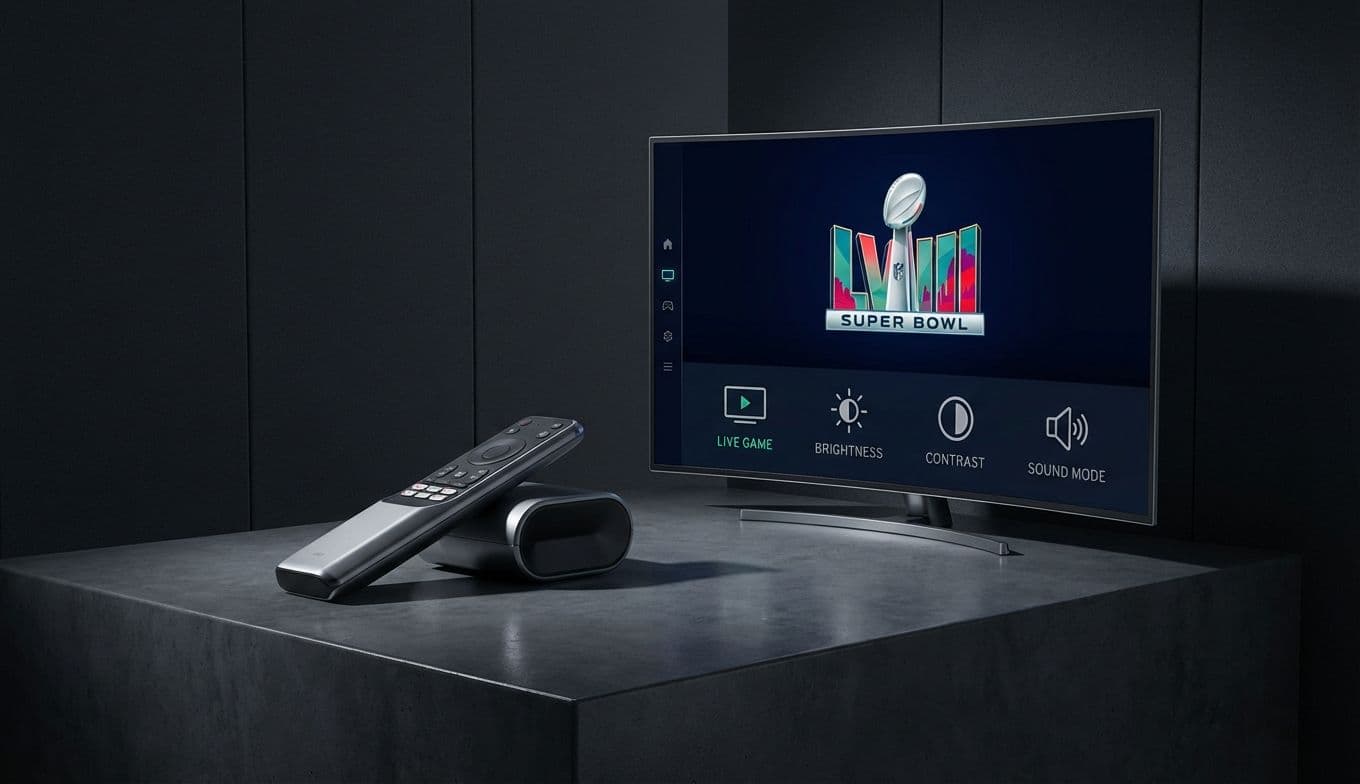
The Ultimate Super Bowl LXI Tech Playbook: How to Optimize Your Setup for Game Day
Nothing kills the hype of a potential game-winning drive quite like a sudden motion blur, a tinny-sounding crowd, or the dreaded buffering wheel of death. We spend all week perfecting the buffalo chicken dip and ensuring the cooler is stocked, but the most important guest at the party is often the most overlooked: your home theater setup.
Whether you are hosting the whole neighborhood or just settling in for a quiet evening with the commercials and the halftime show, your TV requires more than just a power button to perform at its peak. This isn't just about having the biggest screen; it’s about making sure that screen actually shows you every blade of grass and every fingertip catch. Here is how to ensure your tech is championship-ready before kickoff.
The Visual Playbook: Calibrating for the Gridiron
Most people pull their TV out of the box, plug it in, and never touch the settings again. That is a mistake. Manufacturers typically ship TVs in Vivid or Dynamic mode. These settings are designed to grab your attention under the harsh fluorescent lights of a big-box retail store, but in your living room, they are a disaster. They over-saturate colors to a cartoonish degree and blow out the brightness, hiding the very details you want to see.
For the Super Bowl, your first move should be switching your picture mode to Cinema, Movie, or Filmmaker Mode. These presets offer a much more accurate color temperature and better contrast. If the room is bright because of afternoon sun, you can bump the backlight up manually, but keep the color profile natural.
However, there is one specific setting that usually gets a bad rap but is actually your friend on game day: Motion Smoothing. In the tech world, we often call this the Soap Opera Effect because it makes cinematic movies look like cheap daytime television. Usually, we tell you to turn it off immediately. But for sports, a low or moderate setting of motion interpolation can be a lifesaver. It helps reduce the blur of a ball flying across the screen or a wide receiver streaking down the sideline. Look for settings labeled Motionflow, TruMotion, or Action Smoothing and set them to a low or custom level. You want enough to keep the action crisp, but not so much that the players look like they are gliding on ice.