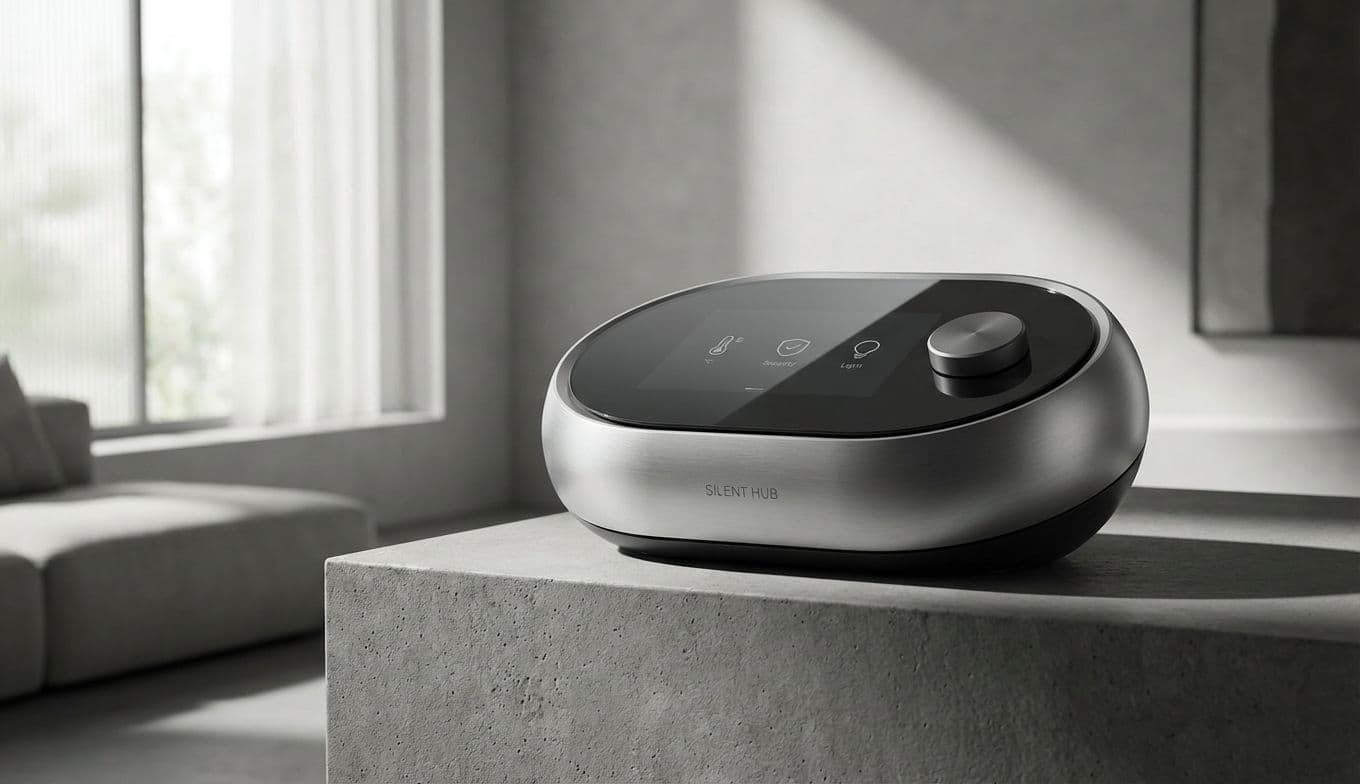
Smart Home Without Voice Assistant: Best Silent Alternatives

Team Gimmie

Team Gimmie

1/20/2026

Smart Home Without Voice Assistant: Best Silent Alternatives

The Silent Smart Home: Why You Don’t Need a Voice Assistant (and What to Use Instead)

For nearly a decade, we have been told that a smart home is a chatty one. We’ve been sold on the dream of a digital butler—Alexa, Siri, or Google—waiting on our every word to dim the lights or start the coffee. But for many of us, the novelty has worn thin. Maybe you are tired of repeating yourself to a piece of plastic, or perhaps the idea of a "hot mic" in your living room feels less like a convenience and more like a privacy tax.

The truth is, talking to your house isn't the only way to make it smart. In many cases, it’s not even the best way. If you are looking to gift a more intentional, private, and reliable smart home experience, it’s time to look past the voice-first hype. You can build a sophisticated, connected ecosystem that responds to your touch, your movement, and your schedule—all without ever saying a word.

The Return of the Tactile: Why Physical Buttons are Better

There is something undeniably satisfying about a physical click. While voice assistants require you to remember specific phrases, a button is intuitive for everyone from toddlers to houseguests. We are seeing a massive resurgence in smart buttons because they offer immediate, tactile control without the need to hunt for a phone or wake up a sleeping household with a verbal command.

The Philips Hue Smart Button is a masterclass in this approach. It is tiny, magnetic, and completely wireless. While it’s designed for lighting, the real power lies in its programmability. You can stick one by the front door to turn off every light in the house with a single press as you leave.

If you want to go even further, the Flic 2 Smart Button system is a power user’s dream. These small discs can be mapped to almost any smart home action. A single click could start your "Focus" playlist, a double-click could toggle the desk lamp, and a long-press could lock the back door. It transforms the smart home from a conversational hurdle into a seamless, physical interaction.

Pro Tip: Don't just use buttons for "On" and "Off." Map a "Goodnight" scene to a button on your nightstand that locks the doors, sets the thermostat, and turns off the lights simultaneously.

Budget Pick: The BroadLink Smart Button offers a more affordable entry point for those who want to test the waters of tactile control without a heavy initial investment.

The Visual Dashboard: Turning Displays into Silent Command Centers

The idea of a smart display might seem like a contradiction in a voice-free home. After all, devices like the Amazon Echo Show or Google Nest Hub are marketed as voice-first products. However, when used correctly, they are the ultimate visual command centers—provided you know how to shut them up.

The key to a privacy-first smart display is the physical mute switch. Nearly every major smart display has a sliding toggle on the back or side that electronically disconnects the microphone. Once that mic is off, the device stops listening, but the screen remains a powerful, touch-based dashboard. Instead of barking orders, you use the "Home Control" panels to swipe through camera feeds, adjust the thermostat with a slider, or see exactly which lights are left on upstairs.

This visual feedback loop is often more efficient than voice. You don't have to ask, "Is the garage door closed?" You can simply see the status icon on the screen as you walk past. It bridges the gap between the tactile nature of buttons and the complexity of an app, providing a centralized "brain" for the house that respects your silence.

Pro Tip: For a truly "silent" setup, slide the physical mic mute to red and place a small piece of black electrical tape over the camera lens. You’ll still have a beautiful, touch-enabled control panel without any of the privacy concerns.

The Invisible Assistant: Powering Your Home with Automation

The most advanced smart home is the one you don't have to control at all. This is the "set it and forget it" philosophy. By using schedules and triggers, you can eliminate the need for any manual input, voice or otherwise.

If you are looking for a gift that will actually change someone’s daily life, look at a Starter Kit like the Lutron Caseta Deluxe Smart Dimmer Switch Kit. Lutron is the gold standard for reliability because it uses its own dedicated frequency, meaning it never clogs up your Wi-Fi. You can program your porch lights to turn on exactly at sunset and dim at midnight. You can set the kitchen lights to a soft 20% brightness for those late-night snack runs, all based on the time of day.

When you automate based on logic—like your location (geofencing) or the time of day—the "smart" part of the smart home finally starts to feel earned. The house begins to anticipate your needs, turning on the heat as you pull into the driveway or shutting everything down when the last person leaves the house.

Starter Kit Recommendation: The Lutron Caseta Smart Switch Starter Kit with the Smart Bridge is the most reliable "gift-ready" automation foundation on the market. It works with almost any existing wiring and is famously bulletproof.

Motion and Presence: The Ultimate No-Touch Interface

If buttons are about intent and automation is about schedules, then sensors are about context. Motion sensors and smart plugs are the unsung heroes of a voice-free home. They allow your rooms to react to your physical presence without you having to lift a finger or say a word.

Imagine walking into a dark hallway or a laundry room with your hands full; a well-placed Aqara Motion Sensor can trigger the lights the moment you step in and turn them off three minutes after you leave. It is the height of practical luxury.

Smart plugs, like those from TP-Link Kasa, extend this logic to "dumb" appliances. You can plug in a vintage floor lamp or a coffee maker and have it trigger based on a sensor or a simple timer. This is the most cost-effective way to modernize a home. You aren't replacing your favorite furniture; you’re just giving it a brain.

Pro Tip: Place a motion sensor under the edge of the bed frame. Program it so that between 11 PM and 6 AM, if it detects feet hitting the floor, it turns the bathroom light on at just 5% brightness. No more blinding yourself during a midnight bathroom trip.

Budget Pick: The Wyze Sense entry-level kits offer motion and contact sensors at a fraction of the price of premium brands, making them perfect for "sensor-fying" a whole apartment on a budget.

Privacy is the New Luxury

Building a smart home without a voice assistant isn't about being a Luddite; it’s about being intentional. It is a shift from a "loud" home that is constantly listening to a "quiet" home that is constantly observing and assisting.

Whether you are choosing the tactile reliability of a Philips Hue button, the visual clarity of a muted Nest Hub, or the invisible efficiency of a Lutron automation, you are reclaiming your privacy and your peace of mind. As we move into an era where technology feels increasingly intrusive, the ability to have a connected, modern home that respects the sanctity of silence is the ultimate upgrade. For the person who values their privacy as much as their convenience, these alternatives aren't just clever—they're essential.

#silent smart home#voice assistant alternatives#smart home privacy#tactile smart home control#home automation sensors