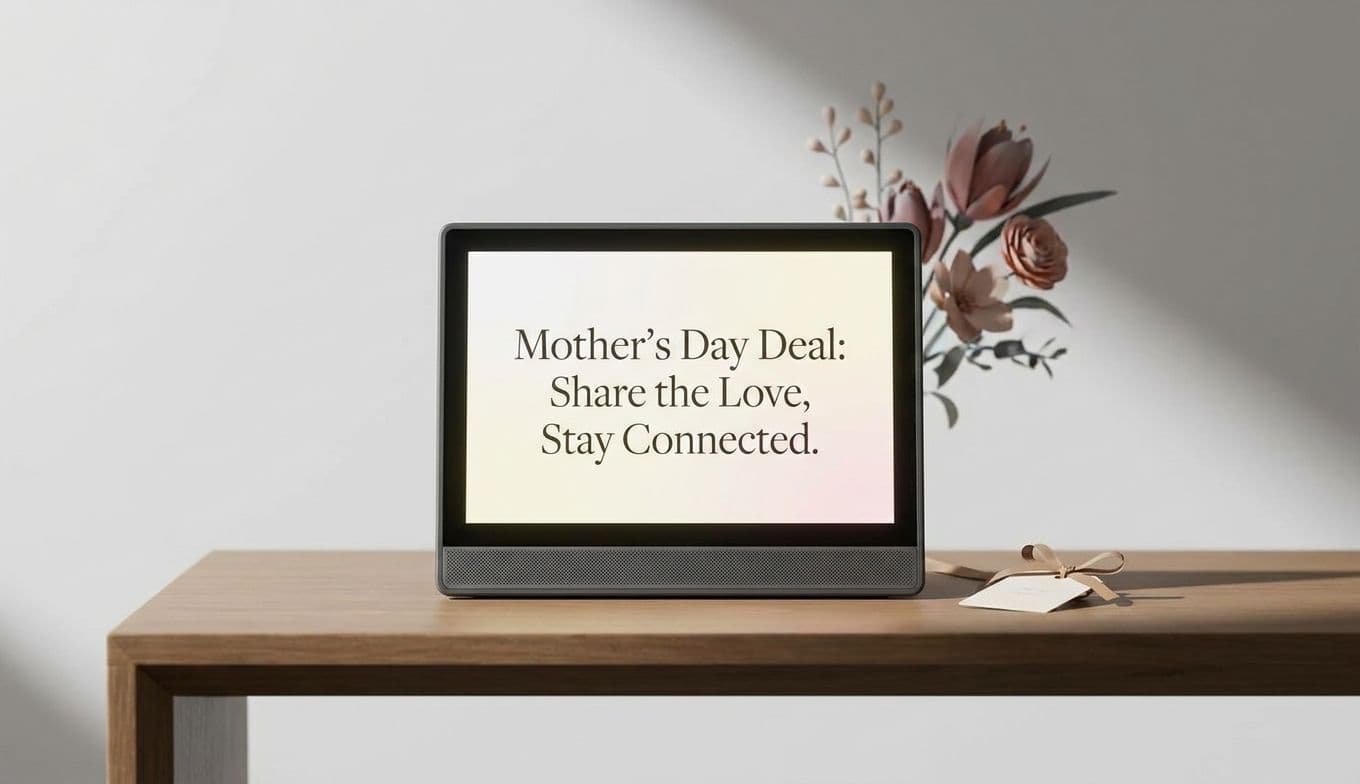
Skylight Calendar 2 Review & Mother's Day Deal ($40 Off)
Team GimmieTaming the Beautiful Chaos: Why the Skylight Calendar 2 is the Household Hero You Need
Let’s be honest about the state of the modern family kitchen. Usually, it is the epicenter of a very specific kind of domestic madness. There is the fridge covered in overlapping paper invitations, the dry-erase board with half-smudged grocery lists, and the constant, frantic checking of three different phone apps just to see if anyone is actually available for dinner on Tuesday.
I have spent years looking for a way to bridge the gap between my digital life and my physical household. I’ve tried shared Google calendars, dedicated family apps, and even old-school planners, but something always gets lost in translation. Most gadgets promise to simplify this, but they usually just add another screen to manage. However, after living with the Skylight Calendar 2, I have finally found the central nervous system my household was missing.
Even better? If you have been on the fence, now is the time to jump. From now through May 7th, the Skylight Calendar 2 is available for $259.99. That is $40 off its usual $299.99 price tag, marking the lowest price we have ever seen for this device.
A Command Center That Doesn’t Require a Tech Degree
One of the biggest hurdles with smart home tech is the setup. Nobody wants a device that requires an afternoon of troubleshooting just to see a grocery list. Thankfully, the Skylight Calendar 2 is refreshingly simple. You plug it in, connect to Wi-Fi, and use the Skylight app to link your existing calendars. Whether you use Google, Apple (iCloud), Outlook, Yahoo, or family-specific apps like Cozi, it pulls everything into one place. No tech degree required.
The hardware itself feels intentional. It features a generous 15-inch touchscreen that is bright and sharp enough to read from across the kitchen. It is much slimmer than the original version, and it comes with an adjustable stand or the option to wall-mount it. My favorite touch? The swappable magnetic frames. You can change the look to match your decor, making it feel less like a computer monitor and more like a piece of functional furniture.
The Magic of Color-Coding
The real "aha!" moment comes when you see the color-coding in action. You assign a specific color to each family member. In a glance, I can see that Blue (Dad) has a late meeting, Green (the kids) has soccer practice, and Purple (Family) is for that birthday party on Saturday.

This visual clarity does something for your brain that a phone screen simply cannot. It reduces the "mental load" of parenting because you aren’t constantly scrolling or tapping to find details. The information is just there, persistent and clear, acting as a passive reminder for everyone who walks past it.
Why This Beats an iPad on the Wall
I often get asked, "Why not just mount an old iPad on the wall?" It’s a fair question, but in practice, tablets are distraction machines. An iPad is a gateway to YouTube, games, and notifications. When you send a child to check their chores on a tablet, they often end up distracted by something else entirely.
The Skylight Calendar 2 is a dedicated device. It does one job, and it does it exceptionally well. It stays on. It doesn’t go to sleep or require a passcode every time you want to see if you need milk. It creates a "public" space for the family schedule, rather than keeping that information locked away in individual pockets.
Beyond the Schedule: Lists, Chores, and Meals
The Calendar 2 isn't just a digital version of a paper planner; it is a full-scale coordination tool. The touchscreen allows you to manage:
Shared Grocery Lists: Add milk to the list from your phone while at work, and it appears instantly on the screen at home. Chore Charts: You can assign tasks to specific kids, and they get the satisfaction of checking them off directly on the screen. Weather Forecasts: It displays a five-day forecast and specific weather details for your scheduled events, so you know exactly how many layers to pack for the soccer game.
The Subscription Question: Is Calendar Plus Worth It?
While the core syncing features are free, Skylight offers an optional subscription called Calendar Plus. This is where you get the more "magic" features, such as the ability to snap a photo of a school flyer and have the device automatically turn it into a calendar event. It also unlocks meal planning tools and the ability to upload PDFs or forward emails directly to the device.
Let’s talk numbers: Calendar Plus costs $39 per year (which works out to about $3.25 per month) or $4 per month if you pay as you go.
Is it necessary? For many, the basic calendar syncing and list-making will be plenty. However, if you find yourself constantly losing paper permission slips or struggling to answer the "what's for dinner" question, that $39 annual fee is a small price to pay for the automated organization it provides.
Who is This For?
While any busy household can benefit, there are a few specific groups who will find this life-changing:
Multi-Child Households: When you are managing three different school schedules and various extracurriculars, the color-coded view is a necessity, not a luxury. Co-Parenting Families: It acts as a neutral "source of truth" that can be updated from different locations, ensuring everyone is on the same page regarding pick-ups and appointments. College Students: It is a fantastic graduation gift for a student heading into their first apartment who needs to manage classes, work shifts, and social lives without the "parental reminder." Seniors: For older family members who may struggle with small phone screens, the large, clear display of appointments and the "digital photo frame" screensaver mode make it a functional and sentimental gift.
The Final Verdict
We rarely see the Skylight Calendar 2 drop this low in price. At $259.99, it is a high-value investment in your family's sanity. It moves the "where do I need to be?" conversation out of your brain and onto the wall, where everyone can see it.
If you are looking for a Mother’s Day gift or simply a way to end the "I forgot" excuses in your house, this is the tool to do it. Just remember to act before the sale ends on May 7th to grab that $40 discount. It is one of those rare gadgets that doesn’t just take up space—it actually gives you back some of your time.