OpenAI Desktop Superapp: ChatGPT, Codex & Atlas Browser
Team GimmieOpenAI's Desktop Ambition: The Evolution of Your Workspace
We have all felt the friction of the modern digital workflow. You are drafting an email in one window, researching a complex topic in another, and perhaps trying to debug a snippet of code in a third. It is a constant dance of Alt-Tab and copy-paste. OpenAI has clearly been watching this struggle, because the latest reports suggest they are building a way out of it.
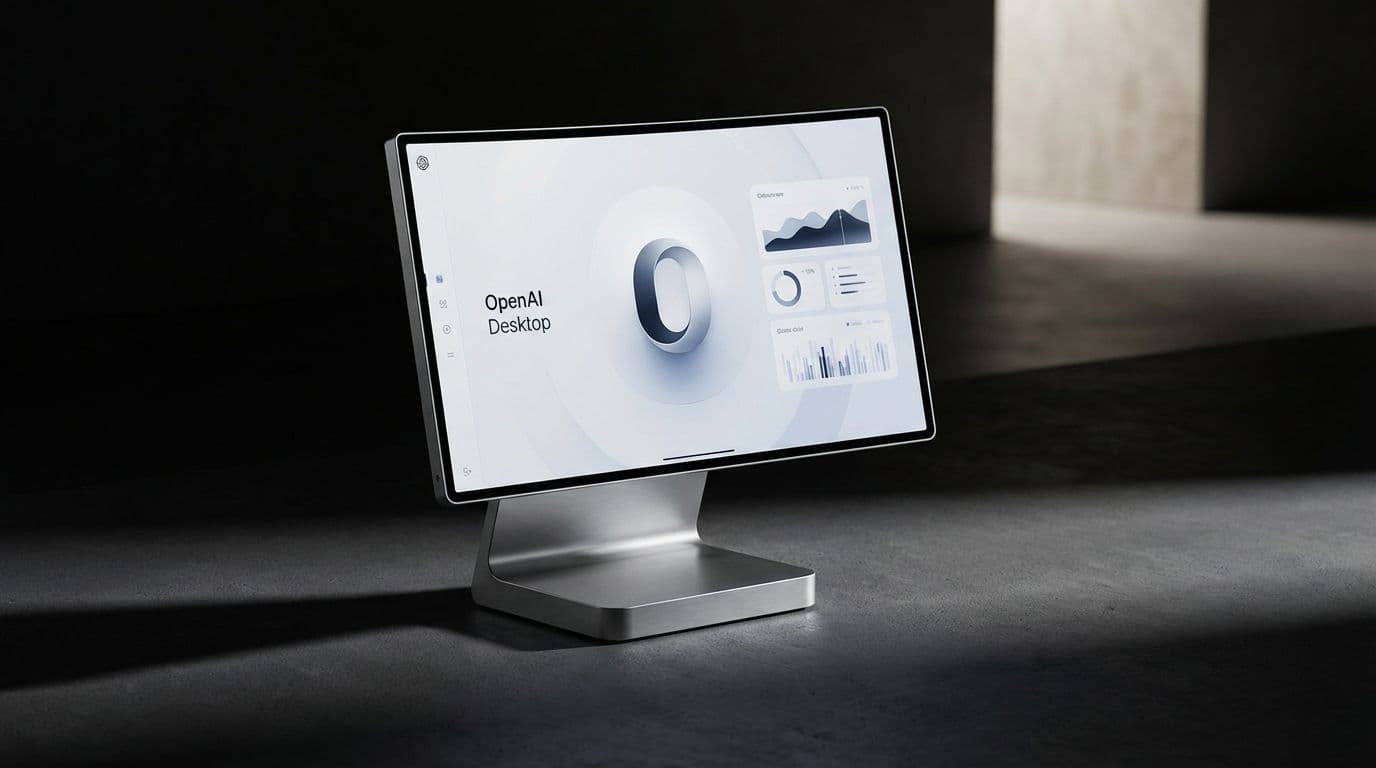
The news that OpenAI is developing a desktop superapp—a single, unified interface that merges ChatGPT, the Codex coding environment, and the mysterious Atlas browser—is more than just a software update. It is a fundamental pivot in how we interact with our computers. While the project is still under wraps, the implications for how we work, and what we should buy to support that work, are already becoming clear.
The End of Fragmentation
According to internal memos, OpenAI's leadership, including Applications CEO Fidji Simo, believes that their current product fragmentation is slowing them down. Right now, OpenAI offers a collection of powerful tools that exist in silos. If you want to use their world-class reasoning, you go to ChatGPT. If you want to build software, you use their API or a coding assistant. If you want to browse the web, you use a traditional browser with an AI extension tacked on.
The superapp vision aims to dissolve these boundaries. By bundling these capabilities into one application, OpenAI is attempting to create a cohesive environment where the AI isn't just a tool you visit, but the space where you actually live. For power users, this is the Holy Grail. It means the AI doesn't just respond to your prompts; it understands the context of your entire desktop session.
What Exactly is an AI-Powered Browser?
The inclusion of the Atlas browser in this superapp is perhaps the most significant detail. Most of us use Chrome, Safari, or perhaps Arc. These are portals to the internet—they render pages and manage tabs. An AI-powered browser like Atlas, however, is designed to be a collaborator rather than just a viewer.
While a traditional browser sees a webpage as a collection of text and images, Atlas is built to read and interpret that content in real-time. Imagine a browser that doesn't just show you a financial report but automatically summarizes the key risks as you scroll, or a browser that sees you are looking at a coding tutorial and automatically opens a sidebar to help you practice that specific syntax.

The goal isn't just to browse faster; it is to browse with a high-level assistant that has been given a set of eyes on your digital world. This move directly challenges the dominance of Google and Apple by suggesting that the browser shouldn't be a neutral window, but an active participant in your productivity.
The Hardware Connection: Is This the New OS?
There is a deeper strategy at play here that goes beyond software convenience. OpenAI recently made headlines by partnering with legendary designer Jony Ive to explore AI-integrated hardware. When you look at the desktop superapp through that lens, the picture becomes much clearer.
Building a superapp is essentially building an operating system for the AI age. If OpenAI wants to release a physical device—whether it is a specialized desktop console or a handheld assistant—they need a software environment that feels native to that hardware. This superapp is the prototype for that experience.
By creating a unified workspace now, they are training us on how to use the interfaces of the future. We are moving away from the file-and-folder system that has dominated computing for forty years and moving toward a world where the primary interface is a conversational, context-aware environment.
How to Gift the AI Future Today
While the official superapp is still in development, you don't have to wait for a release date to upgrade your own setup or give a meaningful gift to the tech enthusiast in your life. The vision of a unified AI workspace requires specific tools to make it feel seamless. Here is how to buy into that future today.
The Power of the Subscription: ChatGPT Plus If you want to give someone the gift of the most advanced AI capabilities available, a ChatGPT Plus subscription remains the gold standard. It provides early access to new features—like the advanced voice mode and the upcoming desktop integrations—that the free tier simply cannot match. It is the most direct way to experience the superapp philosophy as it evolves.
Optimized Input: The Logitech MX Master 3S The more you use AI, the more you realize that standard peripherals aren't quite enough. The Logitech MX Master 3S is a favorite among productivity nerds for a reason. Its highly customizable buttons allow you to map specific AI prompts or workspace shortcuts directly to the hardware. It makes the transition between your work and your AI assistant feel instantaneous rather than interrupted.
The Real Estate for AI: Ultrawide Monitors A unified superapp needs room to breathe. If the future of work involves having an AI assistant, a browser, and a workspace all open simultaneously, a standard laptop screen is going to feel cramped very quickly. Gifting or investing in an ultrawide monitor is a game-changer. It provides the literal space needed to run a side-by-side AI workflow without the constant friction of switching tabs.
Mechanical Keyboards with Macro Support For the coders and writers who will benefit most from OpenAI's Codex integration, a high-quality mechanical keyboard is a must. Look for boards that support QMK or VIA software. These allow users to program specific macro keys for their most-used AI prompts. It turns the keyboard into a physical extension of the AI superapp, making complex workflows as simple as a single keystroke.
The Final Verdict
OpenAI's move toward a desktop superapp is an admission that the current way we use computers is broken. We are overwhelmed by tabs, distracted by notifications, and slowed down by the lack of communication between our apps.
Whether this specific app becomes the dominant platform remains to be seen, but the trend is undeniable. We are moving toward a more integrated, intelligent, and context-aware digital existence. You don't need to wait for a formal announcement from OpenAI to start building that workspace. By focusing on high-quality hardware and the right subscriptions, you can turn your desktop into an AI powerhouse today.
The superapp isn't just a piece of software; it is a preview of how we will interact with technology for the next decade. Keeping an eye on these developments is smart, but equipping yourself to handle that future is even smarter.