The Great Un-Lock: Why iOS 26.3 Makes Android the Perfect 2026 Gift
For years, giving someone a new smartphone wasn't just a gesture of generosity; it was a potential technical support nightmare. If your spouse, parent, or best friend was an iPhone user, buying them the latest Android flagship—no matter how impressive the hardware—felt like handing them a box of chores. You weren't just giving them a phone; you were giving them the anxiety of lost photos, broken group chats, and the daunting task of rebuilding a digital life from scratch.
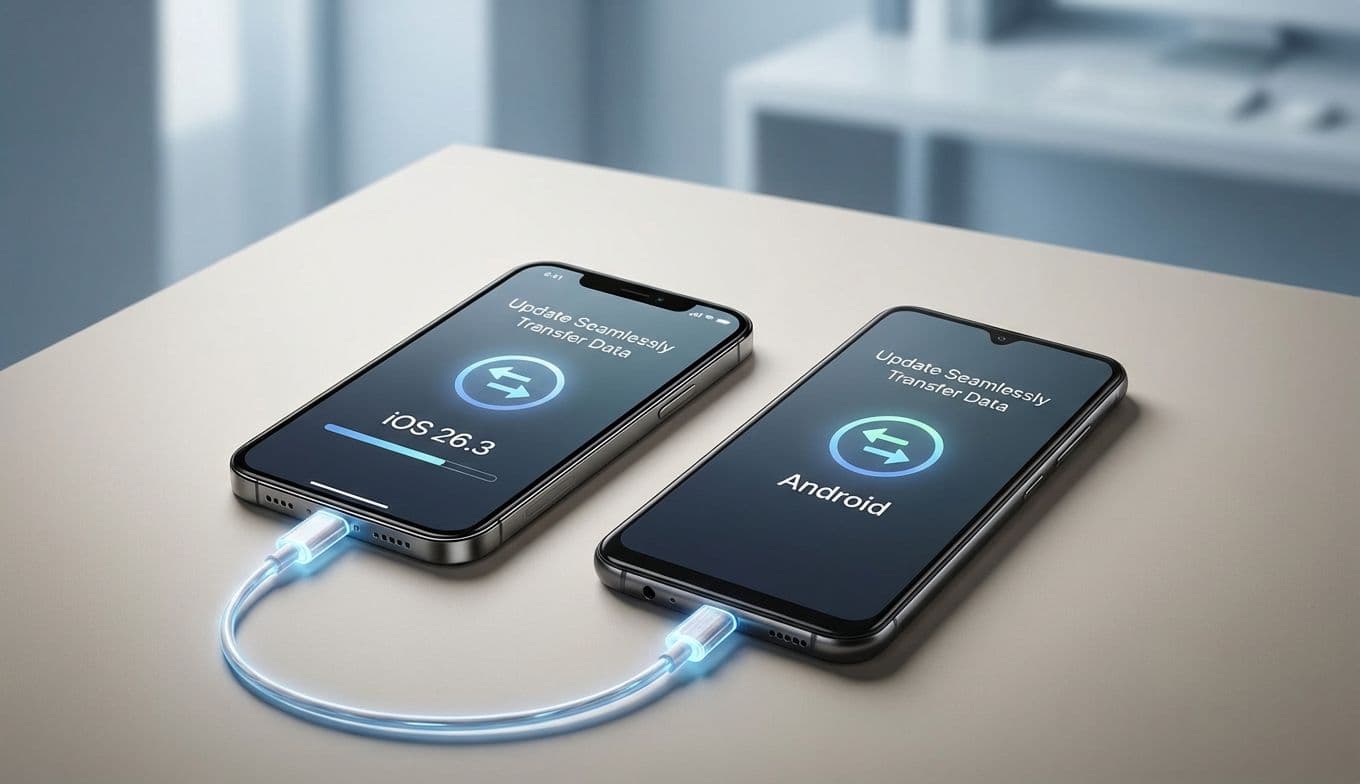
That era of "ecosystem anxiety" is officially coming to an end. With the release of iOS 26.3, Apple has done something we once thought impossible: they’ve built a bridge over the walled garden. This update introduces a streamlined, side-by-side data transfer process that makes moving from an iPhone to an Android device nearly as seamless as setting up a new iPhone. For gift-givers and tech enthusiasts alike, this changes the calculus entirely. Now, you can choose a phone based on what’s best for the user, not just what’s easiest for their data.
The Migration Revolution: The Old Way vs. The iOS 26.3 Way
To understand why this matters, we have to look at how painful the process used to be. For the last decade, switching was a manual labor of love. The shift in iOS 26.3 represents a fundamental change in philosophy.
The Old Way:
You had to download separate "Move to Android" or "Switch to iOS" apps that often crashed halfway through.
Photos and videos had to be painstakingly uploaded to Google Photos or a desktop computer first.
Contact lists frequently ended up with duplicates or missing entries.
You had to manually deregister iMessage and hope your friends' phones realized you were gone.
Moving a phone number often required a tedious call to a carrier or a physical SIM swap.
The iOS 26.3 Way:
Proximity-Based Pairing: Simply place your iPhone next to the new Android device. They recognize each other instantly.
One-Tap Transfer: A single interface guides you through moving photos, messages, contacts, and calendar events in one go.
About Team Gimmie
A small team of friends and colleagues working together to produce useful content to help you...gift better.
App Matching: The system scans your iOS apps and automatically prepares the Android versions for download on your new device.
Seamless Number Porting: The update includes a protocol to transition your eSIM or phone number data directly during the setup process.
It is a "side-by-side" experience that treats the transition like a hand-off rather than an extraction. For a gift-giver, this means you can hand someone a Samsung Galaxy S26 Ultra or a Google Pixel 10 and know they won’t be spending the next six hours at the kitchen table in a state of frustration.
Choosing the Best of 2026: Why Now is the Time to Switch
Now that the software barrier has been lowered, the hardware landscape looks more inviting than ever. In early 2026, we are seeing some of the most innovative mobile technology in a generation. If you’ve been eyeing the competition but felt tethered to Apple, the latest flagships are making a very strong case for themselves.
The Samsung Galaxy S26 Series:
Samsung has moved beyond just high specs. The S26 Ultra is now the gold standard for mobile productivity, featuring a refined under-display camera and an integrated AI suite that can live-translate conversations and automate your daily schedule with eerie precision. If you’re buying for someone who loves photography or uses their phone as a primary work device, the S26 is no longer a "difficult" gift—it’s a premium one.
The Google Pixel 10:
With the Pixel 10, Google has finally perfected its custom silicon. The focus here is on the Gemini AI integration, which offers a level of proactive assistance that Siri is still chasing. From real-time photo unblurring to an AI assistant that can actually wait on hold for you, the Pixel 10 is the choice for the person who wants their phone to be a genuine personal assistant.
The Reality Check: What Stays in the Walled Garden
As much as we want to celebrate this "olive branch" from Apple, it’s important to be honest with your gift recipient: some things simply cannot make the trip. Building trust means acknowledging the limitations of this new transfer tool.
First and most importantly, Paid App Licenses do not transfer. If you’ve spent hundreds of dollars on professional editing apps or premium games in the Apple App Store, you will have to purchase them again on the Google Play Store. The software can move your data, but it can't move your receipts.
Secondly, specific Apple Service Data remains locked away. This includes your Apple Fitness+ workout history and your highly specific Apple Health trends that aren't synced to a third-party service. While your basic heart rate and step data might move via Google Fit, the deep analytics Apple provides stay on Apple’s servers.
Finally, while iMessage threads now transfer more reliably, you will lose access to specific iMessage features like high-quality "Live Photo" stickers or certain proprietary game integrations within the chat app. The messages move, but the "blue bubble" status and its associated perks do not.
A Win for Wearables and Global Users
While the headline is about switching phones, iOS 26.3 includes a quiet but massive update for iPhone users who aren't quite ready to leave yet. In the EU, Apple has introduced "notification forwarding" for third-party wearables.
Previously, if you used a Garmin watch, an Oura ring, or a specialized fitness tracker with an iPhone, your notifications were often truncated or limited to simple alerts. Now, you can view the full content of messages and app notifications directly on your non-Apple wearable. It’s a major win for those who prefer specialized fitness hardware over the jack-of-all-trades Apple Watch. While currently limited to the EU due to regulatory pressure, this move suggests a future where the iPhone plays much nicer with the entire tech ecosystem, not just Apple’s own products.
The Verdict: Freedom of Choice is the Best Feature
Apple’s decision to simplify the exit ramp isn't just about making it easier to leave; it’s about making the iPhone a more confident choice in a competitive market. When a company makes it easy for you to walk away, it’s a sign that they are confident enough in their product to make you want to stay.
For the gift-givers of 2026, this update is a gift in itself. It removes the "tech debt" associated with switching platforms. Whether you are eyeing the sleek curves of the Galaxy S26 or the AI-heavy brains of the Pixel 10, you can now make that purchase based on the merits of the hardware and the joy of the recipient.
The walled garden hasn’t been torn down, but Apple has finally installed a very reliable gate. In a world of endless choices, that’s the kind of consumer-centric move that makes the entire industry better. If you’ve been waiting for the right moment to help a loved one (or yourself) explore what’s happening on the other side of the fence, iOS 26.3 is your green light.
iOS 26.3 Update: Seamlessly Transfer Data from iPhone to Android | Gimmie