
How to Run Ethernet Cable Neatly: The Ultimate Tidy Guide
Boost internet speed with a tidy wired connection. Learn how to run Ethernet cables neatly using flat cables, raceways, and adhesive clips without the mess.

By Team Gimmie
Updated September 2, 2026
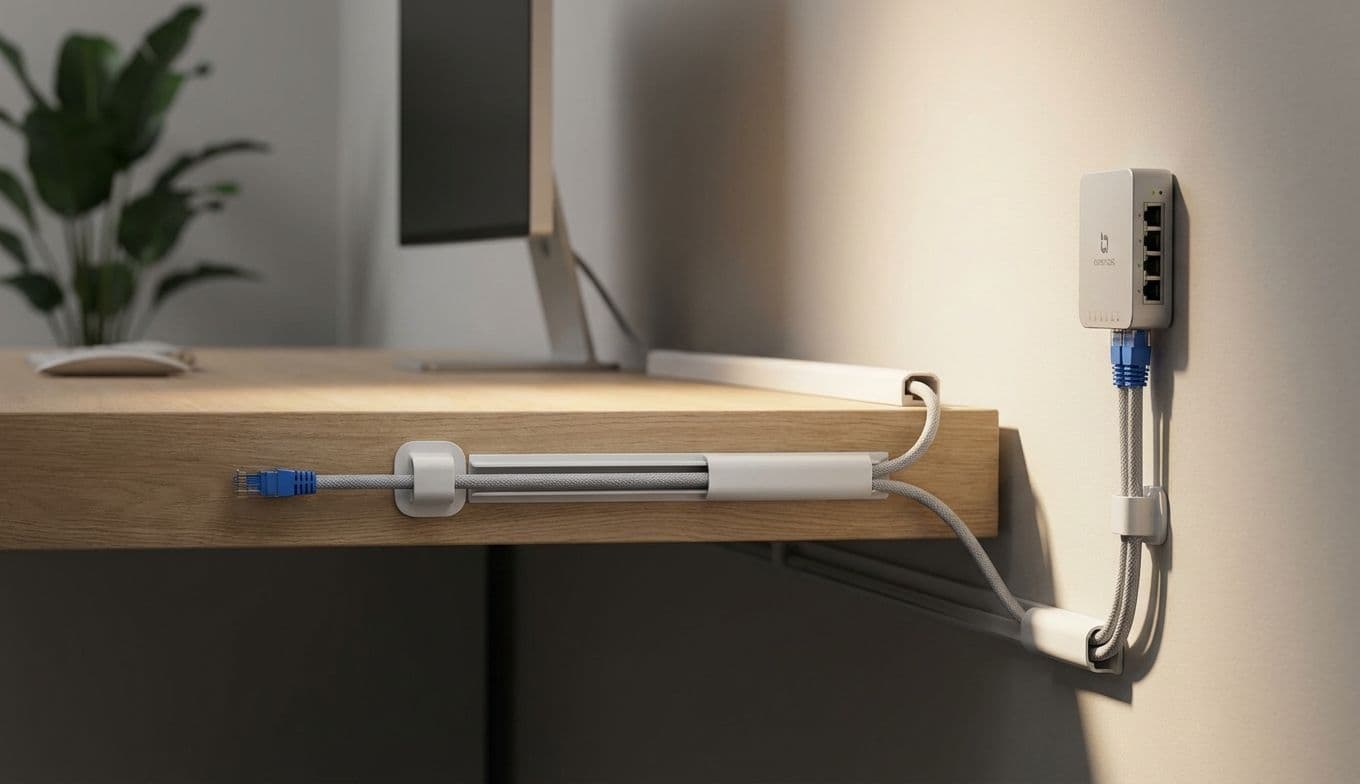
The Secret to Flawless Internet: A Guide to Running Tidy Ethernet
The quest for a faster, more reliable internet connection often leads us down a rabbit hole of Wi-Fi extenders, mesh networks, and a whole lot of confusing tech jargon. But before you drop serious cash on the latest wireless wizardry, let me tell you a secret: sometimes, the simplest solution is the most effective. I am talking about Ethernet cables.
In our sleek, wireless world, the idea of running physical cables might seem positively archaic. However, as someone who has tested more routers and mesh systems than I care to admit, a hardwired connection still reigns supreme for raw speed and stability. The good news? It does not have to be an unsightly mess. If you are looking to boost your home internet or considering a practical gift for the tech-lover in your life, running Ethernet cables and keeping them tidy is a brilliant, high-impact move.
The Unbeatable Logic of Going Wired
Let's cut to the chase. Wi-Fi is convenient, but it is also susceptible to interference, distance degradation, and signal dead zones. Ethernet provides a direct, dedicated pipeline from your router to your device. This translates to three major wins:
Unbeatable Speed: For bandwidth-heavy activities like 4K streaming, large file downloads, and video conferencing, Ethernet offers the most consistent speeds your internet plan allows. No more buffering wheels.
Rock-Solid Stability: Ethernet is a workhorse. It provides a reliable link that won’t suddenly cut out because a neighbor turned on their high-powered router or someone started the microwave.
Reduced Latency: Gamers and anyone using cloud-based software will notice a massive improvement in responsiveness. Lower ping times mean the difference between a smooth experience and a frustrating lag spike.
Choosing the Right Cable: Why Flat is the Way to Go
When you start shopping, you will see terms like Cat 6 and Cat 6a. For most homes, Cat 6 is the sweet spot, supporting speeds up to 10 Gbps over shorter distances. Cat 6a is slightly more robust and better for very long runs, but it is often thicker and harder to hide.
