Google Home Physical Buttons: Best Smart Buttons & Setup Guide
Google Home finally supports physical buttons for automation. Discover the best smart buttons (IKEA, Flic, Hue) and how to set them up to streamline your smart home.

By Team Gimmie
Updated August 27, 2026
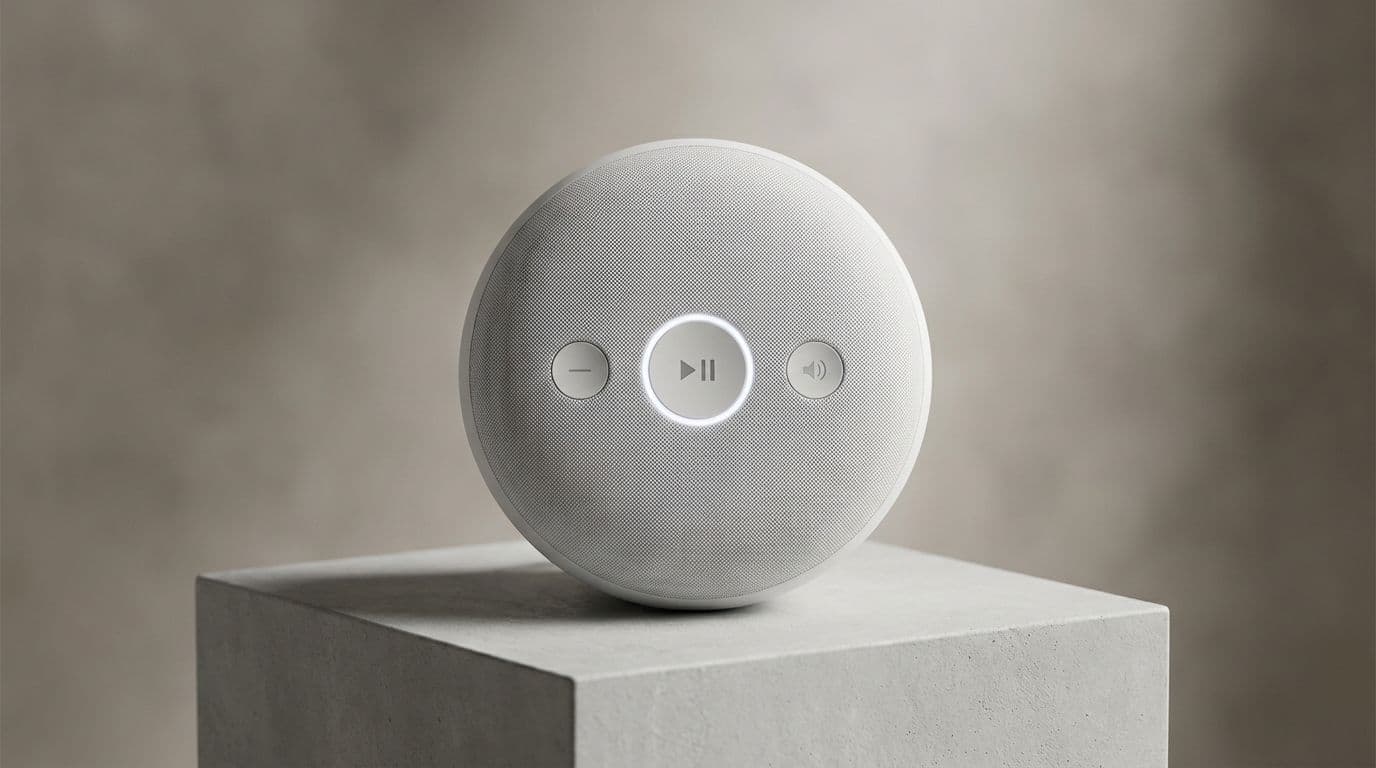
The Physical Revolution: Why Google Home Finally Embracing Buttons Changes Everything
We have all been there. It is late, the house is quiet, and you are trying to whisper a voice command to your smart speaker to turn off the kitchen lights, only for it to respond at full volume: I am sorry, I did not catch that. Or perhaps you have fumbled through a locked phone and three layers of app menus just to dim the living room for a movie. For years, the smart home has promised a futuristic, hands-free existence, but the reality is often high-friction and, frankly, a bit loud.
Thankfully, Google has finally acknowledged a truth that long-time enthusiasts have known for years: sometimes, you just want to press a button.
With the recent update to the Google Home ecosystem, the platform has officially added support for physical button presses as automation starters. This means those tactile, satisfying little clickers can now trigger complex routines that previously required a voice command or a smartphone. It is a massive shift toward making the smart home feel less like a science experiment and more like a home.
The Connectivity Catch: What You Need to Know Before You Buy
Before you rush out to buy a handful of buttons, there is a small technical hurdle to clear. Unlike a smart bulb that might connect directly to your Wi-Fi, most smart buttons use low-energy protocols like Zigbee or the newer Matter standard. This means you will likely need a hub to act as the bridge between your button and the Google Home app.
If you are already in the Google ecosystem, you might already own one. Devices like the Nest Hub (2nd Gen), Nest Hub Max, or the Nest Wifi Pro act as Matter controllers. If you are looking at IKEA buttons, you will want their Dirigera hub. The key takeaway is to check for Matter compatibility. If a button is Matter-certified and you have a Matter-enabled Google Hub, setup is as simple as scanning a QR code.
Top Picks: The Best Buttons for Your Setup
The market is no longer just generic plastic squares. There are specific tools for specific jobs, and choosing the right one depends on your budget and how much control you actually need.