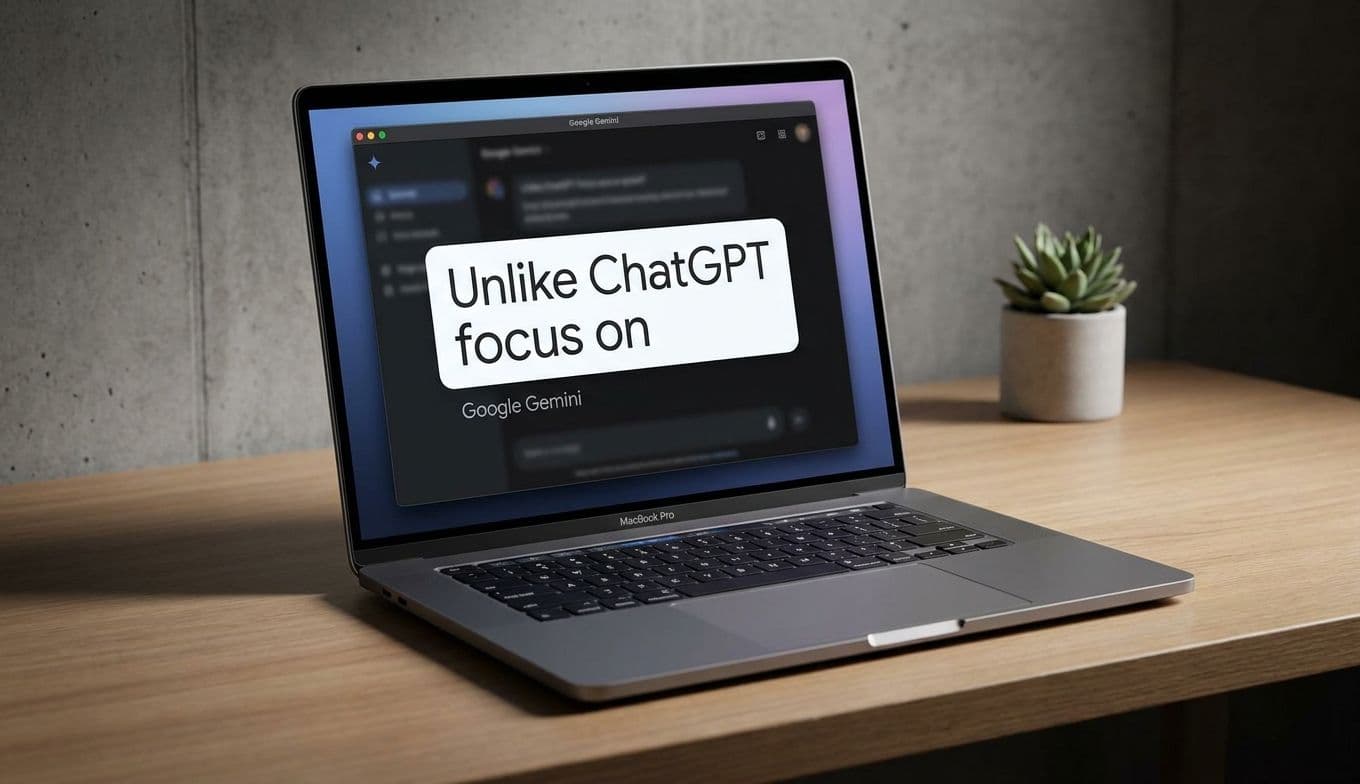
Google Gemini Mac App: Features, Review & Productivity Guide
Team GimmieGoogle Gemini on Mac: The Productivity Upgrade Worth Giving
For anyone who lives behind a MacBook screen, the dream has always been a keyboard shortcut that actually understands what you are looking at. With Google’s new Gemini app for Mac, that dream is finally a simple Option + Space away. This isn’t just another browser tab or a chatbot tucked away in a corner; it is a persistent, floating assistant that mirrors the ease of Apple’s own Spotlight search but adds the horsepower of high-level AI.
The app is a significant shift in how we interact with our computers. Instead of toggling between a research paper and a search engine, you summon a chat bubble that hovers over your work. It is intuitive, fast, and, most importantly, context-aware. If you grant it permission, Gemini can see what is on your screen to help you summarize documents, explain complex charts, or even find that one obscure statistic buried in a long PDF.
The Battle for Your Desktop: Gemini vs. ChatGPT
If you have been following the AI space, you know that OpenAI released a ChatGPT app for Mac months ago. So, why should you care about Gemini? The choice really comes down to your digital ecosystem.
ChatGPT for Mac is a powerhouse for creative generation and deep, iterative coding. It feels like a standalone brain you visit when you need to build something from scratch. Gemini, however, is built for the person who lives in Google Workspace. If your life is a series of Google Docs, Gmail threads, and Drive folders, Gemini has a native advantage. It doesn’t just answer questions; it connects the dots across your entire Google life.
While ChatGPT feels like a creative partner, Gemini feels like a highly efficient project manager. It is less about starting from a blank page and more about managing the mountain of information already sitting on your desktop.
The Modern Gift: Giving the Gift of Time
We often think of tech gifts as physical gadgets—a new mouse, a pair of headphones, or a sleek laptop sleeve. But as we move further into the AI era, the most valuable thing you can give a professional, a student, or a freelancer is time. This makes a Gemini Advanced subscription (offered through Google One) one of the most practical digital gifts available today.

For the Graduate: Someone entering the workforce is about to be hit with a wall of corporate jargon and endless meetings. A year of Gemini Advanced acts as a silent mentor, helping them draft professional emails and summarize meeting notes in seconds.
For the Researcher or Student: Whether they are tackling a thesis or a complex market analysis, the ability to use Gemini to parse through dense academic papers directly on their Mac screen is a game-changer.
To gift this, you aren't just handing over a software license; you are providing a premium tier of AI that includes more storage and the most capable models Google offers. It is a thoughtful, modern way to say, I want your workday to be easier.
Pro Tip: The Ultimate Research and Shopping Hack
One of the most underrated ways to use Gemini’s screen-reading capability is for planning and high-stakes shopping.
Imagine you are planning a group trip and have three different Airbnb tabs open, each with different price points and amenities. Instead of building a manual spreadsheet, you can summon Gemini with Option + Space and ask it to compare the three windows you have open. It can pull out the specific details—which one has a kitchen, which has the best cancellation policy, and which is closest to the city center—and present them in a neat table.
The same applies to gift shopping. If you are looking at a complex tech product with various specs, Gemini can analyze the product page and tell you exactly what is missing or how it compares to a competitor’s model without you ever leaving the site.
Privacy, Trust, and the Learning Curve
Of course, letting an AI see your screen is a big ask. Google is transparent about this: you have to manually grant permission for Gemini to access your system information and screen content. For some, this will be a bridge too far. However, for those who prioritize utility, the trade-off is a tool that finally feels like it is working with you rather than just responding to you.
Accuracy remains a hurdle for all AI, and Gemini is no exception. You still need to be the editor-in-chief of your own work. It can hallucinate or misinterpret a complex graph, so it should be viewed as a high-speed assistant rather than a final authority. It is best used for heavy lifting—summarizing, formatting, and brainstorming—leaving the final fact-check to the human in the chair.
The Verdict
Google’s Gemini for Mac is a clear signal that the desktop experience is changing. It is moving away from a collection of isolated apps toward a unified, intelligent environment. By making the AI accessible through a familiar shortcut and giving it the ability to understand our active windows, Google has created something that feels like a natural extension of the Mac operating system.
Whether you are downloading it to streamline your own workflow or gifting a subscription to someone who needs a productivity boost, Gemini on Mac is a rare piece of tech that actually lives up to the promise of making our digital lives a little less cluttered. It’s not just a new app; it’s a new way to work.