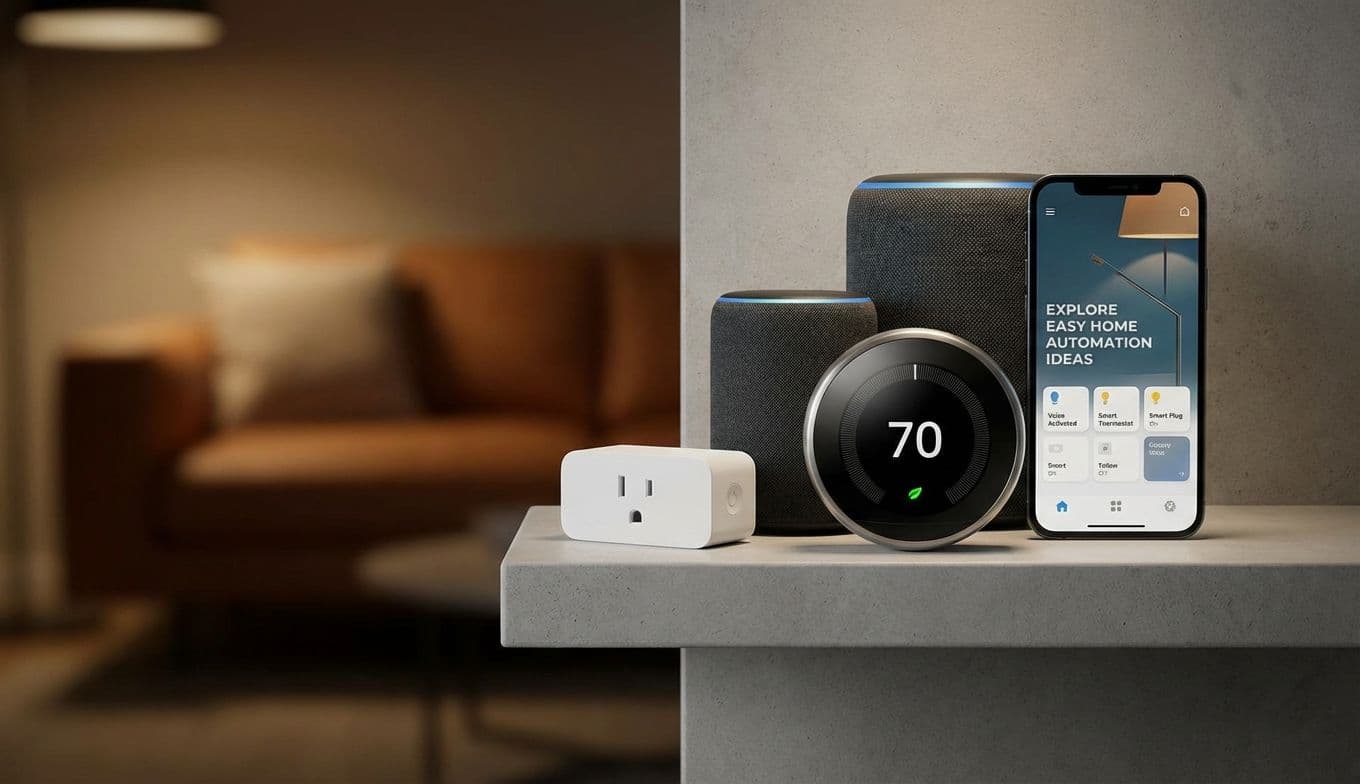
Easy Home Automation Ideas: A Practical Step-by-Step Guide

Team Gimmie

Team Gimmie

1/15/2026

Easy Home Automation Ideas: A Practical Step-by-Step Guide

Easy Home Automations That Are Useful, Not Annoying: My Step-by-Step Guide

We have all been there. The smart home promises a life of effortless convenience, a futuristic ballet of lights turning on and appliances whirring at just the right moment. But let is be honest, for many of us, it is more like a clumsy dance with a temperamental robot. Over the years, I have tested countless gadgets, from the truly revolutionary to the downright gimmicky. My mission is to cut through the noise and find the smart home automations that actually make life easier, not just more complicated. Forget the overhyped, the unnecessary, and the downright annoying. This is about practical magic for your everyday.

BEYOND THE HYPE: WHAT MAKES AN AUTOMATION ACTUALLY USEFUL?

The biggest mistake people make with smart home tech is thinking more is more. They get caught up in the endless possibilities and end up with a dozen devices that do not talk to each other, or worse, require a PhD to operate. True automation is not about having a button for everything; it is about setting up systems that understand your habits and anticipate your needs without you having to think about it.

Think about it: do you really need your toaster to send you a notification when your toast is ready? Probably not. But do you want your lights to gently fade on as your alarm goes off, signaling it is time to start the day without a jarring shock? Absolutely. It is about reclaiming your time and mental energy, not adding more to your plate.

STEP 1: THE PERFECT MORNING WAKE-UP (SMART LIGHTING)

If you are new to smart home tech, lighting is your best entry point. The most impactful automation I use is the sunrise simulation. Instead of a blaring alarm, my bedroom lights slowly brighten over 20 minutes.

Step-by-Step Setup (Alexa App):

  1. Open the Alexa app and tap More, then select Routines.
  2. Tap the plus icon to create a new routine.
  3. Tap When this happens and select Schedule, then set it for your wake-up time.
  4. Tap Add Action and select Lights.
  5. Choose your bedroom light, tap Next, and select Brightness. Set it to 1 percent.

  6. Add another action for Ramp to Brightness and set it to reach 100 percent over 20 minutes.

Product Recommendations: Premium Pick: Philips Hue White and Color Ambiance Starter Kit. This is the gold standard for reliability and color quality. Budget Pick: Kasa Smart Bulbs by TP-Link. No hub required, very reliable, and half the price of Hue.

STEP 2: THE ENERGY-SAVING DEPARTURE (CLIMATE CONTROL)

Heating and cooling are usually a home's biggest expenses. A smart thermostat pays for itself by automating your "away" state.

Step-by-Step Setup (Google Home App):

  1. Open the Google Home app and select your Thermostat.
  2. Tap Settings and select Home/Away Assist.
  3. Toggle on the feature that uses your phone's location to determine if you are home.
  4. Set the "Away" temperature to a more efficient level (higher in summer, lower in winter). Now, when you leave the geofence of your house, the AC stops cooling an empty room.

Product Recommendations: Premium Pick: ecobee Smart Thermostat Premium. It includes a remote sensor to balance temperatures in different rooms. Budget Pick: Google Nest Thermostat (Standard Model). Sleek, easy to install, and frequently on sale.

STEP 3: CONVERTING DUMB APPLIANCES (SMART PLUGS)

Smart plugs are the unsung heroes of automation. They can turn a basic floor lamp or a vintage coffee maker into a smart device.

Gifting Perspective: Smart plugs are the perfect housewarming gift. They are inexpensive, work in any home (even rentals), and let the recipient choose what they want to automate.

Step-by-Step Setup:

  1. Plug your "dumb" coffee maker (with a physical on/off switch left in the On position) into a smart plug.
  2. In your smart home app, create a routine called "Morning Coffee."
  3. Set the trigger to 7:00 AM on weekdays.
  4. Set the action to turn the smart plug On. You will wake up to the smell of fresh coffee without a "smart" coffee maker.

Product Recommendations: Premium Pick: Wemo Smart Plug with Thread. Great for Apple users. Budget Pick: Kasa Smart Plug Mini (4-Pack). Incredible value for money.

THE COMPATIBILITY CHEAT SHEET

Before you buy, you must ensure your devices play well together. Here is how the major ecosystems stack up:

Amazon Alexa: The most compatible. Works with almost everything including Kasa, Hue, Nest, and ecobee. Great for families. Google Home: Best for Android users. Excellent voice recognition and deep integration with Nest products. Apple HomeKit: The most secure and private. Requires HomeKit-compatible branding. Look for the "Works with Apple Home" logo.

THE ART OF GIVING SMART TECH

Choosing smart tech for someone else can be tricky. Here is my quick guide for gift-givers:

For the New Homeowner: A Smart Video Doorbell (like the Ring Battery Doorbell) or a pack of smart plugs. These provide immediate utility. For the Tech Enthusiast: A Smart Lock (like the August Wi-Fi Smart Lock). It is a project they will enjoy installing and using every day. For the Parents: A Smart Display (like the Echo Show 8). It acts as a digital photo frame and an easy way for them to ask for the weather or a timer.

AVOIDING ANNOYANCE: PITFALLS TO STEER CLEAR OF

I have seen enough smart home setups devolve into chaos to know what not to do.

  1. Do Not Overcomplicate: Resist the urge to automate everything. If a task is simple and quick, leave it manual.
  2. Priority Compatibility: Stick to one ecosystem if possible. Nothing is more annoying than having four different apps to turn off your lights.
  3. Security First: Use strong, unique passwords and enable two-factor authentication.
  4. The Guest Test: If a guest cannot turn on your bathroom light without an instruction manual, your automation has failed. Always keep physical switches functional.

THE TAKEAWAY: YOUR FIRST STEP

The promise of the smart home is alive and well, but it requires a discerning eye. If you are feeling overwhelmed, here is my recommendation for your very first step: Buy a two-pack of budget-friendly smart plugs. Use one for a lamp that is hard to reach and the other for your coffee maker.

Once you experience the small joy of a lamp turning itself on at sunset, you will understand the appeal. It is not about living in a sci-fi movie; it is about making your home work just a little bit harder so you do not have to. Start small, focus on solving one daily frustration, and build from there.

#smart home guide for beginners#practical smart home devices#home automation step-by-step#smart plug uses#smart thermostat benefits