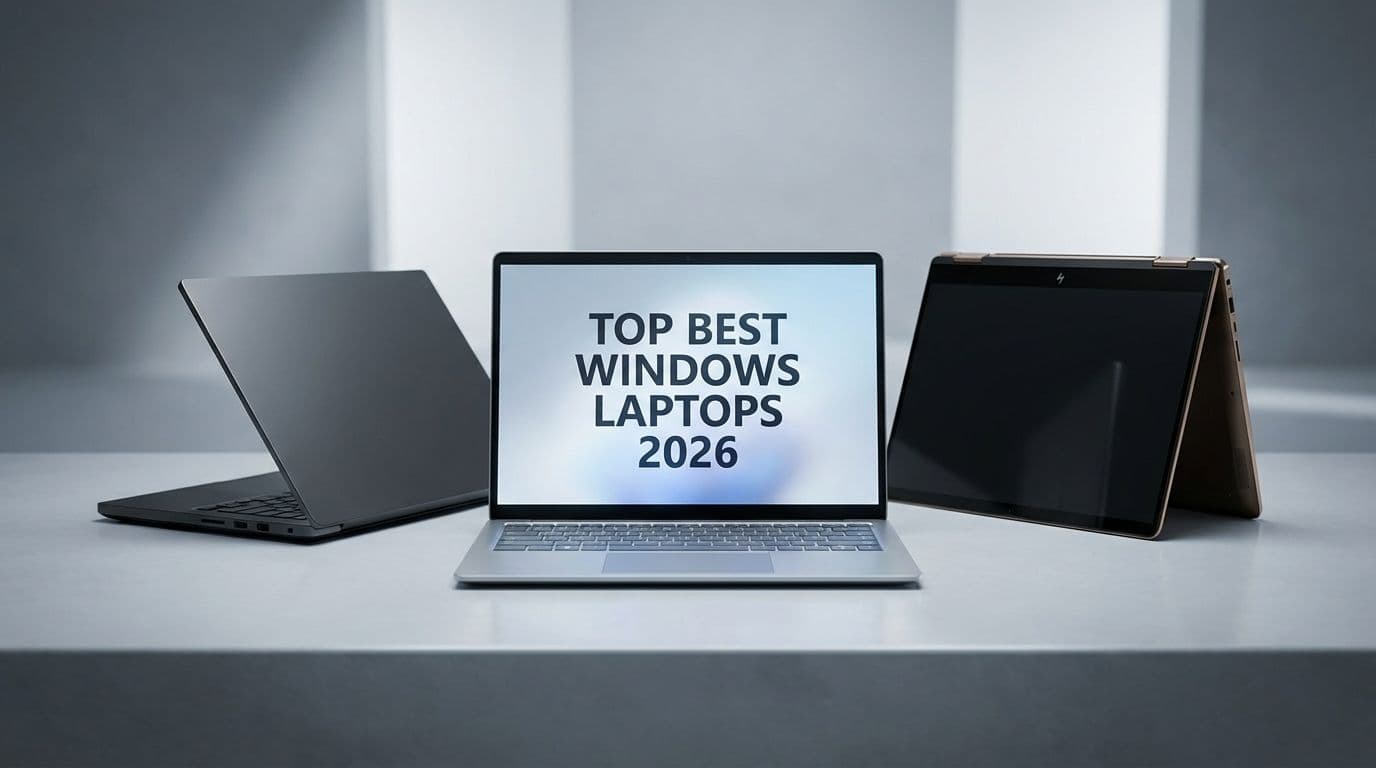
Best Windows Laptops 2026: Top AI & Copilot+ PC Picks

Best Windows Laptops 2026: Top AI & Copilot+ PC Picks

Team GimmieTeam Gimmie
Published on February 15, 2026

The Great Windows Renaissance: How to Choose a Laptop in 2026

It wasn’t long ago that buying a Windows laptop felt like a series of compromises. You could have power, but you’d be tethered to a wall outlet. You could have portability, but you’d sacrifice performance. But as we settle into 2026, that old narrative has been completely dismantled. We are living through a genuine renaissance for the PC.

The catalyst for this shift was the massive transition in chip architecture that hit its stride over the last eighteen months. Between the efficiency of ARM-based processors and the AI-focused redesigns from Intel and AMD, Windows laptops finally offer what we’ve envied in MacBooks for years: incredible battery life, silent operation, and high performance that doesn't disappear the moment you unplug. If you’re shopping for a gift or a personal upgrade this year, the landscape is exciting, but it’s also different. You aren't just looking at clock speeds anymore; you’re looking for an AI PC with a dedicated NPU (Neural Processing Unit).

Here is the breakdown of the best Windows machines available right now, categorized by who they’re actually for.

The Creative Powerhouse: Dell XPS 16 Best for: The Engineering Student or Creative Professional

The Dell XPS 15 was a legend for a decade, but in 2026, the XPS 16 has officially taken the throne. This is the machine for the person who refuses to choose between aesthetics and raw horsepower. It features a futuristic, minimalist design with a seamless glass haptic touchpad and a touch function row that disappears when you don't need it.

Under the hood, the 2026 models are equipped with the latest Intel Core Ultra processors (Series 2 or 3), which include a powerhouse NPU. Why does that matter? Because if you’re gifting this to a video editor or a student running complex CAD software, the NPU handles the AI-heavy background tasks—like rotoscoping in Premiere or noise suppression in rendering—without draining the battery or making the fans scream. With a minimum of 32GB of RAM recommended for this tier, it’s a laptop that won’t just last two years; it’ll last five. It is the gold standard for anyone whose livelihood depends on their screen.

The Efficiency King: Microsoft Surface Laptop (7th Edition) Best for: The Remote Manager and Frequent Traveler

If the person you’re buying for is always on a plane or jumping between coffee shop meetings, the Surface Laptop 7 is the clear winner. This is the poster child for the Copilot+ PC movement. By utilizing Snapdragon’s latest X-series chips, Microsoft has finally achieved "all-day battery life" that actually means twenty hours, not eight.

This laptop is a joy because of its simplicity. It’s thin, it’s light, and it wakes up instantly—just like a smartphone. The integration of the NPU here allows for "Live Cocreator" and advanced "Recall" features that help users find documents or images they saw days ago just by describing them in natural language. It’s the ultimate productivity tool for someone who values a clean, tactile experience and doesn’t want to carry a charging brick in their bag. By 2026 standards, even the base model should have 16GB of RAM to keep Windows 12 (or the latest Windows 11 builds) running flawlessly.

The Versatile All-Rounder: HP Spectre x360 14 Best for: The Graduate Student and Hybrid Worker

The 2-in-1 market has matured beautifully, and the HP Spectre x360 14 remains the most refined example of the craft. While others have tried to make tablets that act like laptops, HP has perfected a laptop that happens to fold into a tablet. It is the "Sweet Spot" of the 2026 market.

What makes the Spectre special this year is its focus on the "human" side of tech. The webcam is a 9-megapixel beast that uses AI to keep you framed and lit perfectly during Zoom calls, even if you’re working in a dim corner of a library. The OLED display is standard here, offering deep blacks and vibrant colors that make streaming movies just as enjoyable as writing a thesis. It’s a thoughtful gift for a student or a hybrid worker who needs one device that can do everything—from taking handwritten notes with a stylus to crunching spreadsheets at a desk.

The Value Champion: Asus Vivobook S 15 Best for: The High School Student and Casual User

Budget laptops used to feel like a punishment, usually defined by plastic hinges and dim screens. The Asus Vivobook S 15 has changed that. In 2026, Asus has managed to bring premium features—like a high-refresh-rate OLED screen and a dedicated NPU—down to a price point that doesn't break the bank.

This is the perfect gift for a student or someone who needs a reliable home computer for browsing, light photo editing, and schoolwork. Crucially, Asus has moved away from the 8GB RAM bottleneck. The 2026 Vivobook starts at 16GB of RAM, ensuring the machine doesn't start stuttering the moment you open twenty Chrome tabs. It’s colorful, it’s relatively light, and it feels much more expensive than its price tag suggests. It proves that you don't need to spend two thousand dollars to get a modern, AI-capable Windows experience.

What You Need to Know Before You Tap Buy

The technical language changed a lot over the last year. If you’re looking at spec sheets, keep these three rules in mind to ensure your purchase stays relevant through the late 2020s.

First, 16GB of RAM is the new floor. In 2024, we could still occasionally recommend 8GB for budget users, but in 2026, AI-driven features and modern web browsers will choke on anything less. If a laptop has 8GB of RAM, leave it on the shelf.

Second, check the NPU TOPS rating. TOPS stands for "Tera Operations Per Second," and it's the benchmark for how fast a laptop can handle AI tasks locally rather than sending them to the cloud. For a "Copilot+ PC" designation, you’re looking for at least 40 to 45 TOPS. This ensures the laptop can handle features like real-time translation and local image generation without lag.

Finally, prioritize the screen. We spend eight to ten hours a day looking at these panels. If you can find an OLED or a high-quality Mini-LED option within your budget, take it. The difference in eye strain and visual clarity compared to old-school LCD panels is massive.

The Final Word

The Windows laptop market in 2026 is no longer a "safe" or "boring" choice. It’s where the most interesting innovation in computing is happening. Whether you’re opting for the sheer power of an XPS 16 or the incredible efficiency of a Surface Laptop, you’re getting a machine that is smarter, quieter, and more capable than anything we saw just a few years ago. Focus on the persona of the person you’re buying for, ensure there’s enough RAM to handle the future, and you can’t go wrong. Happy shopping.