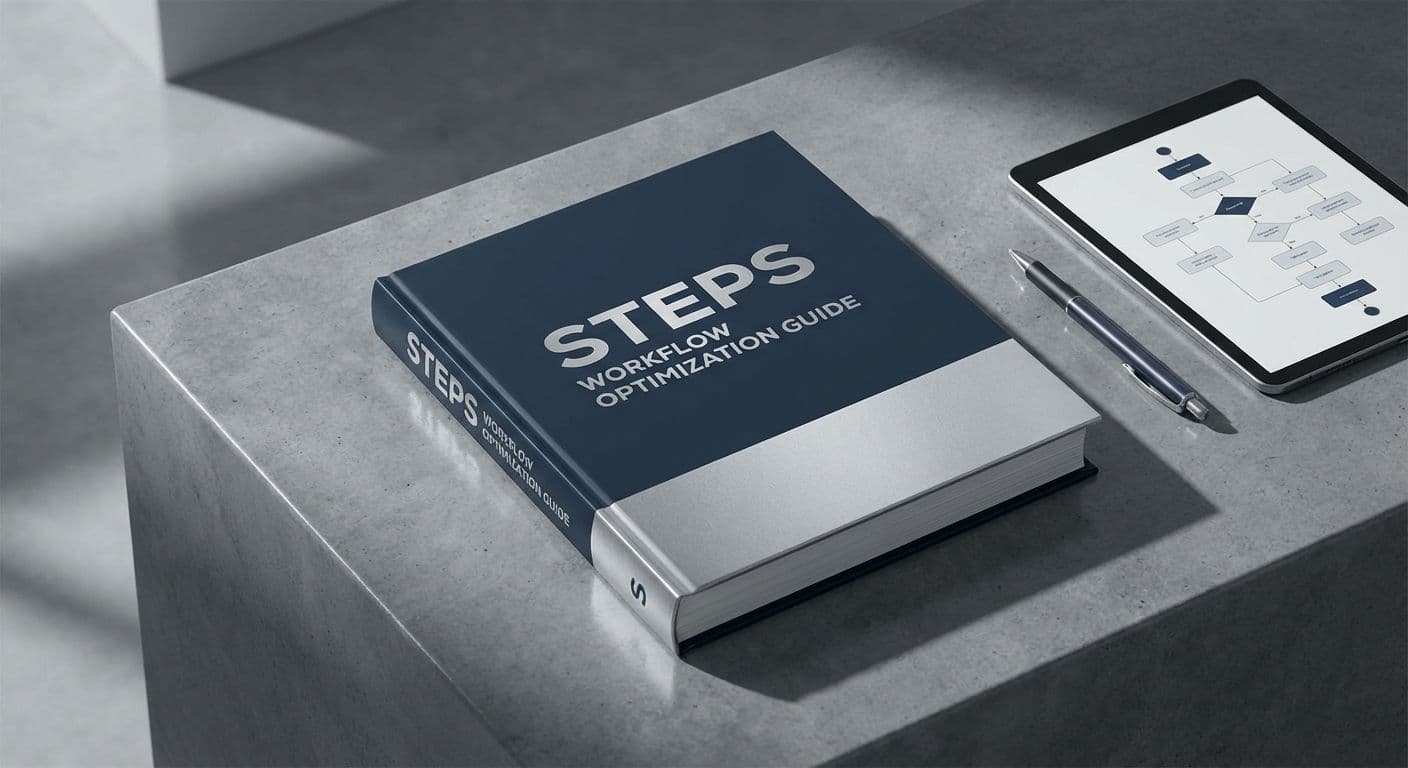
Workflow Optimization Guide: 4 Steps to Master Your Flow

Team Gimmie

Team Gimmie

1/12/2026

Workflow Optimization Guide: 4 Steps to Master Your Flow

MASTERING THE FLOW: A COMPREHENSIVE HOW-TO GUIDE FOR WORKFLOW OPTIMIZATION

Most of us start our workdays with a clean list and a caffeinated sense of optimism. By 10:00 AM, that optimism usually meets the cold, hard reality of a flooded inbox, three urgent Slack pings, and a calendar that looks like a game of Tetris played by someone who is losing. We aren't just busy; we are drowning in the friction of our own processes.

The truth is that working harder is rarely the answer. If your underlying workflow is broken, putting in more hours just means you are failing at a higher volume. Optimization isn't about turning yourself into a machine; it is about removing the invisible hurdles that slow you down so your actual talent can take the lead. This guide will take you through the exact steps needed to audit, rebuild, and automate your workday for maximum impact.

STEP 1: THE COLD HARD AUDIT

Before you can fix your workflow, you have to see it. Most people operate on a "vibe-based" productivity system, where they do whatever feels most urgent. To break this cycle, you need data.

For the next five business days, track every single thing you do. You can use a tool like Toggl Track or even a simple notepad. The goal is to identify the Time Sinks. These are the repetitive, low-value tasks that eat 15 minutes here and 20 minutes there. Look for the "bridge tasks"—the things you have to do just to get to the real work, like hunting for a file or waiting for a colleague to approve a draft.

Once you have your data, categorize your tasks into three buckets: High Value (deep work that requires your unique skill), Low Value (administrative tasks that are necessary but mindless), and Noise (meetings that could have been emails or scrolling for "inspiration"). Your goal is to eliminate the Noise and offload the Low Value.

STEP 2: CENTRALIZING THE CHAOS WITH THE RIGHT STACK

Fragmentation is the enemy of focus. If your tasks are in Todoist, your project notes are in Evernote, and your team communication is in Slack, you are losing cognitive energy every time you switch tabs.

To optimize, you need a Single Source of Truth. This is one platform where every project, deadline, and relevant file lives.

For solo creators or small teams, Notion is often the gold standard because it combines documents and databases. If you are managing complex, multi-layered projects with strict deadlines, ClickUp or Asana offers better bird’s-eye views.

The key here is not the tool itself, but how you use it. Every project must have a clear owner, a defined deadline, and a status. If a task doesn't exist in the Single Source of Truth, it doesn't exist. This eliminates the "Wait, was I supposed to do that?" anxiety that plagues most modern professionals.

STEP 3: THE 80/20 RULE OF AUTOMATION

Many people hear the word automation and think of complex coding. In reality, modern automation is just about connecting the apps you already use. Tools like Zapier or Make act as the glue between your software.

Think about your recurring "friction points." Whenever a client signs a contract, do you manually create a new folder in Google Drive? Automate it. Whenever someone fills out a contact form on your site, do you manually add them to your CRM? Automate it. Whenever you finish a task in your project manager, do you have to manually email a teammate to let them know? Automate it.

By automating just five repetitive tasks that take ten minutes each, you save over four hours of work every week. That is nearly a full month of work time recovered every year.

STEP 4: METHODOLOGY OVER MOTIVATION

A perfect tool stack is useless without a methodology to drive it. Two of the most effective frameworks for workflow optimization are Time Blocking and Task Batching.

Time Blocking involves dividing your day into dedicated chunks of time for specific activities. Instead of checking your email every time a notification pops up, you block 9:00 AM to 9:30 AM and 4:00 PM to 4:30 PM for "Communication." Outside of those blocks, the inbox stays closed. This protects your brain from the "context switching" tax, which can lower your productivity by up to 40 percent.

Task Batching is the practice of grouping similar tasks together to maintain a specific mental state. For example, if you are a content creator, don't write one blog post, then edit a video, then design a thumbnail. Instead, spend Tuesday morning writing three blog posts. Spend Wednesday afternoon doing all your video editing. Because your brain stays in "writing mode" or "editing mode," you finish the tasks significantly faster than if you were jumping between different types of thinking.

CASE STUDY: THE FREELANCER’S TRANSFORMATION

Consider the example of Sarah, a freelance brand designer. Before optimizing her workflow, Sarah spent 15 hours a week on client management—sending invoices, chasing feedback, and scheduling Zoom calls. She felt like she was barely spending any time actually designing.

Sarah implemented three changes: First, she moved all client communication to a dedicated portal in HoneyBook. No more searching through long email threads for a specific PDF. Second, she automated her onboarding. Now, when a client pays their deposit, they automatically receive an onboarding questionnaire and a link to schedule their kickoff call. Third, she batched all her creative work into Tuesday and Thursday "Deep Work" days, leaving Mondays and Wednesdays for meetings.

The result? Sarah reduced her administrative time from 15 hours to 4 hours per week. She used those extra 11 hours to take on two additional clients, increasing her monthly revenue by 30 percent without working a single extra hour in the evenings.

YOUR NEXT STEPS

Optimizing your workflow isn't a one-time event; it is a habit of continuous improvement. You don't need to overhaul your entire life by tomorrow morning.

Start small. Pick one repetitive task today and find a way to automate it or batch it. Once that feels natural, find the next bottleneck. The goal isn't to be "productive" for the sake of a filled-out spreadsheet; the goal is to clear the clutter so you can do the work that actually matters to you.

Stop managing the chaos and start mastering the flow. Your future, less-stressed self will thank you.

#productivity workflow#workflow automation tools#time blocking vs task batching#single source of truth#context switching