Switching to Linux: 3 Months Without Windows (Review)
Curious about switching to Linux? Read our 3-month review of using Linux Mint as a daily driver, avoiding the Windows tax, and reviving old laptops.

By Team Gimmie
Updated August 27, 2026
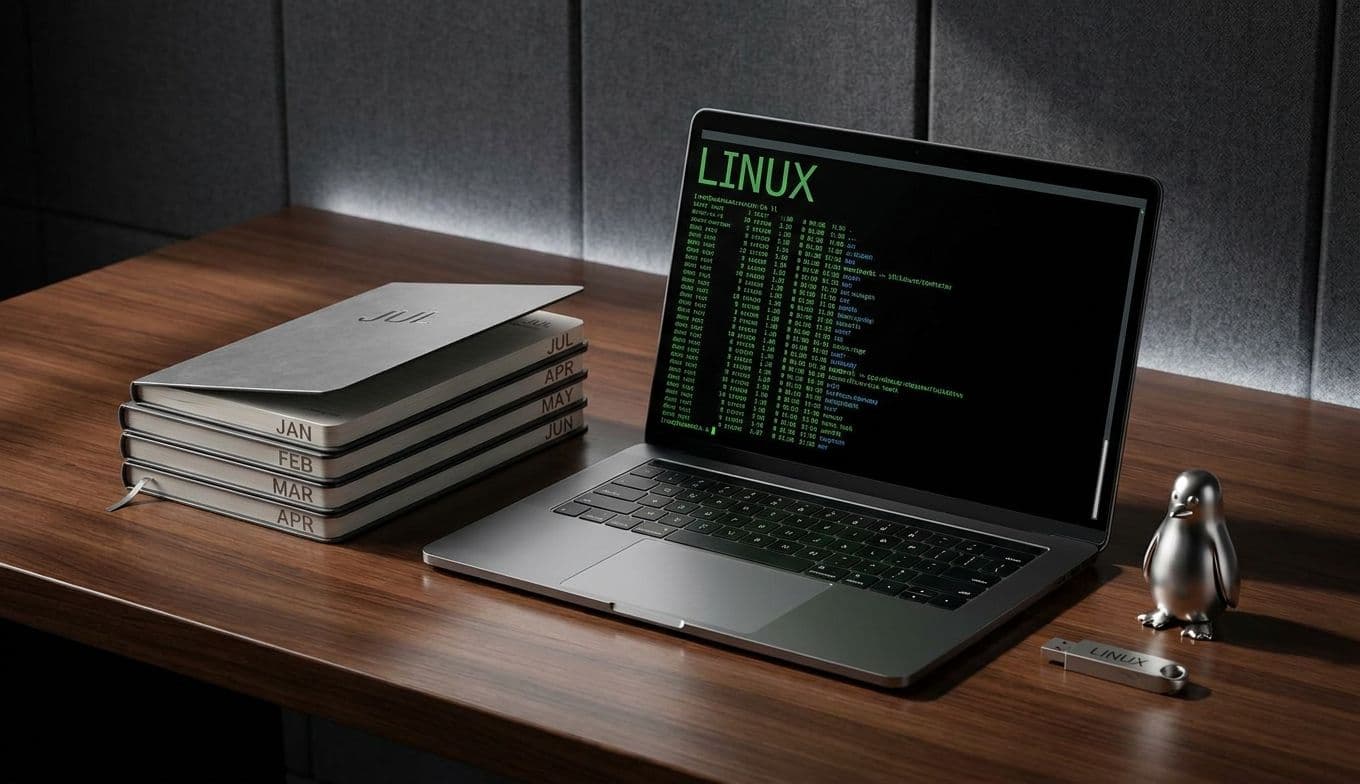
THE GIFT OF DIGITAL FREEDOM: THREE MONTHS WITHOUT WINDOWS
For years, the siren song of Linux has lured tech enthusiasts and those perpetually annoyed by the quirks of Windows. It promises freedom, endless customization, and a clean break from the ubiquitous, often frustrating ecosystem of Microsoft. But for the average consumer, making the leap to Linux has historically felt like trying to scale Everest in flip-flops—daunting, uncertain, and probably a bit painful. This is where my recent experiment comes in. I’ve been living exclusively on a Linux desktop for three months, and the conclusion is surprisingly simple: I haven’t missed Windows one bit.
I am not here to tell you that Linux is a perfect fit for everyone straight out of the box. My own journey involved a degree of intentional ignorance. I didn’t want to spend my nights performing deep dives into arcane terminal commands or frantically Googling obscure error messages. I wanted to see if a regular person—the kind who just wants their computer to work—could actually use Linux as their daily driver without losing their mind. The results have been anticlimactic in the best possible way. My Windows partition has been visited exactly twice: once to wrangle a stubborn legacy scanner and once for a last-minute school photo print. When nothing goes horribly wrong, there isn’t much drama to report, and that is exactly the point.
THE REAL-WORLD LINUX EXPERIENCE
Let’s cut to the chase: what does life actually look like on Linux for someone who isn’t trying to build a server farm in their basement? For me, it has been about the everyday essentials. Browsing the web, managing emails, writing documents, and dabbling in photo editing—these are the tasks that fill most of our digital lives.
The kicker is that most of it just works. I chose Linux Mint for this experiment, often cited as the best landing pad for Windows refugees. It handles software installation with a slick Software Manager that feels remarkably familiar. If you need a web browser, you click a button. If you need an office suite, you click another. The experience is not unlike using a Mac or a Chromebook, but with significantly more underlying power and privacy.
However, it is important to be honest about the hurdles. Hardware compatibility can still be a speed bump, as evidenced by my scanner issue. For power users heavily invested in specific Windows-only software—such as the Adobe Creative Suite—minor tinkering or alternative software is required. But for the vast majority of users, the modern Linux desktop has evolved from a niche playground for coders into a viable, user-friendly alternative.