Switch 2 Storage Guide: Best microSD Express Cards & Compatibility
Upgrading to Nintendo Switch 2? Your old SD cards might be too slow. Learn why you need microSD Express (EX) cards for next-gen gaming and find the best budget options.

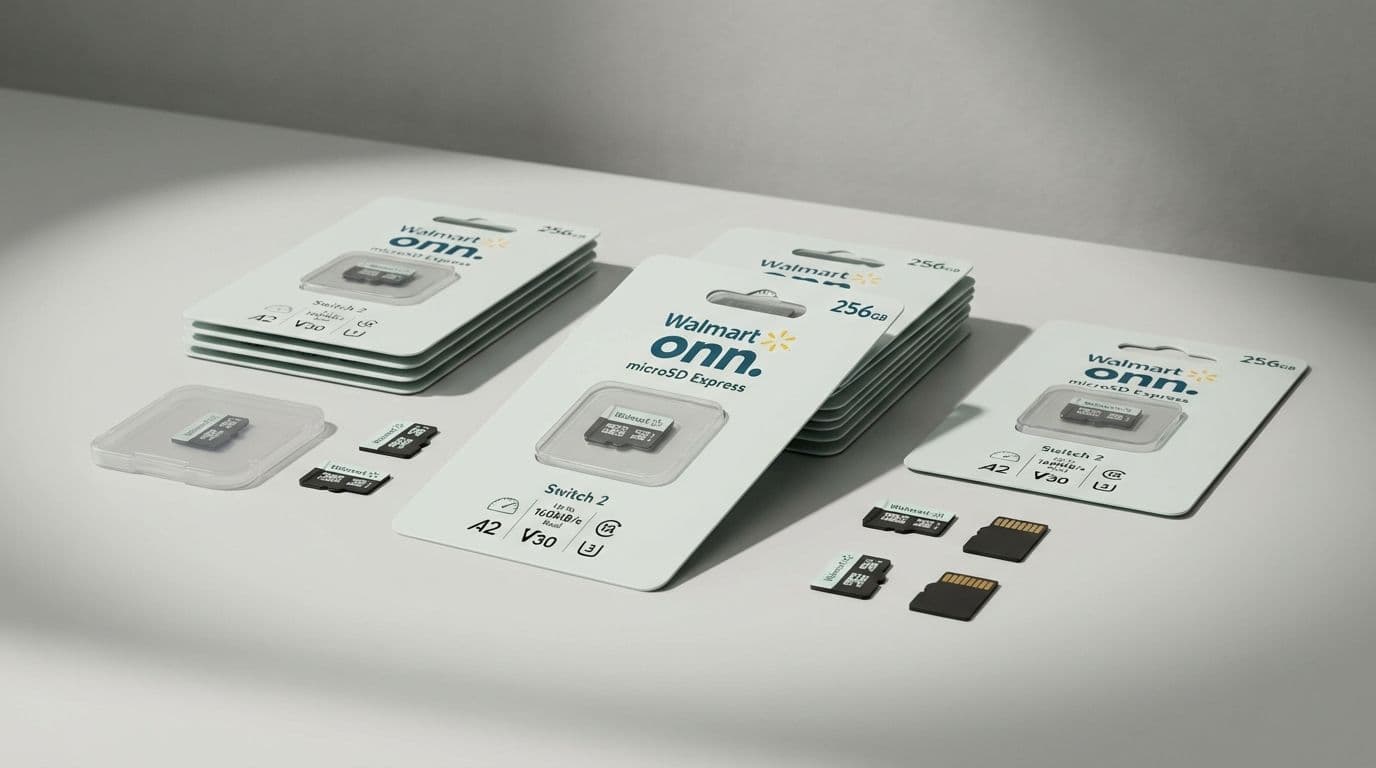
The Switch 2 Upgrade Trap: Why Your Old MicroSD Cards Won’t Cut It
Your old microSD cards are about to become obsolete for the next generation of handheld gaming. If you are planning to pick up a Nintendo Switch 2, you need to prepare for a major hardware shift that changes how you buy storage. The cards you used for the original Switch, the Steam Deck, or even your high-end camera are no longer the gold standard. For the Switch 2, there is a new player in town: microSD Express.
While the new console is backward compatible with your old library, the high-fidelity, expansive worlds Nintendo is promising for its next-gen titles require a massive leap in data transfer speeds. If you try to run a modern Switch 2 game off a standard card, you are looking at agonizing load times and potential performance stutters. The good news? You don't have to spend a fortune to get the right gear, provided you know exactly what to look for.
PRO-TIP: THE GOLDEN RULE FOR SWITCH 2 STORAGE If the card or the packaging does not have the EX logo, do not buy it for your Switch 2. This small emblem is the only guarantee that you are getting the Express speeds required for next-gen performance.
The EX Factor: Identifying the Right Card
Physically, a microSD Express card looks identical to the cards we have used for a decade. It fits in the same slot and has the same rectangular footprint. However, under the hood, the technology has shifted from the older UHS-I standard to a PCIe-based interface. This allows for transfer speeds up to 4.4 times faster than what was possible on the original Switch.
The Switch 2 comes equipped with a 256GB internal SSD, which is a massive upgrade from the measly 32GB or 64GB of its predecessor. But as game file sizes balloon to 50GB or 100GB for AAA titles, that internal space will vanish in an afternoon. When you go to expand that storage, the EX branding is your North Star.
Nintendo is pushing for more detailed textures and seamless open worlds. To keep those assets flowing into the system’s memory without lag, the console needs the NVMe-like performance that only microSD Express provides. If you buy a card that lacks the EX mark, you are essentially buying a spare tire for a Ferrari. It might get you down the road, but you aren’t going to win any races.