Spotify Page Match Guide: How to Sync Physical Books with Audiobooks

Team Gimmie

Team Gimmie

2/5/2026

Spotify Page Match Guide: How to Sync Physical Books with Audiobooks

FROM BOOKSHELF TO EARBUDS: HOW SPOTIFY PAGE MATCH IS CHANGING THE HYBRID READING GAME

Imagine you are three hundred pages into a sprawling, nine-hundred-page biography—something dense and immersive like Ron Chernow’s Alexander Hamilton. You have spent your morning coffee curled up with the physical hardcover, but now it is time for your forty-minute commute. Traditionally, this is where the friction begins. You want to keep the momentum going, but finding your exact spot in an audiobook version usually involves a frustrating game of hopscotch through chapters, trying to remember if the last sentence you read mentioned the Treasury Department or the Constitutional Convention.

This transition—the awkward jump between physical paper and digital audio—has long been the primary headache for "hybrid readers" who like to switch formats depending on where they are. Spotify’s new Page Match feature aims to eliminate that friction entirely using nothing more than the camera already in your pocket. It is a clever application of computer vision that effectively turns your physical library into a set of interactive bookmarks.

HOW IT WORKS: FROM SNAP TO SYNC

The technology behind Page Match is remarkably straightforward for the user, even if the backend logic is complex. By using the Spotify app to take a photo of your current page, the system analyzes the text layout, identifies unique sentence structures, and cross-references that data with its audiobook library. In seconds, the app identifies your exact location and queues up the audio to the precise word.

Unlike Amazon’s Whispersync, which requires you to stay within the Kindle ecosystem to sync your progress, Page Match works with the books you already own. Whether it is a dog-eared paperback of a classic thriller or a brand-new copy of The Buffalo Hunter Hunter, the app doesn’t care about the medium—it only cares about the words on the page.

WHERE TO FIND IT IN YOUR APP

If you are looking for the feature, you won’t find it buried in a deep settings menu. Spotify has integrated it directly into the playback interface to make it as accessible as possible during those hurried moments when you are walking out the door.

To use Page Match:

  1. Open the Spotify app and navigate to the audiobook you are currently "reading."
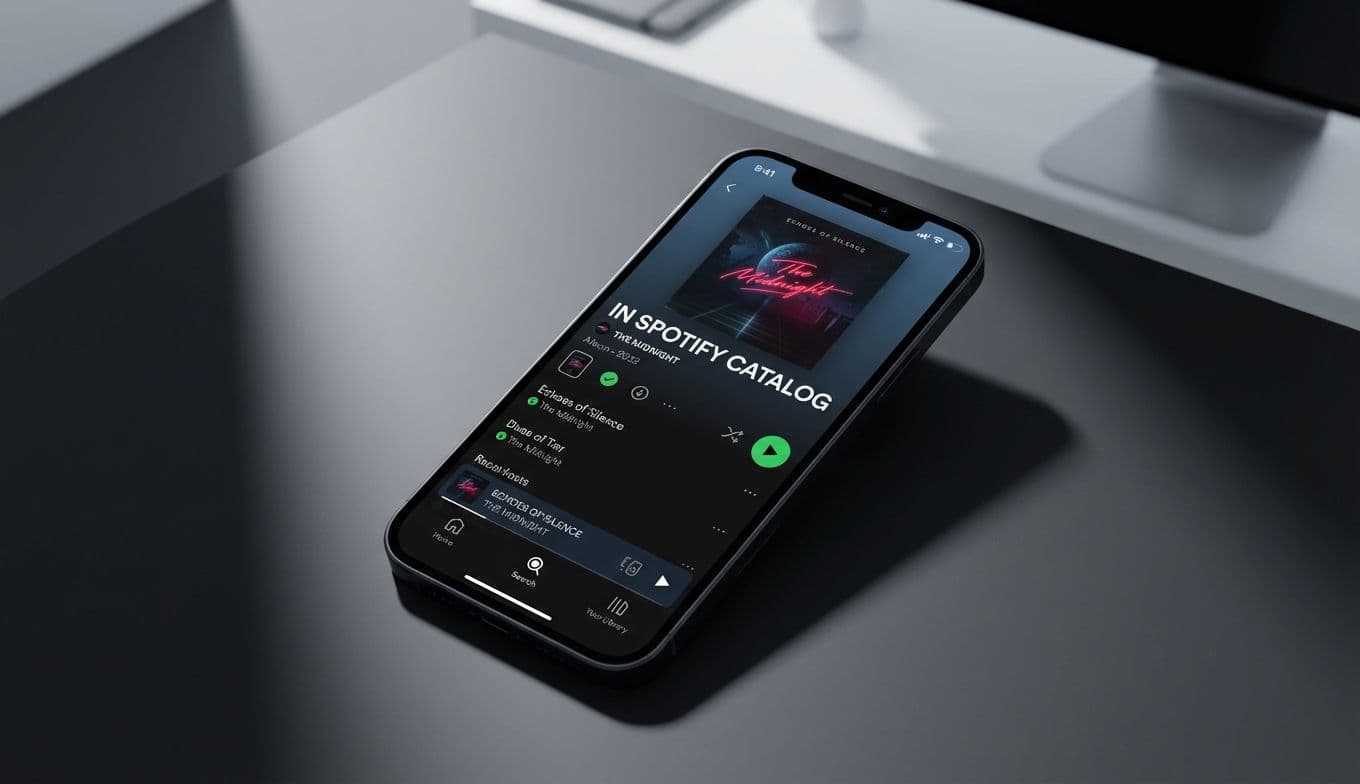
  2. On the Now Playing screen (where you see the play/pause buttons), look for the small camera icon labeled Page Match located just below the progress bar.
  3. Tap the icon, align the physical page within the on-screen frame, and snap a photo.
  4. The app will pulse for a second while it processes the text, and then your audio will automatically jump to the corresponding spot.

WHY THIS MATTERS FOR THE MODERN READER

We live in an era of fragmented attention and constant movement. Our reading habits are rarely confined to a single chair or a single hour of the day. We are "hybrid consumers," picking up a story while waiting for a flight, listening to it while grocery shopping, and returning to the physical page before bed.

Think about the sheer utility for someone tackling a massive epic fantasy novel. If you are reading something like Brandon Sanderson’s The Way of Kings, the sheer volume of text makes manual navigation nearly impossible. If you lose your place in a forty-hour audiobook, you might spend ten minutes just trying to figure out which "interlude" you were on. Page Match turns that ten-minute frustration into a three-second task.

It also changes the stakes for the "Book Club Dilemma." We have all been there: the meeting is in two days, you are only halfway through the physical copy, and you realize you need to switch to audio during your gym sessions to finish on time. Page Match ensures that your transition is seamless, allowing you to stay focused on the narrative rather than the logistics of the format.

THE PERFECT GIFT BUNDLE FOR BIBLIOPHILES

One of the most exciting aspects of this feature is how it changes the way we think about gifting books. In the past, if you bought someone a physical book, you were essentially tethering them to a chair. If you bought them an audiobook, they missed out on the tactile satisfaction of a bookshelf.

Page Match allows you to give the best of both worlds. For the next holiday or birthday, consider creating a Hybrid Reader Bundle. You might pair a beautiful hardcover edition of a popular title—like David Wolman’s The Buffalo Hunter Hunter—with a six-month Spotify Premium gift card. It is a thoughtful, tech-forward gift that tells the recipient: I want you to enjoy this story however it fits into your life. It turns a traditional gift into a flexible, modern experience.

REAL-WORLD LIMITATIONS AND HONEST EXPECTATIONS

Of course, no new technology is without its growing pains. While the computer vision is impressive, it is not infallible. If you are trying to sync a page in a dimly lit room or under harsh fluorescent glare, the app might struggle to read the text. Similarly, books with experimental layouts, extremely small fonts, or heavy handwritten annotations can sometimes confuse the matching algorithm.

There is also the matter of library depth. While Spotify’s audiobook catalog has grown exponentially, Page Match only works if the specific title is available on the platform. If you are reading an obscure, out-of-print academic text or a self-published niche novella, the app won't have the audio data to match it to.

Lastly, it is important to remember that this is a feature reserved for Spotify Premium subscribers. While the value proposition is strong for those who already use the service for music and podcasts, it does mean there is a paywall between you and this level of convenience.

THE FINAL VERDICT

Spotify’s Page Match is one of those rare features that feels like it should have existed years ago. It addresses a genuine pain point for people who love stories but lead busy, multi-tasking lives. By bridging the gap between the physical and the digital, Spotify isn't just offering a tool; they are validating the way we actually live and read today.

If you are a hybrid reader who has ever felt the sting of losing your place between the car and the couch, this feature is a game-changer. It respects the tradition of the printed page while embracing the flexibility of the digital age. It is a small step for technology, but a giant leap for anyone who refuses to put their book down just because they have to start the car.

#hybrid reading#audiobook sync#Spotify audiobook features#scan page to audio#physical to digital reading