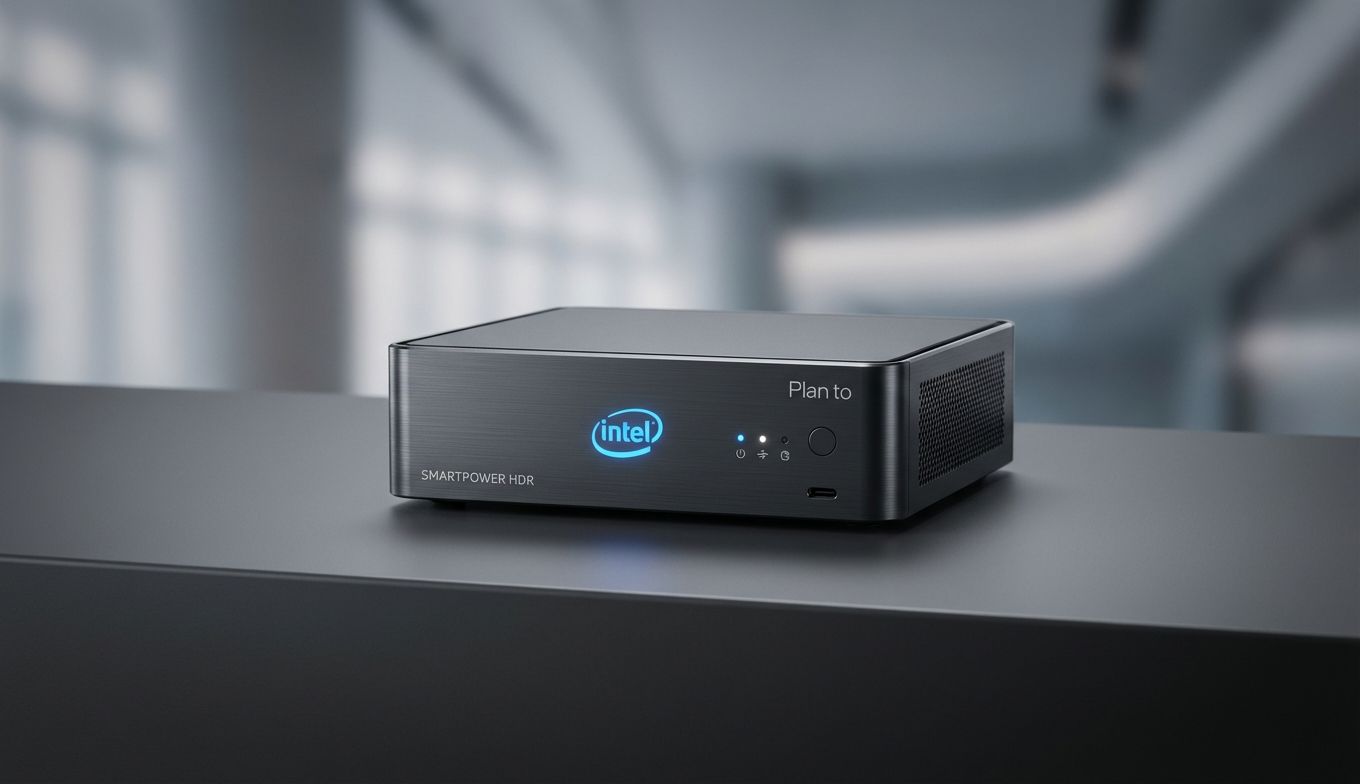
SmartPower HDR: Samsung & Intel's Plan to Save OLED Laptop Battery Life
 Team Gimmie
The Battery Life Battle: Samsung and Intel Plan to Save Your HDR Binge-Watching
Imagine you are halfway through the emotional climax of a three-hour epic on a cross-country flight. The visuals are stunning—deep blacks, vibrant highlights, and the kind of crisp detail only an OLED screen can provide. Then, the dreaded 10 percent battery notification flashes across the screen. You are suddenly faced with a frustrating choice: dim the brightness until the movie looks like mud, or risk a black screen before the credits roll.
This is the classic trade-off of the modern premium laptop. High-dynamic-range (HDR) content is beautiful, but it is also a notorious battery hog. Every punchy highlight and vibrant sunset requires a significant amount of power. However, a new collaboration between Samsung Display and Intel, called SmartPower HDR, promises to bridge that gap. While it sounds like a dream for movie buffs and creative professionals, it is important to separate the genuine engineering breakthroughs from the typical marketing hype.
How SmartPower HDR Actually Works
For years, laptop displays have been relatively passive components that simply react to what the computer tells them to show. If a frame is bright, the screen pulls more power. If it stays bright for two hours, your battery dies. SmartPower HDR aims to make this relationship much more proactive and intelligent.
The core of the technology involves the laptop’s chipset (the Intel brain) and the OLED panel’s timing controller (the Samsung heart) working in lockstep. Instead of the screen blindly blasting light to achieve HDR peaks, the chipset analyzes the peak brightness of every single frame in real-time. It then sends this data to the timing controller, which optimizes the power consumption for that specific image.
In simpler terms, the system is constantly asking, "What is the absolute minimum amount of power we need to make this frame look spectacular?" Samsung claims this leads to significant power savings. As someone who has tested countless laptops in airport terminals and coffee shops, I know that even an extra thirty minutes of runtime can be the difference between finishing a project and a stressful scramble for a power outlet.
The Reality Check: Hype vs. Availability
As impressive as the technology sounds, there is a significant hurdle for anyone looking to upgrade right now: you can't actually buy it yet. Intel showcased the tech recently, and Samsung has been happy to share the technical blueprints, but we are still missing a concrete list of laptops that will feature SmartPower HDR.
This is a common frustration in the tech world. We see a promising solution to a real-world problem, but the release timelines remain vague. For gift-givers or students heading into a new semester, this uncertainty makes "SmartPower HDR" a difficult feature to shop for. You cannot put a "coming soon" technology on a holiday wishlist.
Furthermore, we need to remain cautiously optimistic until we see independent benchmarks. Will this power saving come at the cost of peak brightness? Will the real-time frame analysis cause any stuttering or lag in high-intensity applications? Until third-party reviewers get these machines on their desks, we have to take the manufacturers' claims with a grain of salt.
The Current Buying Strategy: What to Get Today
If you need a high-end laptop today and cannot wait for the first wave of SmartPower HDR devices to hit the shelves, you don't have to settle for a poor display or terrible battery life. Several current models already offer a fantastic balance of OLED beauty and respectable longevity.
If portability is your priority, the Dell XPS 13 with an OLED display remains a top-tier choice. While it doesn't have the new Intel-Samsung optimization yet, its overall efficiency is excellent for a machine of its size. It is a perfect companion for travelers who want that punchy HDR look without carrying a brick of a charger.
For those who want to stay within the Samsung ecosystem, the Samsung Galaxy Book4 Pro is the current gold standard. Its Dynamic AMOLED 2X display is one of the best on the market, offering incredible color accuracy that photographers and video editors swear by. It also features great integration with other Galaxy devices, making it a strong pick for anyone already using a Samsung phone or tablet.
Both of these laptops represent the current pinnacle of display technology. While they might not have the "smart" power management of the next generation, they are proven performers that deliver a premium experience right now.
Pro-Tip: Saving Battery on HDR Laptops Today
If you already own an HDR-capable laptop and find yourself constantly tethered to a wall, you don't have to wait for a hardware upgrade to see improvements. Here are a few ways to manually extend your runtime during a movie marathon:
First, use Dark Mode everywhere. On an OLED screen, black pixels are actually turned off, meaning they consume zero power. Moving from a white background to a black one in your OS and browser can result in measurable battery gains.
Second, check your Windows HDR settings. In the Display settings menu, you can toggle HDR on or off. If you are just browsing the web or writing an email, turn it off. Only toggle it on when you are actually watching a film or editing photos. Windows also has a specific "Optimize for battery life" setting within the HDR menu that will lower the peak brightness of HDR content when you are unplugged.
Finally, keep your screen brightness at the lowest comfortable level. It sounds simple, but the jump from 70 percent brightness to 100 percent is often the biggest contributor to battery drain.
The Road Ahead
SmartPower HDR is a promising glimpse into the future of mobile computing. It tackles a specific, legitimate pain point for anyone who refuses to compromise on visual quality. The collaboration between a display giant like Samsung and a silicon leader like Intel suggests that this isn't just a gimmick, but a well-integrated hardware solution.
However, for the shopper in 2026, the best strategy is to focus on what is available and proven. Keep an eye on the upcoming releases from brands like Dell, HP, and Lenovo to see who integrates this tech first. But until those reviews land, don't be afraid to invest in the excellent OLED laptops currently on the market. They might not be "smart" yet, but they are still brilliant.
