OpenClaw AI Guide: Hardware, Features & The ClawCon Community
Discover OpenClaw, the open-source AI assistant revolutionizing local intelligence. Learn about hardware requirements like the RTX 4090, the ClawCon community, and setup tips.

By Team Gimmie
Updated August 27, 2026
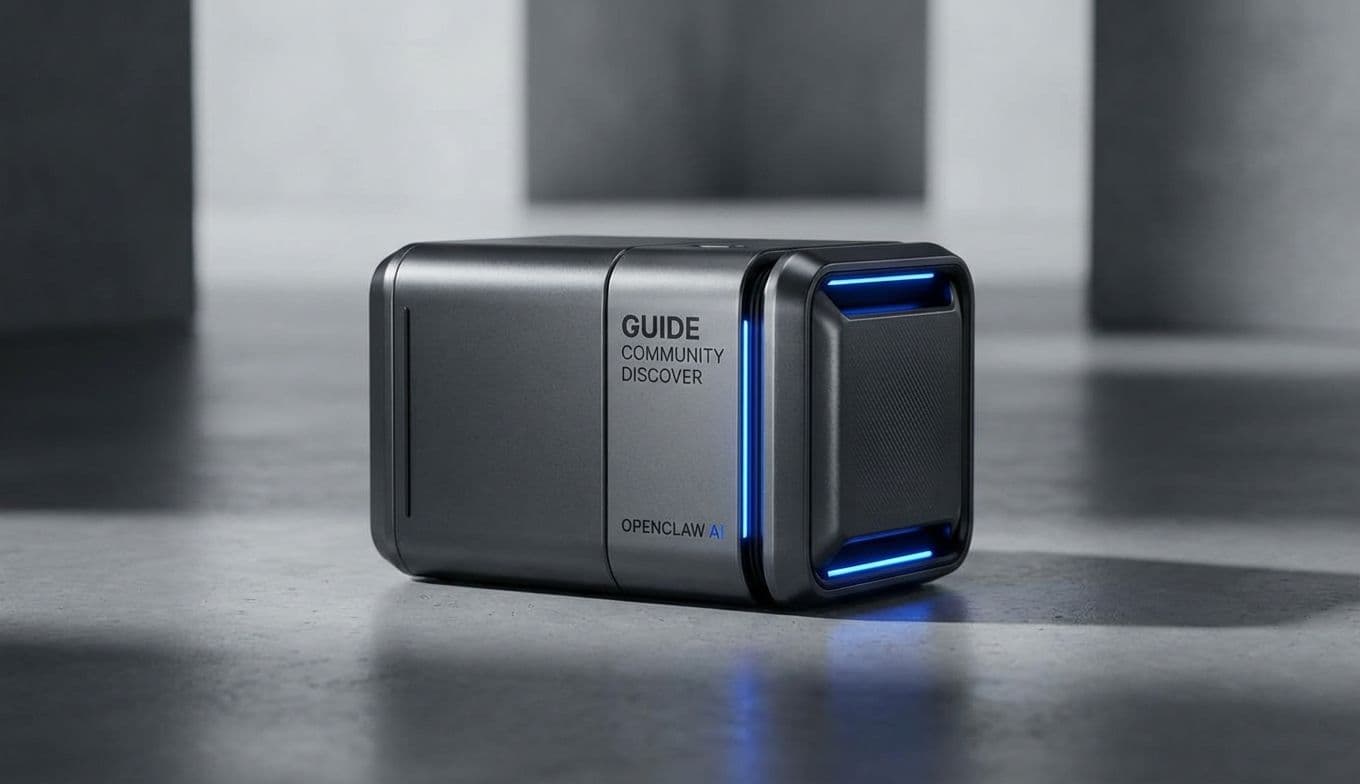
CRACKING THE SHELL: THE RISE OF THE OPEN-SOURCE ASSISTANT
You wouldn't typically expect a high-stakes tech meetup to involve plush lobster headdresses, but then again, OpenClaw isn't your typical AI. I recently found myself in a multistory event venue in Manhattan, greeted by a woman in a giant lobster hat handing out wristbands. This was ClawCon, a vibrant, surprisingly human celebration of a piece of software that is currently turning the AI world on its head.
While the big players in Silicon Valley are busy building "black box" systems—AI platforms where the inner workings are kept under lock and key—OpenClaw is doing the exact opposite. Launched in late 2025 by Peter Steinberger, OpenClaw (which some early adopters still affectionately call Clawdbot or Moltbolt) is entirely open-source. This means the code is public, the community is in charge, and the potential for customization is limited only by your imagination—and your hardware.
Seeing hundreds of people gathered under pink and purple lights, wearing lobster claw headbands and geeking out over algorithms, sent a clear message: people are hungry for AI that feels accessible, transparent, and a little bit weird. But beyond the festive atmosphere, there is a massive opportunity here for anyone looking to give a gift that truly stands out in the "maker" and "tech enthusiast" space.
FEEDING THE CLAW: THE HARDWARE POWERING LOCAL INTELLIGENCE
One of the biggest misconceptions about AI is that it only lives in the cloud. OpenClaw changes that. Because it is open-source, you can run it locally on your own machine. This is where the concept of "gifting" OpenClaw shifts from a theoretical idea to a tangible, high-performance project. You aren't just giving someone a chatbot; you’re giving them the ability to host their own private intelligence.
However, running a powerful AI locally requires some serious muscle. If you are looking to support a loved one’s journey into the OpenClaw ecosystem, you shouldn't be looking at software subscriptions. You should be looking at hardware.
First on the list is the GPU. For an OpenClaw setup to be snappy and responsive, it needs Video RAM (VRAM). An NVIDIA GeForce RTX 4080 Super or, if you're feeling particularly generous, the RTX 4090, is the gold standard here. These cards allow the user to run larger, more sophisticated language models without the frustrating lag of lower-end hardware.