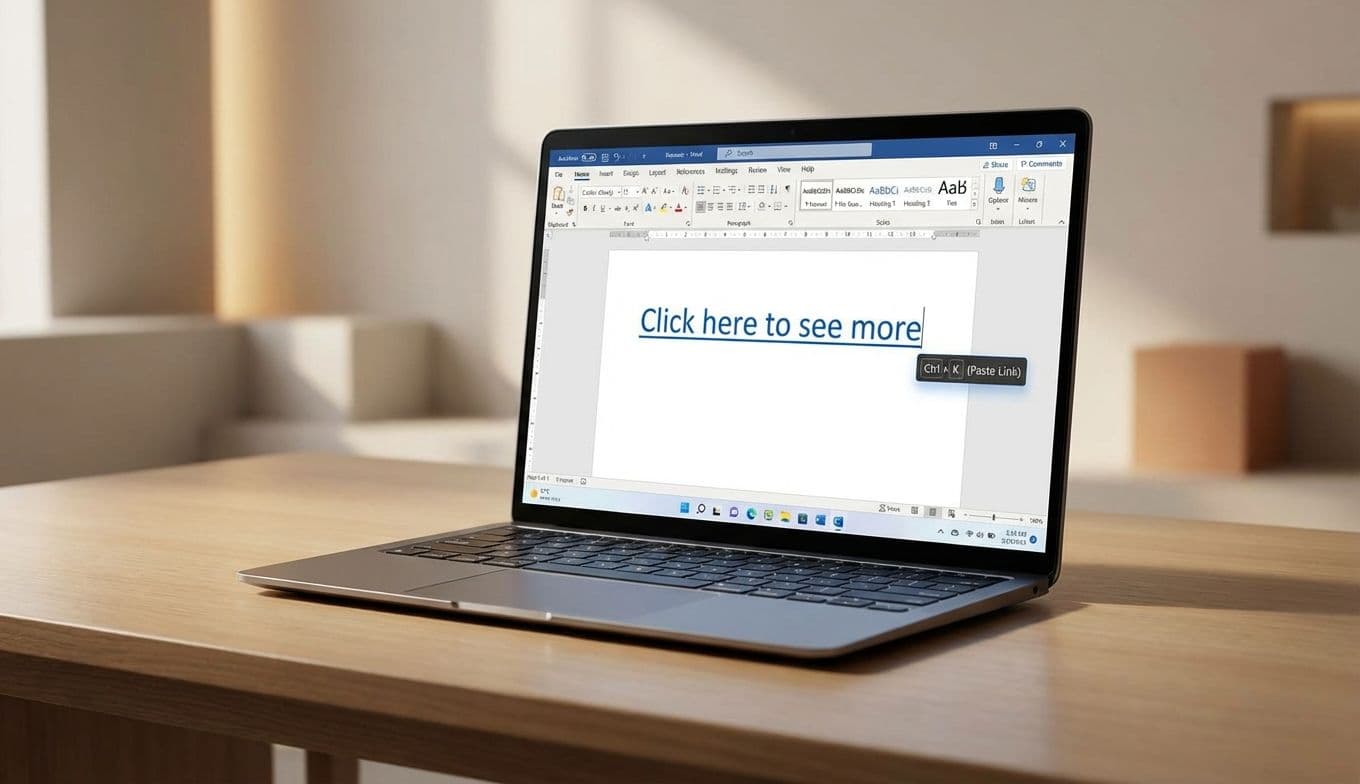
New Microsoft Word Hyperlink Shortcut: Paste Links Instantly

Team Gimmie

Team Gimmie

1/9/2026

New Microsoft Word Hyperlink Shortcut: Paste Links Instantly

The End of the Ctrl+K Friction: Why Microsoft Word’s Newest Feature is a Productivity Game-Changer

Imagine you are deep in the zone. You are ten pages into a high-stakes business proposal or a final thesis, and your brain is finally firing on all cylinders. The sentences are flowing, the logic is sound, and you are nearly at the finish line. Then, you need to add a reference. You copy the URL from your browser, tab back to Word, highlight the anchor text, and perform the ritual: Ctrl+K, wait for the dialog box to pop up, paste the link, and hit Enter.

It takes maybe four seconds. But in those four seconds, the fragile thread of your complex thought has snapped. You have moved from "creator mode" into "software navigator mode." It is a minor friction point that we have all just accepted as part of the digital tax of writing.

Thankfully, Microsoft has finally decided to stop taxing our focus. They have rolled out a feature that is so blindingly obvious you’ll wonder why it took decades to arrive: you can now simply paste a link directly onto highlighted text to create a hyperlink. No menus, no pop-up boxes, and no keyboard shortcuts required.

The Death of the Menu Dive

This update is a masterclass in removing unnecessary steps. The new workflow is dead simple. You copy a URL, highlight the word or phrase in your Word document that you want to turn into a link, and hit Ctrl+V (or Cmd+V on a Mac). Word recognizes that you have a URL on your clipboard and that you have text selected, and it just does the work for you.

While this isn't a flashy AI-driven transformation or a complete UI overhaul, it is the kind of update that actually changes how your workday feels. It treats the hyperlink not as a special object that requires a formal "insertion" process, but as a basic element of modern writing.

The beauty of this change is its consistency. Microsoft isn’t just rolling this out for a specific subset of users; it is landing across Word for the web, Windows, and Mac. Whether you are a dedicated desktop user or someone who hops between machines and browsers, the "copy-paste-done" flow is now the standard. It reduces the cognitive load of document creation by removing one more tiny, repetitive hurdle from your path.

Microsoft Beats Google to the Punch

For years, the narrative has been that legacy software like Microsoft Word is the slow-moving giant, while cloud-native tools like Google Docs are the nimble innovators. In this specific instance, the roles have reversed.

There is a common misconception that this feature is already a staple in every word processor. While you might find similar functionality in content management systems like WordPress, Google Docs is actually trailing behind on this specific efficiency. For once, Microsoft is the one setting the pace for the modern digital workflow, leaving Google users to continue with the traditional menu-heavy linking process.

This is a rare and refreshing "win" for the Microsoft ecosystem. It shows a commitment to refining the fundamentals of the user experience rather than just chasing the newest tech trends. By prioritizing these "quality of life" improvements, Microsoft is making a compelling case for why Word remains the gold standard for serious writing, even as the competition grows.

The Gift of Efficiency: Why Microsoft 365 is the New Practical Essential

We often think of software subscriptions as boring monthly bills, but in the context of student life or remote work, a Microsoft 365 subscription is becoming a top-tier utility gift.

When we talk about "giftable" products, we usually think of something you can hold in your hand. But for the student who is drowning in research papers or the freelancer juggling a dozen clients, the gift of a smoother workflow is arguably more valuable than another coffee mug.

By adding features like the streamlined hyperlink paste, Microsoft is increasing the tangible value of a 365 subscription. For anyone who spends four to eight hours a day inside a document, these small time-savers aggregate into hours of regained productivity over a year. It is a "utility gift" in the truest sense—something that the recipient will use every single day to make their life marginally less annoying. If you have a child heading off to university or a partner starting a new remote role, providing them with the full suite of these high-efficiency tools is a genuinely thoughtful move.

Who Gains the Most from the New Flow?

While everyone who uses Word will benefit, there are a few groups for whom this update will feel like a genuine revelation:

The Research Power-Users: For students and academics, document creation is an exercise in citation. When you are building a bibliography or linking to dozens of primary sources and datasets, the old "Ctrl+K" method was a constant interruption. Now, they can weave their sources into their prose without ever leaving their flow state. It reduces the risk of typos in URLs and keeps the focus where it should be: on the argument, not the software.

The Content Architects: Bloggers, copywriters, and content creators often use Word as their "clean" environment for drafting before moving text to a web editor. This update mirrors the behavior of high-end CMS platforms, making the transition from a Word doc to a live website feel seamless and intuitive.

The Corporate Documentarian: Business professionals responsible for reports, internal wikis, and project proposals frequently need to link to external resources or internal company policies. This update turns a tedious formatting chore into a split-second action, allowing them to churn through documentation faster.

Small Gains, Large Impact

Microsoft’s new hyperlink pasting feature isn’t going to win a Nobel Prize for innovation, and it probably won't be the lead story on the nightly news. But it is exactly the kind of update that earns a user’s loyalty. It shows that the developers are actually watching how people use the software—noticing the winces and the pauses—and fixing them.

In a world where software often feels like it is getting more complicated for no reason, there is something deeply satisfying about a change that simply makes things easier. It is a reminder that the most impactful technology doesn’t always have to be "smart" or "revolutionary." Sometimes, the best thing a tool can do is just get out of your way.

If you are a Word user, your day-to-day writing just got a little bit faster. If you’re a Google Docs user, you might find yourself looking across the aisle with a bit of envy. Either way, the message is clear: the humble hyperlink has finally grown up, and the "paste" command has never felt more powerful.

#insert hyperlink Word shortcut#Microsoft 365 productivity tips#Word vs Google Docs linking#Ctrl+V hyperlink feature