Meta Scam Detection Tools: Protecting Your Family in 2026
Team GimmieDefending the Family Feed: Why Meta’s New Security Tools Matter in 2026
We have all been there. Your phone pings with a message from your daughter. She says she is at the airport, her phone is broken, and she needs a quick transfer for a new ticket. Or maybe it is a Facebook Marketplace buyer who seems a little too eager to send a courier to your house with cash. In 2026, these scams have graduated from clunky emails to sophisticated, AI-enhanced psychological warfare.
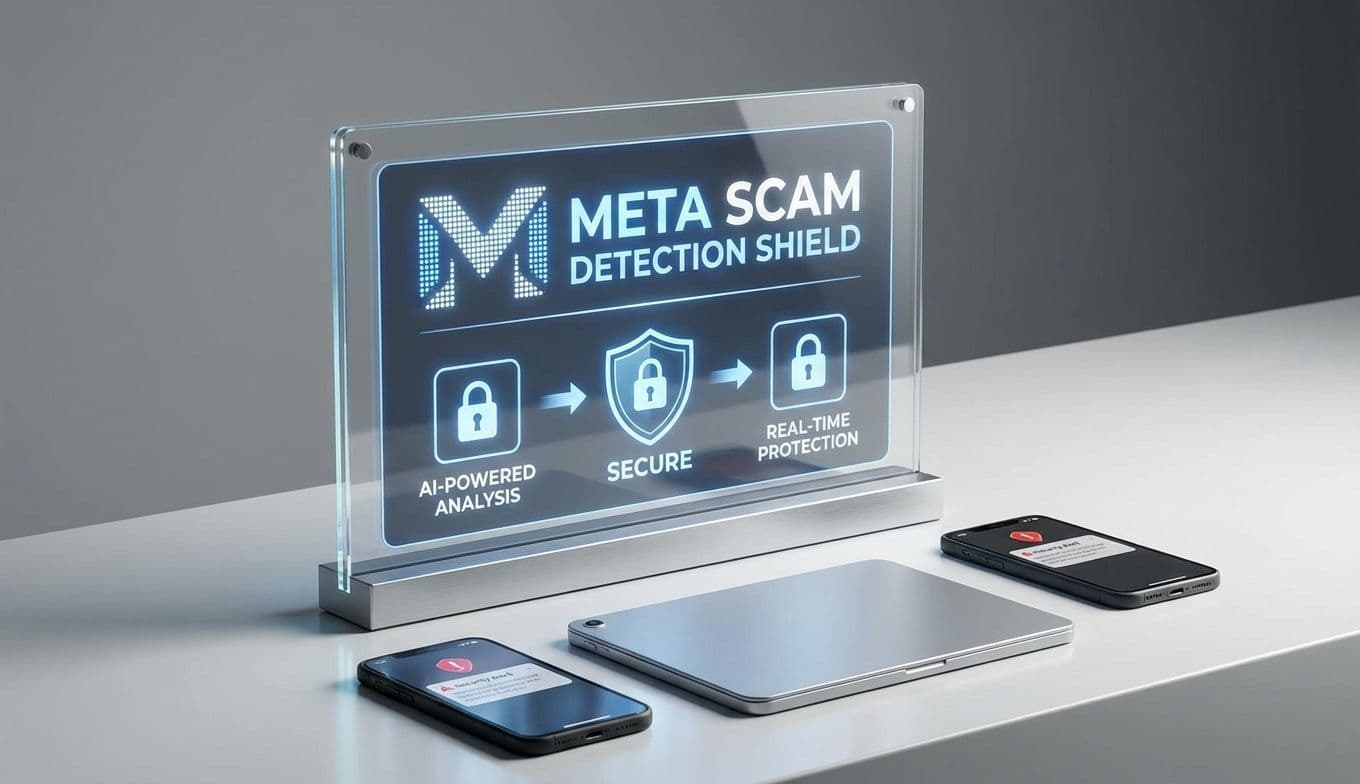
It is a constant digital arms race. Just as we learn to spot a fake link, scammers find a way to spoof a loved one’s voice or hijack a trusted account. That is why Meta’s latest rollout of scam detection tools across Facebook, WhatsApp, and Messenger caught my eye. They are moving toward proactive alerts—catching the bad guys before they even land in your inbox. While I always keep a healthy dose of skepticism when Big Tech promises to save us, these specific features address some of the nastiest traps currently hitting families.
The New Digital Tripwires
The core of this update is about behavioral signals. Meta is essentially teaching its AI to recognize the nervous system of a scam. For WhatsApp users, the biggest win is a new warning system for device linking.
Think about the Hi Mum scam that has evolved into a nightmare for parents. A scammer doesn't just want to chat; they want to link your WhatsApp account to their own laptop so they can message your entire contact list while you are asleep. Meta’s new system flags these linking requests if it detects red flags in how the request is being made—perhaps a weird location or a device signature that doesn’t match your usual patterns. It is like a digital bouncer standing at the door of your account, asking for ID before letting a new device inside.
On Facebook and Messenger, the focus is on suspicious friend requests and reach-outs. We are seeing a massive rise in Marketplace Impersonation scams where a criminal copies a real person’s profile to trick a seller. These new tools are designed to alert you if a request looks like it is coming from a freshly minted account or one that is exhibiting bot-like behavior. It is not a perfect shield, but it is a much-needed speed bump in a world where scammers move at the speed of light.

Beyond the Screen: The 2026 Scam Landscape
To understand why these tools are necessary, we have to look at what we are actually up against this year. The Grandparent Scam has gone high-tech. With AI-voice cloning, a scammer only needs thirty seconds of audio from a social media video to mimic a grandchild’s voice perfectly. They call an elderly relative, sounding exactly like family, claiming they are in trouble.
Then there is the Marketplace Courier trap. You list a couch for sale, and a buyer insists on paying via a fake link or sending a fake courier service that requires a deposit. These are not just annoying; they are financially devastating. Meta’s proactive alerts aim to stop the initial contact. If the system can flag that buyer as a suspicious entity before you ever see their message, the scam dies in the cradle.
Pro-Tip: The Foundation of Digital Safety While Meta’s new alerts are great, they are secondary to the single most important thing you can do for your security: Enable Two-Factor Authentication (2FA). Do not use SMS-based 2FA if you can avoid it—scammers can swap SIM cards. Instead, use an authenticator app like Google Authenticator or a physical security key. This ensures that even if a scammer gets your password, they still cannot get into your account.
The Ultimate Gift: A Tech Security Kit
For those of us who act as the unofficial IT support for our families, these updates offer a different kind of opportunity. We often give our parents or kids the latest tablets or phones for birthdays, but we rarely give them the tools to stay safe on those devices.
This year, consider gifting a physical Tech Security Kit alongside those digital updates. It is a thoughtful way to show you care about their peace of mind, not just their screen time. A great kit includes:
A physical security key (like a Yubikey) for their most important accounts. High-quality webcam covers for their laptops and tablets. A subscription to a reputable password manager to end the era of Password123. A printed emergency contact sheet with a family password—a secret word or phrase that family members must use to verify their identity if they ever call asking for money.
It might not be as flashy as a new pair of noise-canceling headphones, but in 2026, the gift of a secure digital life is arguably the most valuable thing you can provide.
The Reality Check
We have to be honest: Meta is playing catch-up. For years, these platforms have been a playground for bad actors, and no software update will ever replace human intuition. Scammers are notoriously adaptable. As soon as Meta builds a better wall, scammers will build a taller ladder.
The real test will be whether these alerts become helpful signals or just more digital noise that we swipe away without thinking. If the notifications are too frequent or vague, users will eventually ignore them. However, the shift toward behavioral detection—watching how a scammer moves rather than just what they say—is a sophisticated and necessary step forward.
What To Do Right Now
If you want to take advantage of these new protections and shore up your family's defenses, do not wait for a scam to happen. Take these three steps today:
-
Update All Meta Apps: Ensure that Facebook, WhatsApp, and Messenger are updated to the latest versions on every device in your household. These security features are often tucked into the latest software patches.
-
Audit Your Linked Devices: Go into your WhatsApp and Facebook settings and look at the list of Linked Devices. If you see anything you do not recognize, log it out immediately.
-
Set Up a Family Verification Word: Sit down with your parents or children and agree on a secret word. If anyone ever calls or messages asking for urgent financial help, they must provide the word. If they can’t, it’s a scam—no matter how much they sound like family.
Digital security is no longer a set-it-and-forget-it task. It is a practice. Meta’s new tools are a welcome addition to our toolkit, providing an extra layer of automated defense. But at the end of the day, our best defense remains our own awareness and the simple, physical steps we take to protect the people we love.