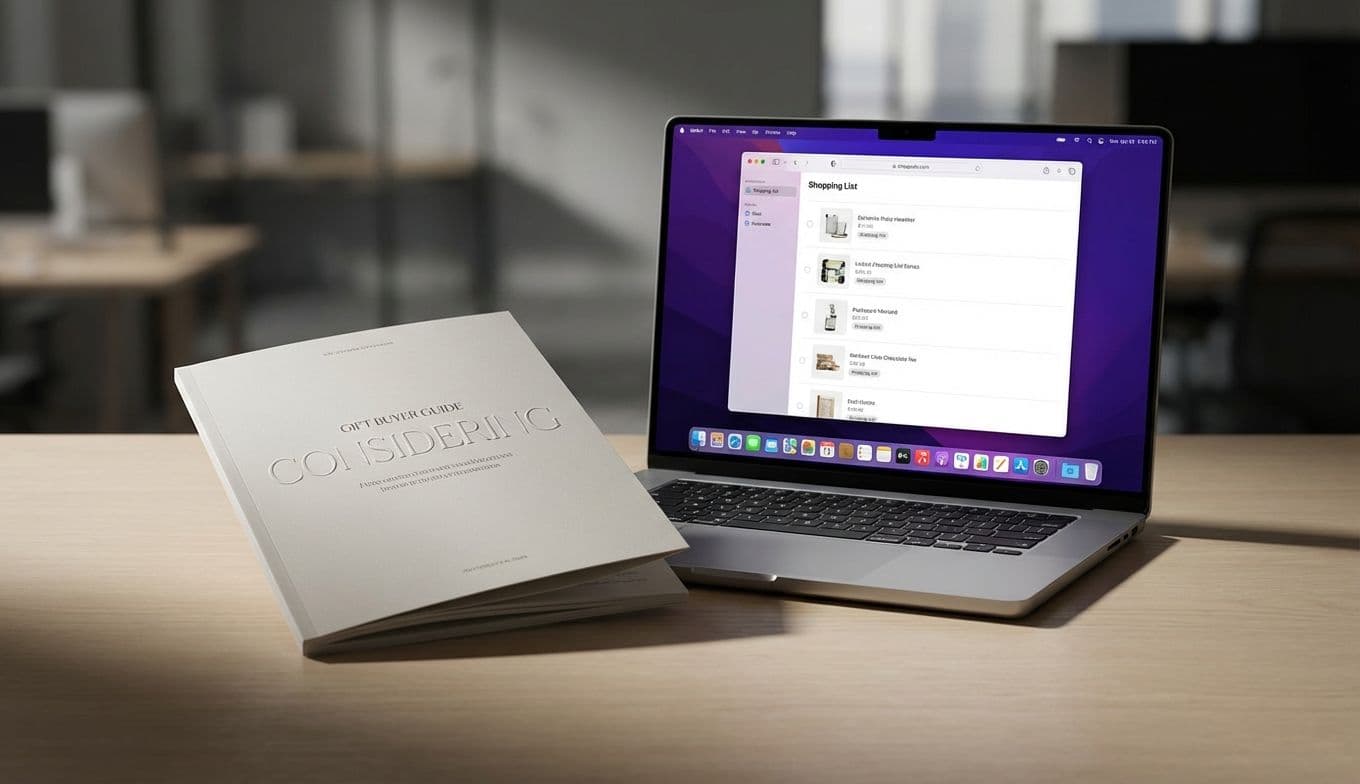
MacBook Pro Dynamic Island & Touchscreen: A Gift Buyer's Guide
Team GimmieTHE HIGH STAKES OF THE HIGH-END GIFT
When you decide to gift someone a MacBook Pro, you aren’t just buying a laptop; you are making a multi-thousand-dollar investment in their productivity and your own status as a legendary gift-giver. At that price point, the margin for error is razor-thin. You want the "wow" factor of a brand-new feature, but you don't want to be the person who spent $2,500 on a first-generation experiment that ends up being more frustrating than functional.
This is the dilemma currently facing anyone eyeing the rumors coming out of Cupertino. According to veteran Apple reporter Mark Gurman, the next iteration of the MacBook Pro is set to feature a significant design pivot: the inclusion of an OLED touchscreen and the debut of the Dynamic Island on the Mac. For the uninitiated, the Dynamic Island is that pill-shaped, interactive cutout at the top of the iPhone 14 and 15 Pro models. Bringing it to the Mac suggests a massive shift in how we interact with macOS. But before you pull out the credit card, we need to talk about whether this is a genuine breakthrough or a shiny distraction that might actually hinder the person you’re buying it for.
A SMALLER ISLAND IN A BIGGER SEA
On an iPhone, the Dynamic Island was a clever way to hide the "notch" while providing quick access to timers, music, and Uber alerts. On a 14-inch or 16-inch MacBook Pro, the scale changes everything. Reports suggest this version of the Island will be smaller than its mobile counterpart, designed to integrate into the macOS menu bar rather than dominate it.
The potential for productivity is real. Imagine a video editor seeing a discreet render progress bar in the Island while they answer emails on the main screen, or a developer tracking a code compilation without switching windows. For the right user, this could streamline a cluttered workflow. However, the real story here is the touchscreen. Apple has spent a decade telling us that touchscreens don't belong on laptops, yet here we are. This suggests that the Dynamic Island isn't just a notification light—it’s likely intended to be a primary touch-point for a new, more "dynamic" user interface.
THE GHOST OF TOUCH BARS PAST

If you’re feeling a sense of deja vu, you’re not alone. We’ve been here before. In 2016, Apple introduced the Touch Bar—a thin OLED strip above the keyboard that was supposed to revolutionize how we used pro apps. Instead, it became one of the most polarizing features in Mac history. Many professionals found it lacked tactile feedback, and others simply found it redundant. Eventually, Apple admitted defeat and brought back the physical function keys.
This is a vital lesson for gift-givers: Apple’s first attempt at a new input method is often a public beta test paid for by the consumer. Buying a "first-gen" feature like a touchscreen Mac with a Dynamic Island carries a high risk of the "Early Adopter Tax." Not only is the hardware unproven in a laptop form factor, but the software ecosystem needs time to catch up. If you gift this machine on launch day, you are essentially asking your recipient to be a guinea pig for Apple’s new interface experiments.
THE WORKFLOW AUDIT: WHO IS THIS FOR?
To justify the premium price of these rumored models, you have to look past the hardware and look at the recipient's software. A feature like the Dynamic Island is only as good as the apps that support it. If your recipient spends their day in the Adobe Creative Cloud, Final Cut Pro, or Logic Pro, you need to do some homework before buying.
Historically, even major developers take months—if not years—to fully integrate new Apple UI features. If their favorite tools haven't announced support for the "Dynamic" Mac interface, that expensive new screen cutout will do exactly nothing for their productivity.
This laptop is likely intended for three specific types of people: The Creative Visionary: Someone who is already pushing their current hardware to the limit and would benefit from every millimeter of screen real estate and any shortcut that saves a click. The UI/UX Professional: People who need to work on the latest hardware to design the apps of the future. The Cutting-Edge Enthusiast: The person who derives genuine joy from having the "newest" thing, regardless of whether it’s perfectly polished yet.
If your recipient uses their Mac for spreadsheets, heavy writing, or basic web browsing, a touchscreen and a Dynamic Island are likely overkill. For them, the current MacBook Air remains the smarter, more stable gift.
THE GIFTER’S PLAYBOOK: TIMING YOUR PURCHASE
Because the financial stakes are so high, my best advice for gifting the new MacBook Pro is simple: Don't buy it on launch day.
The tech world moves fast, but the "honeymoon phase" of a new Apple product usually lasts about three weeks. After that, the real-world issues start to surface. We’ll find out if the touchscreen gets covered in unsightly fingerprints, if the Dynamic Island distracts from professional workflows, or if the battery life takes a hit from the new OLED panel.
Follow the 30-Day Rule. Wait exactly one month after the official release before making your purchase. By then, the initial wave of hype will have settled, and you’ll find honest reviews from professionals who have actually used the machine for work. If the consensus after 30 days is that the Dynamic Island is a "must-have" for productivity, then you can give the gift with total confidence.
In the end, a gift is about the experience of the person receiving it. A MacBook Pro with a Dynamic Island could be the most exciting tech gift of the decade, or it could be a reminder of a $2,000 experiment that didn't quite land. By staying skeptical and focusing on their specific workflow, you'll ensure that your gift is remembered for its utility, not just its novelty.