Keychron Nape Pro Review: The Ergonomic Trackball for Mouse Users

Team Gimmie

Team Gimmie

1/11/2026

Keychron Nape Pro Review: The Ergonomic Trackball for Mouse Users

The Keychron Nape Pro: The Trackball for People Who Hate Trackballs

For the better part of a decade, my desk has been a graveyard of ergonomic experiments. I have cycled through vertical mice that looked like shark fins, gaming mice with more buttons than a cockpit, and travel mice so small they gave me cramps just looking at them. Through it all, I remained a mouse loyalist for one simple reason: trackballs always felt like a compromise. They were either too bulky, required awkward thumb gymnastics, or occupied a permanent, unmovable island on the side of the keyboard.

Then came the announcement of the Keychron Nape Pro. At first glance, it appeared to be just another niche peripheral for the dedicated trackball community. But as the technical details emerged, I realized this wasn't just a mouse alternative; it was a fundamental rethink of how we navigate our screens. Keychron isn't just trying to sell a trackball; they are trying to fix the ergonomic geometry of the modern desk. For someone like me—a skeptic who values speed and comfort—it might just be the device that finally kills the traditional mouse.

The End of the Sideways Reach

To understand why the Nape Pro is different, we have to look at the failure of the traditional setup. Whether you use a standard mouse or a classic trackball like the Logitech MX Ergo, the device almost always sits to the right (or left) of your keyboard. This creates a constant, repetitive cycle: you type, you reach out to the side to move the cursor, and you bring your hand back. Over eight hours, that thousands-of-times-a-day lateral movement puts significant strain on the shoulder and neck.

Traditional trackballs tried to solve the "desk space" issue by staying stationary, but they still lived in that side-car position. The Nape Pro changes the game by being designed specifically to sit directly in front of your keyboard, centered with your monitor.

This "front-of-keyboard" placement is a revelation. By positioning the trackball where a laptop touchpad or a ThinkPad’s iconic TrackPoint would be, your hands never have to leave the center of your workspace. You can drop your thumbs or fingers from the home row, make a quick cursor adjustment, and go right back to typing. It transforms the trackball from a separate tool into an integrated extension of the keyboard itself.

Engineering the Slender Frame

The biggest hurdle to placing a trackball in front of a keyboard has always been physical height. If the device is too tall, your palms hit it while you are trying to type, leading to accidental clicks and frustrated wrists. Keychron solved this with a remarkably slender, low-profile frame.

The Nape Pro is designed with a "stepped" incline that keeps the ball and buttons accessible but sits low enough that it doesn’t interfere with your typing posture. Unlike the bulky, dome-shaped trackballs of the past, the Nape Pro has a chassis that feels more like a precision instrument than a plastic toy. This slimness allows it to tuck neatly against the bottom edge of your keyboard, creating a unified control center. Because the frame is so thin, you don't need to hover your hands at an unnatural angle; your wrists can stay neutral, which is the holy grail of ergonomic health.

A Power User’s Dream: Buttons, Dials, and Endurance

While the positioning is the headline, the Nape Pro’s utility for productivity junkies is what makes it a long-term solution rather than a gimmick. Keychron has managed to pack a surprising amount of hardware into that slender frame.

First, there is the rotary dial. For anyone who spends their day in video timelines, massive spreadsheets, or long lines of code, a dedicated physical scroll wheel that feels substantial is a massive win. Then there are the six programmable buttons. In a world where we are constantly toggling between browser tabs, Slack, and Zoom, the ability to map "Copy," "Paste," or "Window Toggle" to a single physical click right under your fingertips is a massive efficiency boost.

For the "Productivity Pro" persona, perhaps the most underrated feature is the marathon battery life. There is nothing that kills a workflow faster than a "Battery Low" notification in the middle of a deep-work session. Keychron has leveraged its experience in wireless mechanical keyboards to ensure the Nape Pro can go weeks, if not months, on a single charge. It eliminates the "charging anxiety" that often comes with wireless peripherals, making it a reliable partner for those who pull long hours.

The Perfect Desktop Aesthetic: The Gifting Angle

If you are looking for a gift for a tech enthusiast or a remote-work warrior, the Nape Pro offers something rare: a gift that actually improves their daily life. But to truly nail the presentation, it’s all about the pairing.

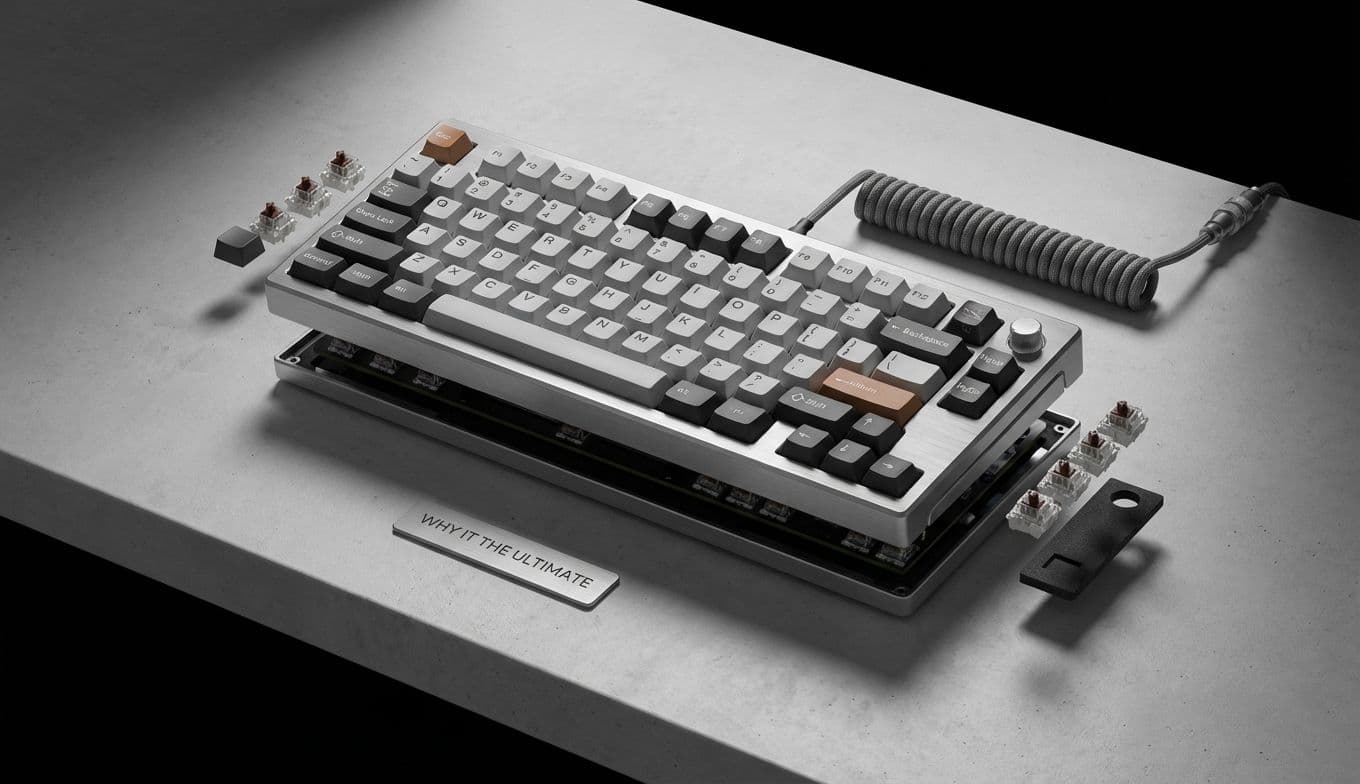
The Nape Pro isn't just a standalone tool; it’s part of a design language. To create the ultimate "end-game" desk setup, consider pairing it with one of Keychron’s mechanical keyboards, like the Q1 Pro or the K2 HE. Because they share the same CNC-machined aesthetic and high-quality finishes, the two devices look like they were carved from the same block of aluminum. For a developer or a writer, receiving a "Nape Pro and Q-Series" combo is like receiving the keys to a high-performance sports car for their fingers. It’s a cohesive, professional look that turns a messy desk into a curated workstation.

Crossing the Learning Curve

I won't lie to you: if you’ve spent twenty years using a mouse, your first hour with the Nape Pro will feel a bit like learning to write with your non-dominant hand. Your brain will want to slide the whole device across the desk. You will find yourself reaching for a ghost mouse that isn't there.

However, the beauty of the Nape Pro’s central positioning is that it actually makes the transition easier. Because the movement mimics the "touchpad" experience most of us have from laptops, the muscle memory is already partially there. Within a day or two, the lateral reaching starts to feel like a chore you’re glad to be rid of.

Final Verdict: A New Standard for the Desktop

Keychron has done something impressive here. They took a product category that was arguably stagnating and injected it with a fresh perspective centered on human ergonomics. The Nape Pro isn't just for the people who already love trackballs; it’s for the millions of us who have accepted wrist pain and shoulder strain as a necessary cost of doing business on a computer.

By focusing on a slender, front-and-center design, adding professional-grade customization, and ensuring the battery life can keep up with a heavy workload, Keychron has created the perfect entry point for the curious. If you are ready to stop reaching and start working more efficiently, the Nape Pro isn't just a peripheral—it's an upgrade to your entire workday. Even for a lifelong mouse user like me, the switch doesn't just feel smart; it feels inevitable.

#ergonomic trackball#front-of-keyboard mouse#trackball vs mouse#Keychron Nape Pro review#central pointing device