Google Play's VPN Badge: Why 'Independent Security Review' Doesn't Mean Private
Team GimmieWhy You Should Be Skeptical of Google Play’s VPN Verified Badge
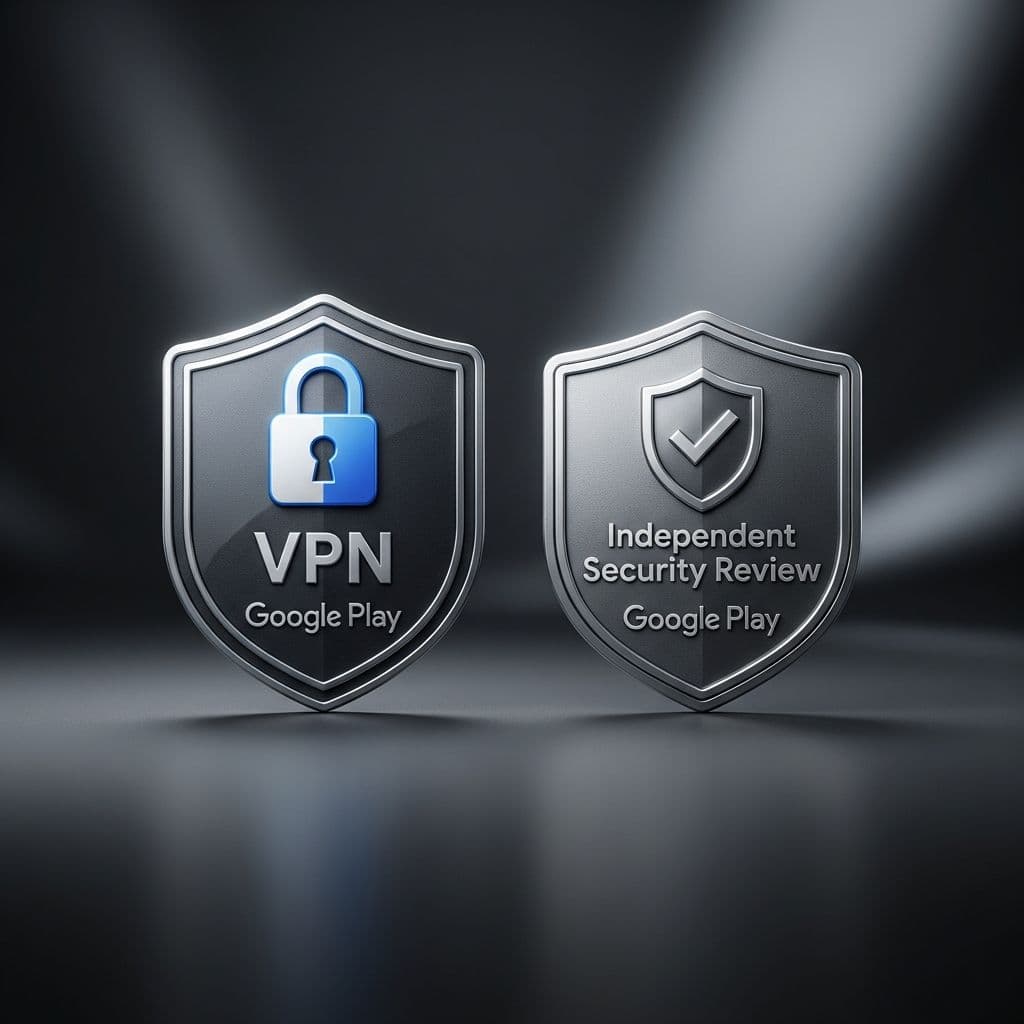
If you have spent any time browsing the Google Play Store lately looking for a way to protect your digital life, you have likely seen it: a small, reassuring shield icon labeled Independent Security Review. For the average person—especially someone shopping for a gift to keep a family member safe online—that little badge feels like a gold star from a teacher. It’s a visual shorthand that says, This one is safe. You can trust it.
But in the world of cybersecurity, there is a massive difference between a secure app and a private service. While that badge isn’t a lie, it is a very specific kind of truth that leaves out the most important details. If you are relying on that icon to choose a VPN, you might be accidentally handing your loved one’s data to the very people they are trying to hide from. It’s time to look past the badge and understand what is actually happening behind the curtain.
The MASA Standard: What the Badge Actually Measures
To understand why the badge is limited, we have to look at what it actually tests. The verification comes from a framework called MASA, which stands for Mobile App Security Assessment. This sounds impressive, and in many ways, it is. It is a set of rigorous standards designed to ensure that an app is built with professional coding hygiene.
Think of the MASA badge like a safety rating for a physical safe. The rating tells you that the hinges won’t snap, the combination lock is hard to pick, and the steel is thick enough to resist a drill. These are foundational security measures. In the context of a VPN app, MASA checks for things like:
- Data Storage: Is the app storing your password in a way that other apps on your phone could steal?
- Cryptography: Is the app using modern encryption or outdated, broken math?
- Network Security: Does the app communicate with its own servers securely?
These are all good things. You absolutely want a VPN that passes these tests. However, MASA only looks at the app itself—the software living on your phone. It doesn't look at the company’s business model, their server infrastructure, or what they do with your data once it leaves your device. A VPN can be the most secure app in the world and still be a privacy nightmare.

Security vs. Privacy: A Vital Distinction
The biggest mistake consumers make is using the words security and privacy interchangeably. In the VPN industry, they are two completely different things. To help you distinguish between them when shopping, consider this breakdown:
SECURITY (The MASA Badge Covers This)
- Coding Hygiene: The app is free from common bugs and vulnerabilities.
- Local Protection: Your login credentials and personal data are safe on your device.
- Resistance to Hacking: It is difficult for a third party to break into the app itself.
PRIVACY (The MASA Badge IGNORES This)
- Logging Policies: Does the company record every website you visit?
- Data Monetization: Does the company sell your browsing habits to advertisers?
- Jurisdictional Reach: Can a government force the company to hand over your history?
- Server Integrity: Are the remote servers you connect to actually secure and private?
In short, security is about the lock on the door. Privacy is about whether the landlord has a hidden camera inside the apartment. Google’s badge tells you the lock is solid, but it says absolutely nothing about the cameras.
The Gift-Giver’s Dilemma: How to Vet a VPN for Others
If you are buying a VPN subscription as a gift for a parent, a sibling, or a non-tech-savvy friend, you carry a heavy responsibility. They aren't going to check the settings or read the fine print; they are going to trust your recommendation. You cannot let a shiny badge be your only criteria.
When you are vetting a VPN for someone else, you need to look for two things that the Google Play Store won’t tell you: independent audits and jurisdiction.
First, look for a No-Logs Audit. This is a report from a third-party firm like Deloitte or PwC that physically inspects the VPN’s servers to see if they are actually keeping records of user activity. If a company claims they don't keep logs but hasn't had a recent audit to prove it, you should be skeptical.
Second, check the jurisdiction. Where is the company legally based? If they are headquartered in a country with aggressive surveillance laws or a history of forcing companies to install backdoors, it doesn't matter how secure their app code is. You want a VPN based in a privacy-friendly region where they aren’t legally obligated to be a spy for the government.
Three Questions to Ask Any VPN Provider
Before you click buy or tell a family member to hit download, take five minutes to look at the VPN’s website. Ignore the marketing fluff about lightning-fast speeds and look for the answers to these three questions:
-
When was your last independent privacy audit? If it was more than two years ago—or if they’ve never had one—keep moving. Real privacy requires constant verification, not just a one-time promise.
-
Where is your headquarters located? Look for companies based in places like Panama, Switzerland, or the British Virgin Islands. Be wary of companies that hide their physical location or use a shell company in a known surveillance-heavy country.
-
How do you make money? If a VPN is free, you are the product. They are paying for those servers by selling your data. Even if a VPN is paid, look to see if they are owned by a larger advertising or data conglomerate. You want a company whose only incentive is to keep you anonymous.
The Verdict: Don’t Let the Badge Lead You Astray
Google’s verified badge is a step in the right direction for the Play Store. It has successfully weeded out some of the most egregious, bottom-of-the-barrel apps that were essentially malware in disguise. But for a VPN, basic security is only the entry fee—it isn’t the whole game.
When you are shopping for a tool that is supposed to protect your identity and your digital footprint, you have to be a little bit cynical. Use the badge as a starting point, sure. If a VPN doesn’t even have the MASA verification, you probably shouldn't touch it. But don't let that little checkmark be the end of your research.
True digital safety for you and your loved ones doesn't come from a badge on an app store. It comes from choosing companies that are transparent about their servers, honest about their logs, and located in places that value privacy as much as you do. Don’t just buy the lock; make sure the landlord isn’t watching.