Gmail AI Inbox Hands-On: Revolutionizing Email or Just Hype?
Hands-on review of the new Gmail AI Inbox. Discover how it acts as a chief of staff for your email, its current limitations, and the best AI alternatives available today.

By Team Gimmie
Updated August 27, 2026
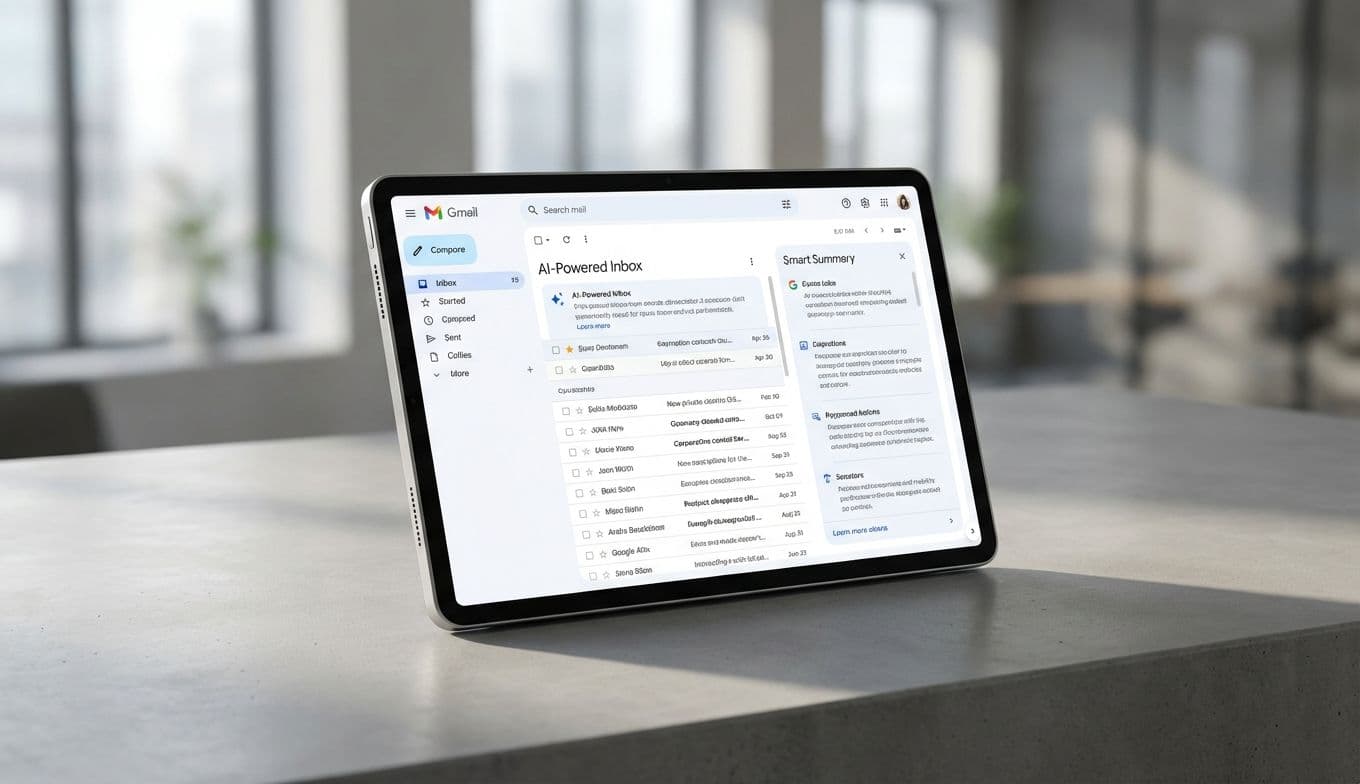
The Taming of the Inbox: A New Era for Your Digital Life
As a product reviewer, I’ve seen my fair share of revolutionary promises. Most of them end up being little more than a slightly faster way to do something we were already doing well enough. So, when I first heard that Google was reinventing the Gmail experience with an AI Inbox, my inner skeptic immediately went on the defensive. We’ve had tabs, we’ve had labels, and we’ve had Priority Inbox. Was this just another layer of digital paint on a crumbling wall of unread messages?
After spending some real time inside the early Trusted Tester version of this new interface, I’ve realized it isn't just a UI refresh. It is an attempt to fundamentally change the relationship we have with our communication. Instead of the relentless, chronological conveyor belt of every newsletter, receipt, and meeting invite, Google’s AI is trying to act as a chief of staff. It wants to sift through the noise and present you with what actually matters. Whether it succeeds depends entirely on how much you’re willing to trust an algorithm with your most precious resource: your time.
The Highs and Lows: A Trusted Tester's Diary
To understand if this works, you have to look past the marketing. In my testing, the AI showed flashes of genuine brilliance, but it also had moments of profound confusion. This is the reality of early-stage AI—it is remarkably smart until it is remarkably stupid.
Let’s look at a win. Last week, I was helping organize a multi-family camping trip. Over the course of three days, my inbox was flooded with twenty-four emails regarding campsite reservations, gear lists, food allergies, and carpool logistics. In a traditional inbox, these would have been scattered between work emails and Amazon shipping notifications. The AI Inbox, however, recognized the pattern. It didn’t just group them; it created a dedicated Topic called Camping Trip Logistics. Even better, it surfaced a single bullet point at the top: Action Required: Send deposit by Friday. It had scanned a long-winded email from a friend and pulled out the one detail that actually required my attention. That is the gift of time in its purest form.
However, the technology is still learning the nuances of human urgency. A few days later, I received an email from a potential client with the subject line: Quick question about your availability. It was a time-sensitive inquiry that could have led to a major contract. Because the email didn’t contain words like urgent or deadline, the AI tucked it away into a general Professional Inquiries topic. It didn’t flag it as an action item. If I hadn’t been manually checking, I might have missed a window of opportunity. This is the danger of the curated view—it assumes the AI knows your priorities as well as you do. Right now, it doesn’t.