Galaxy S26 AirDrop Support: Quick Share Cross-Platform Guide
Team GimmieSamsung Galaxy S26: The Practical Bridge for a Multi-Platform World
For years, the mobile landscape has been defined by a digital divide—a gap separating the Apple ecosystem from the Android world. Sharing a high-resolution video between an iPhone and a Samsung Galaxy has historically been a lesson in frustration. It usually involved a clunky series of workarounds, from uploading to cloud storage links to sending compressed, grainy clips via messaging apps. AirDrop, Apple's proprietary file-sharing technology, has long been the gold standard for its users, offering a seamless way to beam content between iPhones, iPads, and Macs.
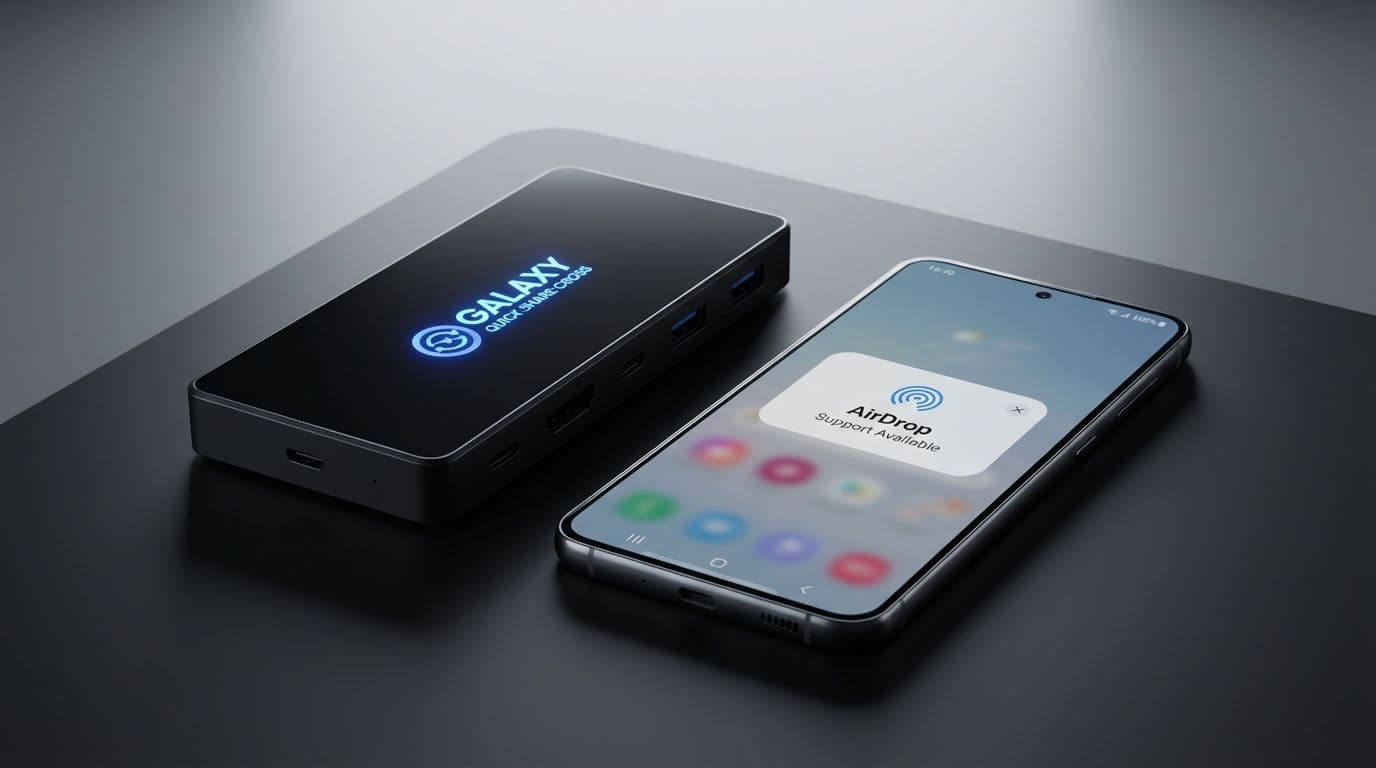
Samsung is now addressing this friction directly. With the release of the Galaxy S26 series, the company is integrating native AirDrop support into its existing Quick Share feature. This isn’t just a minor software tweak; it is a practical evolution in how we use our devices, acknowledging that most of us live in a world where tech brands often overlap.
As a reviewer who has tested dozens of flagship phones, I’ve seen many "innovations" that are little more than marketing fluff. This update is different. It addresses a genuine pain point for anyone who navigates both Android and Apple environments on a daily basis.
A Controlled and Focused Rollout
Samsung has already begun the rollout of this enhanced Quick Share feature in Korea, with US users expected to receive the update later this week. The initial phase focuses exclusively on the new Galaxy S26, S26 Plus, and S26 Ultra. While Samsung plans to expand this capability to more regions—including Europe, Southeast Asia, and Latin America—and older Galaxy devices eventually, the S26 is currently the lead vehicle for this cross-platform compatibility.
In practical terms, this change simplifies social and professional interactions. Imagine you are at a family gathering and a relative with an iPhone captures a great group photo. Instead of the typical "I'll email it to you later" (which rarely happens) or a low-quality text message, they can now beam that high-resolution file directly to your Galaxy S26. This is about removing the technological "tax" often associated with choosing a different operating system than your peers or family members.

A Technical Reality Check
While this is a significant step forward, it is important to understand the mechanics and the limitations. This is not a "hack" or a reverse-engineered solution; it is a native integration within Quick Share. Samsung is leveraging Wi-Fi Direct and Bluetooth LE to establish these connections, mirroring the underlying technology that makes AirDrop so efficient.
However, there are a few things to keep in mind:
Proximity is Key: Like standard AirDrop, this requires devices to be in physical proximity—usually within 30 feet. This isn't a long-distance transfer tool; it’s a "right here, right now" solution.
Authentication and Security: To prevent "spam" transfers from strangers, the feature maintains the same security protocols as standard Quick Share. You can set your visibility to contacts only or everyone for a limited time, and every incoming file requires a manual "Accept" on your end.
OS Requirements: While Samsung is making the S26 compatible, the recipient Apple device will likely need to be running a relatively modern version of iOS or macOS to ensure the handshake between the two different protocols remains stable.
The Ultimate Gift for the Android-Curious
From a gifting perspective, the Galaxy S26 has just become the "safest" Android phone on the market. We often see people hesitate to switch from an iPhone to a Galaxy because they fear losing connectivity with their "Apple-only" family and friends. The "social cost" of being the only Android user in a group chat or a photo-sharing circle is a real barrier.
By adding AirDrop support, Samsung has lowered that barrier. If you are buying a phone for a student, a spouse, or a parent who wants to try the S26's superior zoom lens or multitasking features but is worried about being "siloed" away from their iPhone-using circle, this feature provides a safety net. It allows them to enjoy the hardware they want without sacrificing the ease of sharing moments with the people they care about.
Who Benefits Most?
This update provides immediate utility for several specific types of users:
Multi-Platform Households: If your home is a mix of iPads and Galaxy phones, you can finally move files between them without using a middle-man app like Dropbox or Google Drive.
Content Creators and Professionals: Photographers and social media managers who often need to move assets between a Galaxy phone (for its camera) and a MacBook or iPad (for editing) will find the workflow significantly faster.
The "Safe" Gift Recipient: For anyone moving from an iPhone to their first Android device, this feature ensures they don't lose the ability to participate in the seamless file sharing they’ve grown accustomed to.
The Occasional Collaborator: Whether it is a student sharing a PDF with a classmate or a professional sending a presentation to a colleague, this removes the need to ask "What kind of phone do you have?" before trying to share a file.
A Shift Toward Integration
In an industry that often thrives on "walled gardens," Samsung’s move feels like a rare win for the consumer. It’s an acknowledgment that the best technology shouldn’t force you to choose a side; it should work for you regardless of the logo on your other devices.
The Galaxy S26 series, by leading this charge, positions itself as a more integrated hub for a modern digital life. It’s not just about faster processors or more megapixels; it’s about reducing the small daily frictions that make technology feel like a chore.
If you are looking for a high-end smartphone that offers the best of the Android world without cutting you off from your Apple-using network, the Galaxy S26 is now the clear frontrunner. It is a powerful, thoughtful device that understands our tech lives are rarely lived in just one ecosystem.