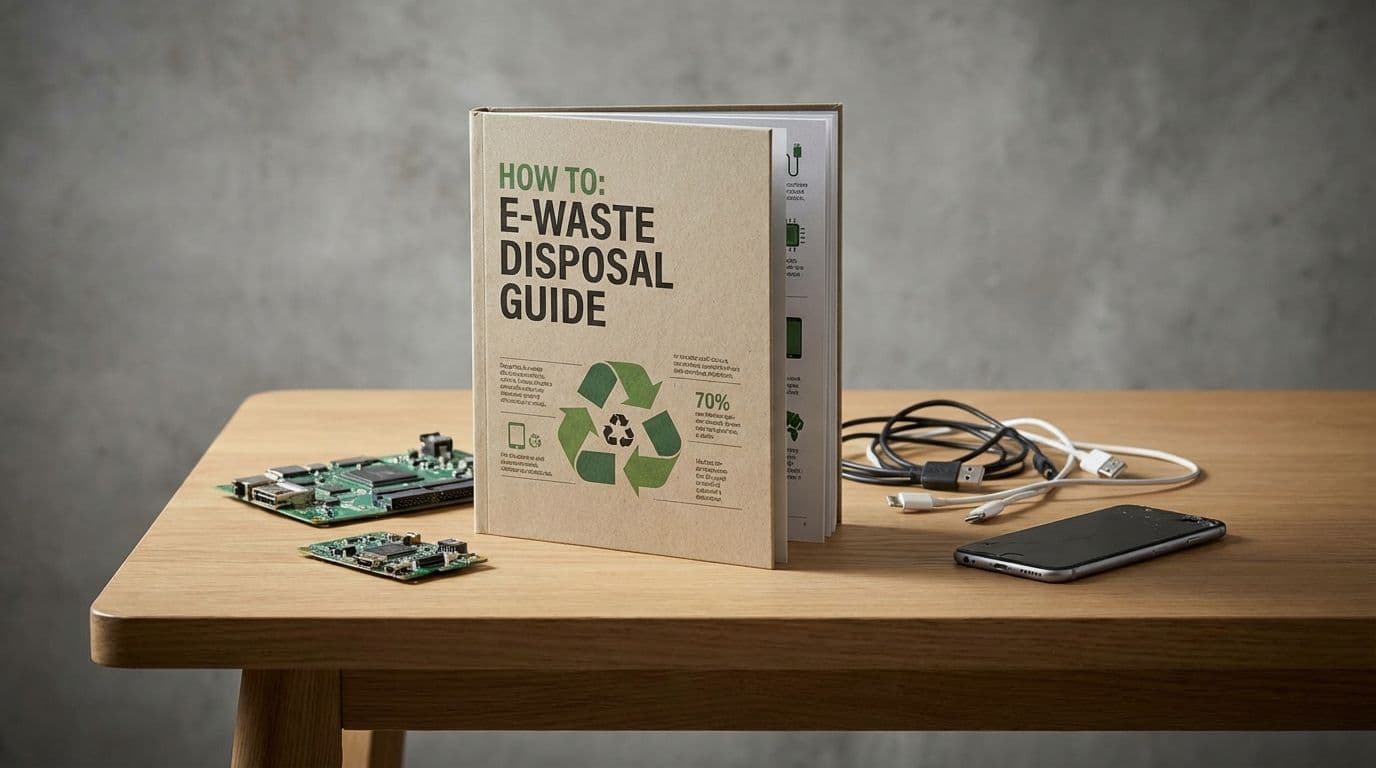
E-Waste Disposal Guide 2026: How to Recycle Old Electronics

E-Waste Disposal Guide 2026: How to Recycle Old Electronics

Team GimmieTeam Gimmie
Published on March 10, 2026

The Great 2026 Tech Purge: How to Finally Clear Your E-Waste Drawer

We have all been there. It is that one drawer in the kitchen, or perhaps a box in the back of the closet, overflowing with the ghosts of technology past. Old smartphones with spiderwebbed screens, tangled nests of proprietary chargers, and defunct tablets that haven't seen a power outlet since 2019. It is the electronic equivalent of a haunted house, but this clutter has a much darker side: e-waste.

As we move through 2026, the problem has reached a fever pitch. With the global transition to USB-C now fully cemented, millions of us are sitting on a mountain of obsolete Lightning cables and legacy power bricks that simply have no place in our modern ecosystem. Tossing them in the kitchen trash is not just a missed opportunity—it is an environmental disaster. Electronics contain heavy metals like lead, mercury, and cadmium that can leach into groundwater if left in a landfill. However, those same devices are also literal gold mines, containing precious metals like silver, palladium, and copper that are much cleaner to recycle than they are to mine from the earth.

If you are ready to reclaim your space and protect the planet, here is exactly how to handle your tech graveyard this year.

The 2026 Reality Check: The USB-C Transition

The biggest contributor to e-waste right now is the "cable transition." Since the universal adoption of USB-C across virtually all mobile devices and laptops, the billions of legacy cables produced over the last decade have become instant clutter.

Do not just throw these in the bin. While they seem small, the sheer volume of copper and plastic in these cables is massive. Most local "Big Box" retailers, specifically Best Buy, have expanded their kiosks to handle these smaller items. You can typically walk in and drop off a handful of cables and wall adapters without even talking to a staff member. It is the easiest way to ensure those materials get back into the manufacturing loop rather than sitting in the dirt for the next thousand years.

Where to Send Your Old Gear

When you are dealing with larger items like laptops, monitors, or old gaming consoles, you need a more formal plan. Here are the three most reliable paths for 2026:

  1. Manufacturer and Retailer Take-Back Programs This remains the gold standard for convenience. Apple Trade In has become even more streamlined, often offering immediate digital credit that you can use for your next upgrade or a service subscription. Best Buy continues to be the most versatile player here, accepting almost any brand of electronics for recycling. Even if your device is worth zero dollars, they will ensure it is stripped down and recycled properly.

  2. Certified E-Waste Recyclers If you have a large haul or business-grade equipment, look for recyclers with R2 (Responsible Recycling) or e-Stewards certifications. These certifications are the only way to guarantee that your old tech isn't being shipped to a developing nation where it might be burned in open pits. Websites like Call2Recycle are fantastic resources for finding local drop-off points for batteries and cell phones near you.

  3. The "Small Tech" Callout: Batteries and Adapters Never, ever toss loose batteries—especially lithium-ion ones from old phones or power banks—into your regular recycling or trash. They are a significant fire hazard in garbage trucks and processing centers. Most hardware stores like Home Depot or Lowe’s offer dedicated battery recycling bins near the entrance. If it glows, stays charged, or connects to a wall, it needs a special bin.

Your Data Security Checklist

Before a single device leaves your house, you must ensure your digital life isn't going with it. A simple "delete" of your photos isn't enough. Use this quick-reference guide to secure your gear:

For Smartphones and Tablets: First, sign out of your Apple ID, iCloud, or Google Account. Then, perform a Factory Reset from the settings menu. If your phone has a physical SIM card or a microSD card, remove them physically and destroy them if they are no longer active.

For Windows Laptops: Navigate to Settings, then Update and Security, then Recovery. Choose Reset this PC and select the option to Remove everything. Crucially, make sure you toggle on the Data Erasure setting, which overwrites the drive so data cannot be recovered.

For MacBooks: For newer Macs, use the Erase All Content and Settings option in System Settings. For older Intel-based Macs, you may need to boot into Recovery Mode and use Disk Utility to erase the hard drive completely before reinstalling a clean version of macOS.

For Smart Home Devices: Do not forget your smart speakers, TVs, and even smart light bulbs. Most of these store your Wi-Fi credentials. Check the manufacturer’s app to find the "Remove Device" or "Factory Reset" option to clear your network history.

Sustainable Gifting: Buying Better in 2026

The most responsible way to handle e-waste is to prevent it from being created in the first place. When it is time to upgrade or buy a gift, consider the flourishing refurbished market. We have moved past the days when "used" meant "risky."

If you are looking for a phone or laptop, platforms like Back Market and Swappa have become incredibly reliable. They offer graded conditions (from Fair to Mint) and, more importantly, come with warranties that often rival original manufacturers. Gazelle is another excellent option for those who want a vetted, certified pre-owned device without the "new" price tag.

By choosing a high-quality refurbished device, you are effectively extending the life of a product that has already been manufactured, saving the massive energy costs required to build a new one from scratch.

The Bottom Line

Dealing with e-waste is not exactly a fun Saturday afternoon project, but it is a fundamental responsibility of living in a tech-driven world. By 2026, the infrastructure for recycling is better than it has ever been—it just requires us to take that extra step to the dedicated bin instead of the trash can.

So, take an hour this weekend to tackle that drawer. Clear out the old cables, wipe the old tablets, and get them to a place where they can do some good. Your home will feel lighter, and the planet will be better for it.