Epilogue GB Operator Review: Play Game Boy Cartridges on PC
Read our Epilogue GB Operator review: the $50 device that lets you play physical Game Boy cartridges on PC/Mac, backup saves, and detect fakes.

By Team Gimmie
Updated September 2, 2026
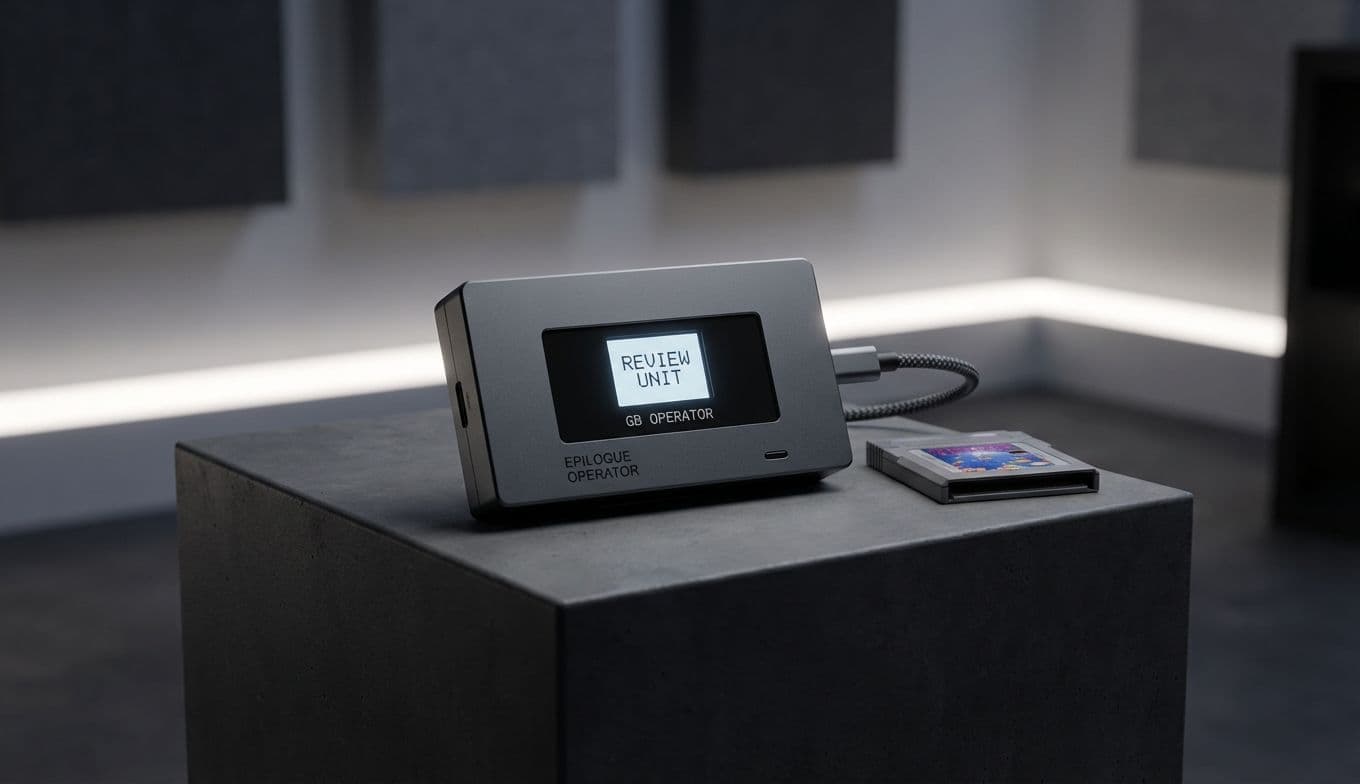
Your Childhood, Upgraded: The Epilogue GB Operator Review
There is a very specific sound that lives in the memory of anyone who grew up in the 90s or early 2000s: the satisfying, plastic click of a cartridge sliding into a Game Boy. Whether it was the original gray brick, the slim Color, or the folding Advance, that physical connection was the gateway to hundreds of hours of adventure.
But as time marches on, that gateway has become harder to open. Original hardware is aging. Screens are dimming, capacitors are leaking, and finding a pack of AA batteries feels like a scavenger hunt in a world of USB-C. Most of us have a shoebox or a drawer filled with those dusty, colorful relics—Pokemon, Zelda, Tetris—sitting idle because the friction of playing them has simply become too high.
Enter the Epilogue GB Operator. For about 50 dollars—roughly the cost of one modern AAA game—this tiny, transparent device acts as a bridge between your physical past and your digital present. It is, quite simply, the best way to play your original cartridges on a modern computer.
The Magic of Plug and Play
The GB Operator is a sleek, minimalist bit of hardware. It’s a small, clear rectangular box that plugs into your Windows or macOS laptop via USB-C. There are no complicated drivers to hunt down and no shady websites to visit for firmware. You simply download the Epilogue Play interface (the official companion software), slide in your cartridge, and the game launches on your screen.
It sounds simple because it is. But the simplicity hides some truly impressive engineering. Unlike a standard emulator that runs a digital file you downloaded from the internet, the GB Operator reads the data directly from the physical cartridge in real-time. It feels authentic because it is authentic. You aren't just playing a copy; you are playing your game.
The Round-Trip Save: The Ultimate Feature for Purists
One of the biggest frustrations for retro enthusiasts is the siloed nature of save files. If you play a game on an emulator, that progress stays on your computer. If you play on your original Game Boy, it stays on the cartridge.
The GB Operator solves this with what I call the Round-Trip save feature. The device allows you to backup your save file from the cartridge to your computer, play for a few hours on your laptop's high-resolution screen, and then—crucially—write that save file back to the physical cartridge.