Desk Cable Management Guide: Best Tools & Strategies to Hide Wires
Team GimmieBeyond the Rats Nest: A Strategic Guide to Mastering Desk Cable Management
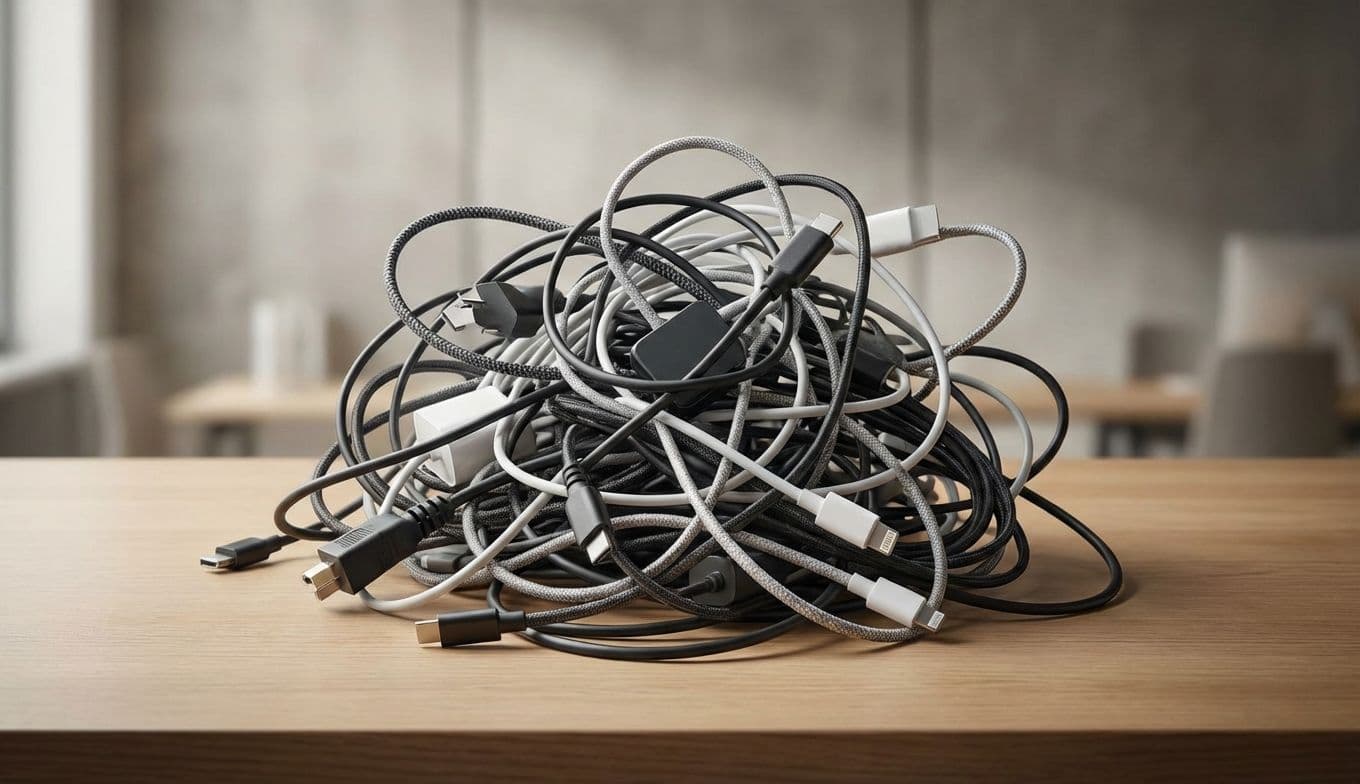
Let’s be honest: that tangled mess of wires snaking behind your monitor isn’t just an eyesore. It is a physical manifestation of digital stress. We have all experienced the spaghetti junction—that dusty, precarious web of charging cables, HDMI cords, and power bricks that seems to grow more complex every time we add a new peripheral. It’s a tripping hazard, a dust-collecting nightmare, and a genuine drain on workspace productivity.
As someone who has spent years testing every under-desk tray and cord wrap on the market, I can tell you that the path to a clean desk isn’t found in a single magic gadget. It requires a shift in strategy. Taming the cable beast isn’t about hiding the mess; it’s about creating a sustainable infrastructure that grows with your tech. Whether you are building a professional home office or looking for the perfect, practical gift for a tech-obsessed student, here is how to reclaim your desk from the chaos.
The Small Tools That Save Your Sanity
Effective cable management starts with the basics. Most people reach for plastic zip ties, but that is a rookie mistake. Once you cinch a plastic tie, it’s permanent until you bring out the scissors, risking a nicked cable in the process.
Instead, invest in VELCRO Brand One-Wrap ties. These are the gold standard for a reason. They are reusable, adjustable, and soft enough that they won’t crush delicate fiber-optic or high-speed data lines. You can usually find a roll of 100 pre-cut ties for under $12. They are the ultimate low-cost, high-impact tool for bundling the excess length of your monitor and power cables.
For the cables that need to stay on top of the desk—like your phone charger or laptop power cord—consider weighted cable blocks or adhesive clips. The Shuliancable Cable Clips, often priced under $10 for a multipack, use a simple 3M adhesive to keep your USB-C cables from sliding off the back of the desk the moment you unplug your device. It is a small convenience that prevents the daily ritual of crawling under the furniture to fish for a lost cord.
Invisible Infrastructure: Hiding the Heavy Lifting

The real battle is won or lost under the desk. This is where the power strips live, and where the bulk of your cable slack accumulates. To solve this, you need a dedicated housing unit.
If you have a standing desk or a thin tabletop, the SimpleCord J-Channel Cable Raceway is a game-changer. These are rigid PVC channels that adhere to the back or underside of your desk. Unlike enclosed tubes, the J-shape allows you to drop cables in or pull them out in seconds. A five-unit kit typically costs between $20 and $30 and provides enough coverage for even the most complex dual-monitor setups.
For those who prefer a cleaner, floor-based look, the Bluelounge CableBin is the premium choice. Retailing around $45 to $50, this isn't just a plastic box; it’s a flame-retardant, aesthetically pleasing cylinder that looks like high-end office furniture. You simply drop your entire power strip and all the messy bricks into the bin, lid it up, and let the cables exit through the side cable guides. It transforms a literal rat’s nest into a sleek, minimalist pillar.
Curated Gift Kits for Every Budget
If you are shopping for a WFH professional or a student, cable management is the gift they didn't know they needed but will use every single day. Here are two curated "kits" designed to solve specific problems.
The Minimalist Starter Pack (Under $25) This kit is perfect for someone who just needs to tidy up a laptop setup.
- One roll of VELCRO Brand One-Wrap ($12)
- A 6-pack of adhesive cable clips ($8) This combo allows them to bundle their power brick and keep their charging cables pinned to the desk edge, instantly elevating a kitchen table workspace.
The WFH Power User Bundle (Approximately $85) For the person with the triple-monitor setup and a mechanical keyboard.
- SimpleCord J-Channel Raceway Kit ($25)
- Bluelounge CableBox or CableBin ($45)
- Cable Matters Braided Cable Sleeves ($15) The braided sleeves are a professional touch. They allow you to group 4-5 cables into a single, flexible tube that looks like a custom-built umbilical cord for your PC. It’s the difference between a "home office" and a "command center."
Pro-Tip: The Binder Clip Hack
If you are looking for a zero-cost way to start organizing right now, look no further than your junk drawer. Large metal binder clips are the ultimate DIY cable catchers. Simply clip them to the edge of your desk and thread your charging cables through the silver metal loops. The plastic heads of the cables are too large to slip through the loops, keeping your cords perfectly staged and ready for use. It’s a classic office hack that provides immediate relief while you wait for your permanent solutions to arrive in the mail.
The Long-Term Strategy for a Clean Desk
The most sustainable way to manage cables is to reduce the number of them you actually need. When possible, opt for high-wattage multi-port chargers. A single Anker 737 Charger (usually around $70-$90) can replace three separate power bricks by providing enough juice to charge a MacBook, an iPad, and an iPhone simultaneously from a single wall outlet. Reducing the "source" of the clutter makes the "management" of the remaining cords significantly easier.
Furthermore, consider the physical path of your data. If you are upgrading your workspace, look for monitors with built-in USB hubs. This allows you to plug your keyboard, mouse, and webcam directly into the back of the screen, leaving only a single cable to run down to your computer.
The Ultimate Takeaway
Reclaiming your desk isn't about achieving a sterile, laboratory-perfect environment. It is about removing the friction from your workday. When you don't have to fight a sea of wires to plug in a thumb drive, or kick a power strip every time you move your feet, you can focus on the work that actually matters.
Whether you are starting small with a few velcro ties or overhauling your entire setup with under-desk raceways, remember that the best system is the one that stays out of your way. Invest in quality materials like those from Bluelounge or SimpleCord, and you won’t have to do the job twice. Your workspace should serve you, not the other way around. Give yourself, or someone else, the gift of a clear desk and a clear mind.