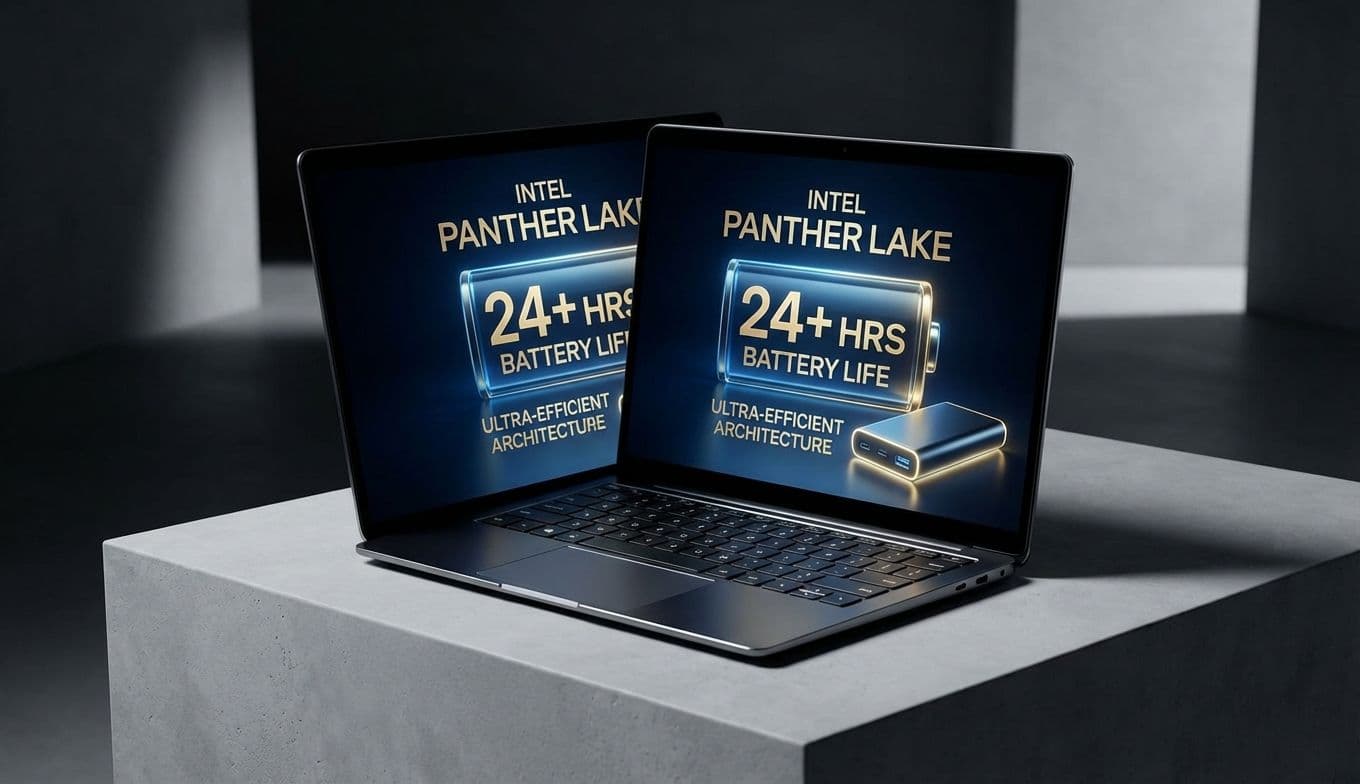
Dell XPS 16 Hits 27-Hour Battery Life with Intel Panther Lake
Team GimmieThe 27-Hour Laptop is Finally Here: How Intel and LG Just Changed the Game
Forget the shiny new objects from Apple or the ambitious promises from Qualcomm. If you are looking for the real breakthrough in laptop battery life this year, the credit actually belongs to a surprising duo: Intel and LG Display.
For years, we have been chasing the elusive all-day battery. While modern MacBooks and Snapdragon-powered Windows machines have gotten us closer than ever, a recent development suggests we have finally crossed a threshold into something truly revolutionary. We aren’t just talking about getting through a workday anymore; we are talking about leaving your charger at home for an entire weekend trip.
The Endurance Leaderboard: A New King
To understand why this is such a massive deal, we have to look at the numbers. Recent testing by Notebookcheck on a pre-production Dell XPS 16 equipped with Intel’s upcoming Panther Lake architecture and an LG VRR display yielded results that feel like a typo. This machine achieved a mind-boggling 27 hours of continuous web browsing on a 70 watt-hour battery.
To put that in perspective, let’s look at how the current industry leaders stack up in similar real-world browsing tests:
Dell XPS 16 (Panther Lake Refresh): 27 Hours MacBook Air M3 (13-inch): 15 Hours Surface Pro 11 (Snapdragon X Elite): 14 Hours MacBook Pro 16 (M3 Max): 18 Hours Previous Dell XPS 16 (Core Ultra Series 1): 11 Hours
This isn't just a marginal improvement; it is a nearly 100 percent jump over some of the most popular high-end laptops on the market today. It marks the first time an Intel-based machine has not only caught up to Apple Silicon in efficiency but has seemingly sprinted past it.
The Secret Sauce: 1Hz Displays and Smart Silicon
This leap in endurance boils down to two key innovations working in perfect harmony. First, we have Intel’s new Panther Lake processors. These chips, which represent the Core Ultra 300 series, are designed with a renewed focus on idle power consumption. They are built to deliver speed intelligently, drawing as little as 1.5 watts when the laptop is sitting idle.
The second—and arguably more impactful—piece of the puzzle is LG Display’s new variable refresh rate (VRR) technology. You are likely familiar with high refresh rates from your smartphone or gaming monitor, where the screen refreshes 120 times per second (120Hz) to keep motion smooth. However, most laptops maintain a high refresh rate even when you are just staring at a static PDF or a blank Word document.

LG’s new display can intelligently dial that refresh rate down to just 1Hz. Think about the energy savings: if you are reading an article, the screen only needs to redraw itself once every second instead of 60 or 120 times. When combined with the efficiency of Panther Lake, the power draw drops so significantly that the battery barely feels the strain.
The Shopper’s Cheat Sheet: What to Look For
If you are heading to a retail store or browsing online today, you won’t find these 27-hour machines on the shelves just yet. The Dell XPS 16 mentioned in these tests is an upcoming refresh, not the model currently available at your local Best Buy. To make sure you are getting this specific technology when it arrives, you need to know how to read the spec sheet.
Here is what to look for:
The Processor: Look for Intel Core Ultra 300 Series (Panther Lake). If the sticker says Series 1 or Series 2, it is the older architecture. The Display: Check for 1Hz-120Hz Variable Refresh Rate. Many laptops claim VRR, but most only go down to 24Hz or 48Hz. The 1Hz floor is the magic number for battery life. The Panel Type: Look for LG Display Tandem OLED or advanced Low-Power IPS panels specifically mentioning the 1Hz capability.
The 2026 Laptop Landscape: When Can You Buy It?
Managing expectations is key. While the test results are finalized, the retail rollout is still on the horizon. Intel’s Panther Lake chips are expected to begin appearing in flagship laptops in the latter half of 2025, with a massive wave of consumer availability hitting in early 2026.
The Dell XPS 16 refresh will likely be the flagship for this technology, but expect other premium manufacturers like Lenovo, HP, and ASUS to follow suit shortly after. If you are shopping for a graduation gift or a new work machine in the first quarter of 2026, these are the specs that will define that generation.
The Verdict: Buy Now or Wait?
So, should you pull the trigger on a new laptop today, or should you hold out for this 27-hour revolution?
For the Mobile Professional or Frequent Traveler: If your job involves constant travel or working from cafes where outlets are a rare commodity, you should wait. The jump from 12 hours to 27 hours is a life-changing upgrade for road warriors. It is the difference between worrying about your battery percentage every hour and forgetting where you put your charger.
For the Student or Casual User: If you need a laptop for the upcoming school year, the current MacBook Air M3 or the Snapdragon-based Surface laptops are still fantastic machines with great battery life. You probably shouldn't struggle through another year with a broken laptop just to wait for Panther Lake.
For the Tech Enthusiast: Wait. We are on the verge of the biggest shift in Windows laptop efficiency in a decade. Seeing Intel reclaim the crown from Apple in such a dramatic fashion is a rare occurrence, and the Panther Lake/LG combo is the hardware pairing that finally makes it happen.
While we should always maintain a healthy dose of skepticism regarding lab-tested numbers—real-world use with high brightness and heavy multitasking will likely bring that 27-hour figure down to a still-impressive 20 hours—the potential is undeniable. We are moving beyond simply adding bigger batteries; we are finally getting smarter about how we use the power we have. For the first time in a long time, the most exciting thing about a new laptop isn't how fast it is, but how long it stays awake.