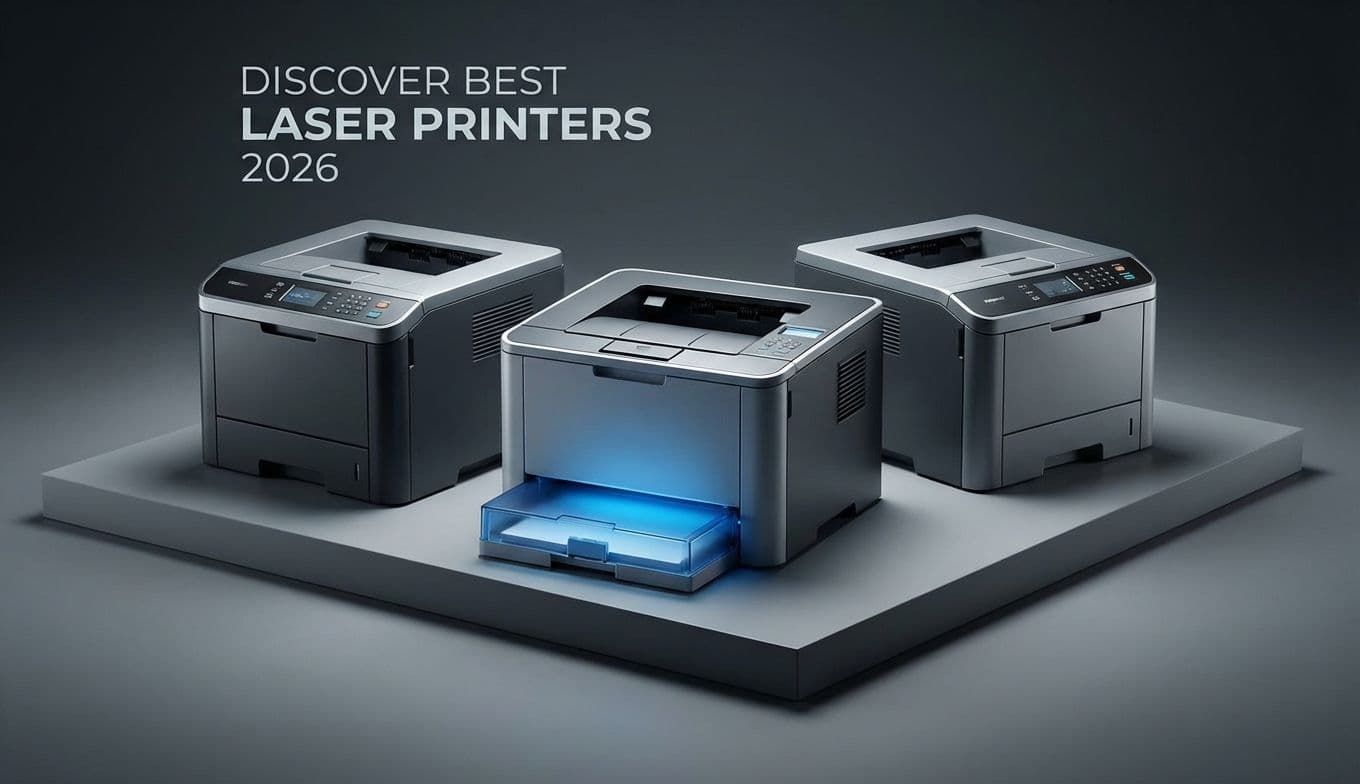
Best Laser Printers 2026: Top Models Tested & Reviewed

Best Laser Printers 2026: Top Models Tested & Reviewed

Team GimmieTeam Gimmie
Published on March 1, 2026

THE SUNDAY NIGHT SPRINT AND THE CASE FOR THE LASER PRINTER

It is 11:45 PM on a Sunday. You have a ten-page report due for a 9:00 AM meeting, or perhaps your child has a history project that absolutely must be physical paper by morning. You hit print on your trusty inkjet and wait. Instead of a crisp document, you get a series of agonizing mechanical groans followed by a page featuring ghostly, streaked lines and a Magenta Low warning. Because you haven't printed in three weeks, the ink nozzles have clogged, and the remaining liquid has practically turned to resin.

This is the exact moment most people swear off inkjets forever. I have been there, standing over a warm printer in the middle of the night, praying for one legible sentence. That is why, when people ask for my recommendation, I point them toward the boring, reliable, and incredibly efficient world of laser printers.

In 2026, the landscape has changed. These are no longer the beige behemoths that hummed in the corner of your accounting department. Today’s laser printers are sleek, smart, and increasingly sustainable. If you are looking for a tool that works every single time you need it—even if you only use it once a month—laser is the only way to go.

THE 2026 TECH SHIFT: WHY NOW IS THE TIME TO BUY

For a long time, laser printers were criticized for two things: their size and their environmental impact. However, the models hitting the shelves in 2026 have addressed these head-on. We are seeing a massive shift toward Wi-Fi 6E connectivity, which finally eliminates those annoying connection drops when you try to print from your phone in another room.

More importantly, the industry is finally moving toward sustainable toner solutions. Instead of tossing a massive plastic housing every time you run out of toner, several of the models I have tested this year now use high-capacity toner pouches or reload kits. These reduce plastic waste by up to 80 percent compared to traditional cartridges. When you combine this with the fact that laser toner is a dry powder—meaning it will never, ever dry out or clog your machine—the value proposition for the home user becomes undeniable.

SPECIFIC MODELS I HAVE PUT TO THE TEST

I have spent the last few months living with several machines to see how they handle real-world stress. Here are the three that actually lived up to the hype.

THE BUDGET WORKHORSE: BROTHER HL-L2350DW This is the machine I recommend to 90 percent of people. It is a monochrome (black and white) printer that does one thing exceptionally well: it prints text. It is fast, churning out 32 pages per minute. I found the setup to be refreshingly simple, and it tucks away easily on a shelf. Best For: Students and households that just need to print forms, essays, and shipping labels. Pros: Incredibly low cost per page; virtually indestructible. Cons: The small display screen looks like it belongs in 1998.

THE MODERN COMPACT: HP LASERJET M209DWE If space is your primary concern, this HP model is remarkably small. It looks more like a high-end speaker than a printer. The print quality is exceptionally sharp, and the HP Smart App is genuinely useful for scanning documents with your phone and sending them straight to the tray. Best For: Apartment dwellers and those who value aesthetics and mobile integration. Pros: Fast first-page-out time; sleek design. Cons: Requires a constant internet connection for the HP plus features (see my warning below).

THE HOME OFFICE POWERHOUSE: CANON IMAGECLASS MF264DW II If you need to scan, copy, and print, this is the all-in-one that earned a permanent spot in my office. Unlike many multi-function printers that feel flimsy, the Canon feels like a professional-grade machine. During my testing, the auto-document feeder never jammed, even with slightly crumpled pages. Best For: Small business owners and remote workers who deal with heavy paperwork. Pros: Exceptional scanning speed; high-capacity paper tray. Cons: It is significantly larger than the Brother or HP models.

A VITAL WARNING FOR GIFT GIVERS: THE SUBSCRIPTION TRAP

If you are planning to give a laser printer as a gift, you need to be very careful about the HP plus (HP+) ecosystem. You will notice many HP models end in the letter e, such as the M209dwe. This e signifies that the printer is part of a cloud-based system.

When you set up an HP plus printer, you are often required to maintain an active internet connection and agree to use only original HP toner for the life of the machine. In exchange, HP often provides a few months of their Instant Ink subscription for free.

While this is convenient for some, you are essentially gifting someone a recurring monthly bill. If the recipient is tech-savvy and wants the cheapest possible third-party toner down the road, they will be locked out. For those people, I strongly recommend sticking with a Brother model, which is much more relaxed about what kind of toner you slide into the machine.

QUICK COMPARISON: THE NUMBERS THAT MATTER

BROTHER HL-L2350DW Speed: 32 Pages Per Minute Estimated Toner Cost: 1.2 cents per page Dimensions: 14.2 x 14.0 x 7.2 inches

HP LASERJET M209DWE Speed: 30 Pages Per Minute Estimated Toner Cost: 2.1 cents per page (via subscription) Dimensions: 13.9 x 11.0 x 8.0 inches

CANON IMAGECLASS MF264DW II Speed: 30 Pages Per Minute Estimated Toner Cost: 1.5 cents per page Dimensions: 15.4 x 16.0 x 12.0 inches

THE VERDICT: IS IT A SMART GIFT?

A laser printer is the ultimate practical gift. It lacks the flash of a new tablet or the excitement of a gaming console, but it solves a universal human frustration. By choosing a laser printer, you are giving someone the gift of never having to run to a FedEx Office at midnight or deal with the heartbreak of a streaky resume ten minutes before an interview.

If you are buying for a student, go with the Brother. If you are buying for someone who works from home, the Canon all-in-one is a game-changer. Just keep an eye on those subscription requirements, and you will be providing a tool that will quietly and reliably serve them for years to come. In 2026, the best technology isn't always the one that does the most—it is the one that actually works when you need it most.