Best Laptops 2026: A Practical Buying Guide & Reviews
Looking for the best laptop in 2026? Cut through the AI hype with our practical buying guide. Discover top picks, RAM requirements, and expert tips. Read now!
The Laptop Buyer’s Manifesto: How to Choose a Machine That Actually Fits in 2026
Finding the right laptop in 2026 isn't about chasing the latest buzzwords; it's about matching a machine to your actual life. After a decade of wrestling with countless devices—from sleek ultrabooks that barely register a fingerprint to gaming rigs that could double as space heaters—I've learned a thing or two. Forget the spec sheet obsession. What truly matters is how a laptop feels in your hands, how it handles your everyday tasks, and whether it justifies the price tag. This isn't about recommending the best laptop in a vacuum; it’s about helping you find the best laptop for you.
By now, you’ve probably heard the term AI PC a thousand times. Every manufacturer has a sticker on the palm rest promising a revolution. But here is the secret: the most important part of a 2026 laptop isn't just the smart software; it's the physical experience of using the thing for eight hours a day.
BEYOND THE BUZZ: THE NEW BASICS OF 2026
Let’s cut through the marketing noise. When I’m handed a new laptop today, I’m not immediately poring over CPU benchmarks. I’m checking the keyboard feel—is it mushy, or does it have satisfying travel? How’s the trackpad? Does it use haptic feedback, or does it feel like a mechanical diving board from 2015? In 2026, haptic trackpads have finally become standard on mid-to-high-end machines, and once you use one, you can never go back to the clunky clickers of the past.
The screen is another big one. We’ve moved past the era where 1080p was acceptable. Today, if a screen isn't pushing at least 400 nits of brightness and a 120Hz refresh rate, it’s going to feel dated the moment you open a high-motion video or even just scroll through a long document. We look at these panels for a significant portion of our waking lives; settling for a dim, flickery display is a recipe for eye strain and regret.
Then there is the NPU, or Neural Processing Unit. By now, this is a non-negotiable buying criterion. You want a machine with at least 40 to 50 TOPS (Trillions of Operations Per Second). Why? Because it’s no longer just about chatbots. The NPU is what allows your laptop to blur your background in a video call, cancel out the sound of your dog barking, and extend your battery life by offloading background tasks from the main processor. It’s the invisible engine that makes a 2026 laptop feel smart rather than just fast.
About Team Gimmie
A small team of friends and colleagues working together to produce useful content to help you...gift better.
THE DAILY DRIVERS: RELIABILITY OVER EVERYTHING
For most people—the students, the remote workers, and the casual browsers—a good all-around performer is the sweet spot.
Apple’s MacBook Air (M5) remains the gold standard for this category. With the M5 chip, Apple has perfected the fanless design. It is silent, stays cool under pressure, and the battery life is still the metric by which all others are judged. It’s a purchase that lasts. If you buy an M5 Air today, you can reasonably expect it to be your primary computer in 2030.
If you are a Windows devotee, the Dell XPS 13 continues to lead the pack. The 2026 models have finally ironed out the experimental quirks of previous years, offering a near-bezel-less OLED display that is genuinely a joy to look at. For those who want something a bit more versatile, the Lenovo Yoga Slim 7i Aura Edition has become a personal favorite. It manages to feel premium without being precious, and its keyboard is arguably the best in the business right now.
THE 16GB RULE: THE BUDGET BUYER’S DILEMMA
I get it. Not everyone wants to drop fifteen hundred dollars on a laptop. The good news is that the budget end of the market has improved, but there is one trap you must avoid: the 8GB RAM ghost.
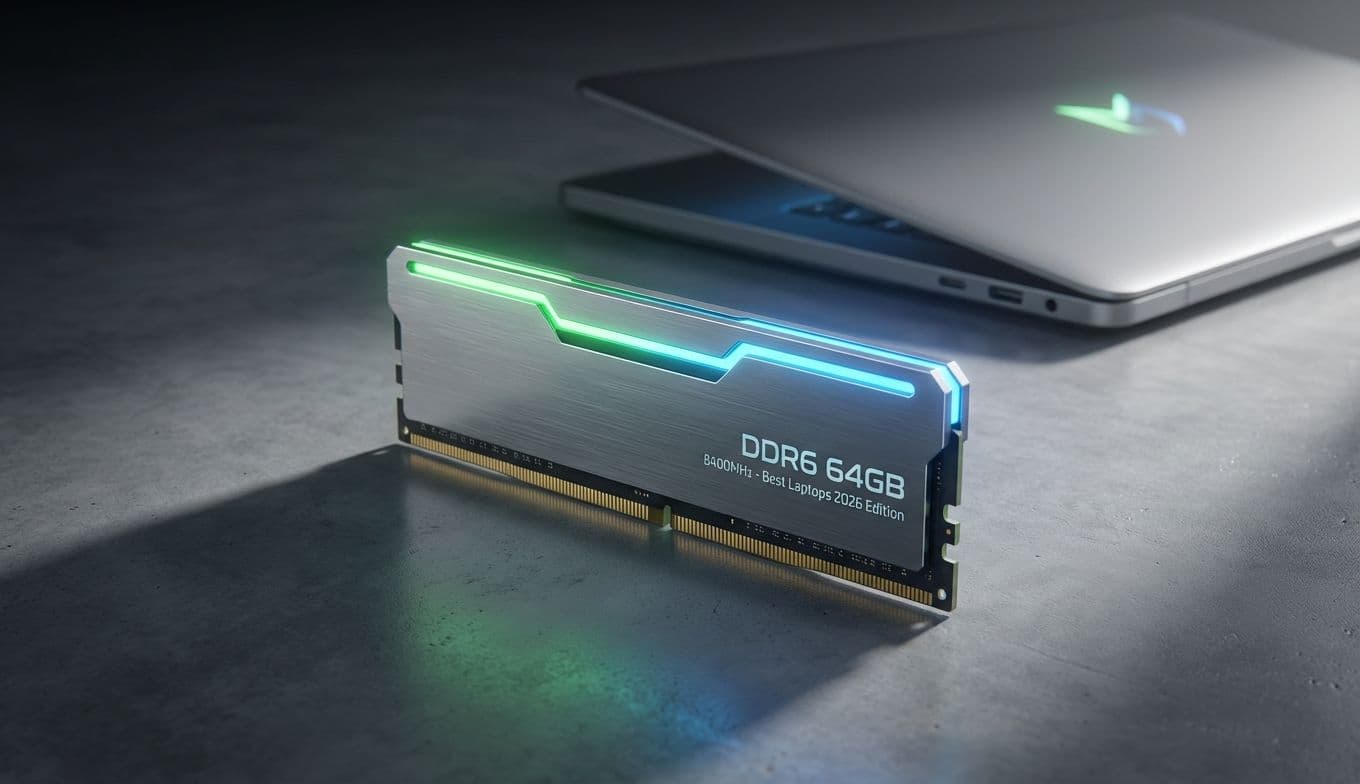
In 2026, 16GB of RAM is the absolute baseline. Modern operating systems and AI-integrated browsers will eat 8GB for breakfast and leave your laptop stuttering by lunch. If you see a deal for a laptop with 8GB of RAM, keep walking. It is a planned obsolescence trap.
Look for models like the Acer Aspire 6 or the Lenovo IdeaPad 5 Pro. These machines often retail between $600 and $800 and come equipped with Intel Core Ultra Series 2 or 3 processors and that mandatory 16GB of RAM. You might sacrifice a bit of chassis rigidity—you’ll feel more plastic than aluminum—but the internal components will keep you productive for years.
POWER USERS: CREATORS, GAMERS, AND HEAVY HITTERS
If you are a video editor, a 3D modeler, or a dedicated gamer, your needs are mechanical and thermal. You need horsepower, and you need a way to keep that horsepower from melting the motherboard.
For gaming, the ASUS ROG Strix G16 is a monster of a machine. Equipped with the latest NVIDIA RTX Laptop GPUs, it can handle AAA titles at ultra settings without breaking a sweat. Just remember the trade-off: these are essentially portable desktops. You’ll get about two hours of battery life while gaming, and the power brick weighs as much as a small book.
For the creative professional, the MacBook Pro (M5 Pro or M5 Max) is still the king of efficiency for video workflows. However, Windows workstations have made a massive comeback. Look at the Dell Precision or HP Envy lines equipped with professional-grade RTX GPUs. Note that we’ve moved past the Quadro branding of old; we’re now looking for RTX Ada Generation or high-end RTX 50-series laptop cards that use Studio Drivers for stability in apps like Premiere, Blender, and AutoCAD.
THE SECRET AGENT GUIDE TO GIFTING
Buying a laptop for someone else is a high-stakes gamble. You don’t want to spend a fortune on a gaming rig for someone who just wants to write their novel in a coffee shop. Here is my secret strategy for sussing out a recipient’s needs without ruining the surprise:
First, do a "Tab Audit." If you can catch them while they’re working, glance at their browser. Do they have fifty tabs open? If so, they need 32GB of RAM, not 16GB.
Second, check for "Key Shine." Look at their current laptop. Are the E, A, and S keys worn down and shiny? They’re likely a writer or a heavy gamer. Are there stickers covering the lid? They probably value a thin-and-light design they can carry to meetings or classes.
Third, the "Bathroom Break Tech Check." If they leave the room, quickly click the Start menu or the Apple icon and look at About This Mac or System Information. Check their storage. If their 512GB drive is 90% full, your gift needs a 1TB SSD. It’s a five-second reconnaissance mission that ensures you don’t buy them a "downgrade" by mistake.
THE FUTURE IS FLEXIBLE
Finally, we have to talk about the hybrids. The line between tablet and laptop is thinner than ever. The Microsoft Surface Pro 11 (and the newer iterations surfacing in 2026) is the poster child for this evolution. With the Pro 11, we finally have the battery efficiency to make a Windows tablet viable for a full work day. It’s the ultimate tool for note-takers, artists, and travelers. If you value being able to rip the keyboard off and watch a movie on a plane, this is your machine.
FINAL THOUGHTS
Choosing a laptop in 2026 is less about following trends and more about radical honesty. Don't be swayed by a high-definition marketing video or a salesperson shouting about "teraflops."
Prioritize the things you touch and see every single day: the keyboard, the screen, and the weight. Ensure you have the 16GB RAM floor and a decent NPU to keep the machine relevant as software becomes more AI-heavy. Whether you’re buying for yourself or someone else, remember that the most expensive laptop is the one that sits in a drawer because it’s too heavy to carry or too frustrating to use. Buy for your actual life, not the life the commercials say you should have.
Best Laptops 2026: A Practical Buying Guide & Reviews | Gimmie