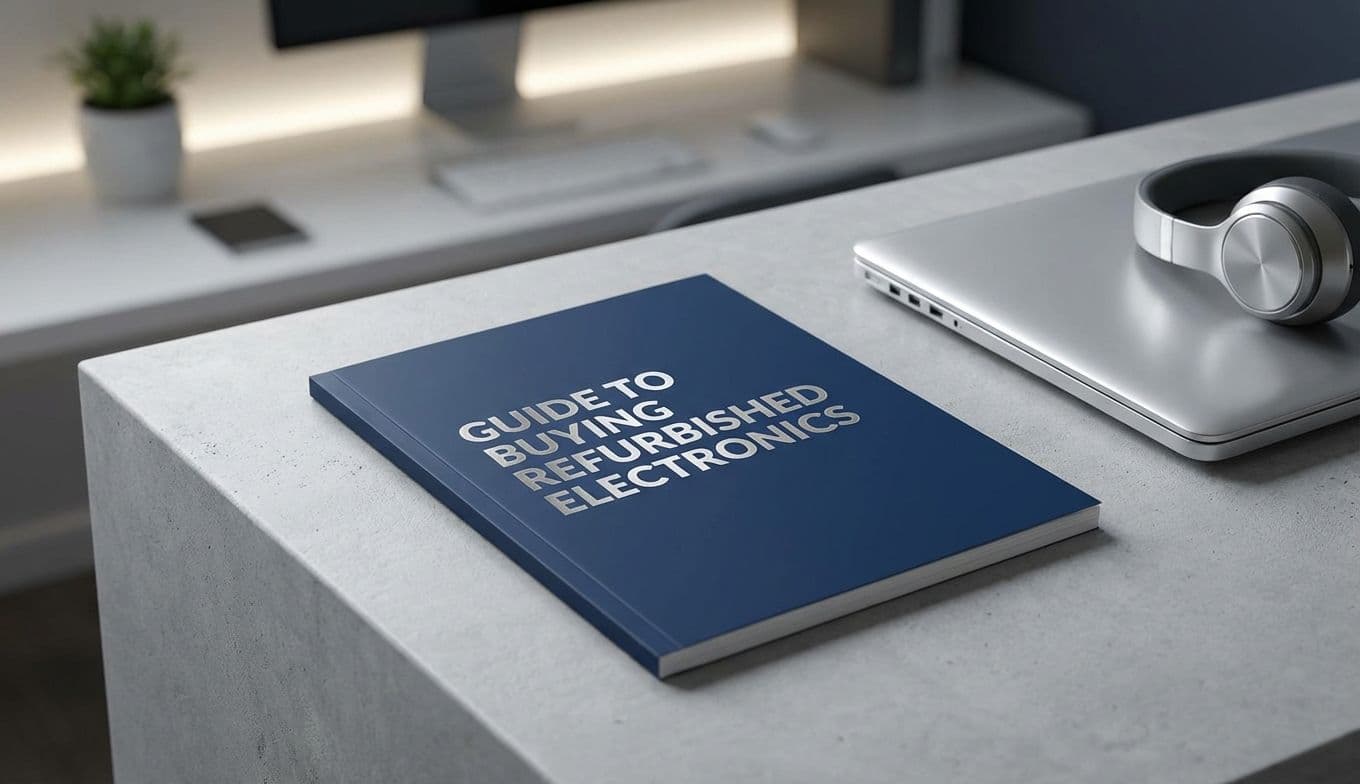
2026 Guide to Buying Refurbished Electronics & Tech
Team GimmieThe New Rules of Refurbished Tech: A 2026 Guide to Smarter Spending and Better Gifting
There was a time when giving someone a "used" gadget for their birthday was a social gamble. You’d hand over a slightly scuffed box, offer a sheepish apology about the price, and hope the battery didn't die before the cake was cut. But in 2026, the script has flipped. Buying refurbished isn’t just about being thrifty; it’s a mark of a conscious, tech-savvy consumer who knows that last year’s flagship is often better than this year’s mid-range filler.
As we navigate a world where electronic waste is a headline issue and hardware plateaus have made year-over-year upgrades less dramatic, the secondary market has become the primary destination for the smart money. Whether you are hunting for your next workhorse or looking for a meaningful gift that doesn’t cost the earth—literally or figuratively—here is how to master the refurbished market today.
The 2026 Sweet Spots: Where the Value Lives
Not every piece of tech ages gracefully. To get the most bang for your buck right now, you have to look for the "sweet spot" models—devices that were ahead of their time at launch and now sit at a perfect price-to-performance intersection.
In 2026, the undisputed champion of the refurbished market is the iPhone 15 Pro. Why? It was the bridge to USB-C and the first to truly lean into the current era of mobile processing power. You can snag one for nearly half its launch price, and it still outperforms most brand-new mid-tier phones hitting the shelves this year.
On the computing side, the M2 MacBook Air is the current "Value King." While the M3 and M4 models offer incremental gains, the M2 remains a silent, sleek powerhouse with a battery life that still puts modern PC competitors to shame. For students or remote workers, buying a certified refurbished M2 is the smartest financial move you can make this year.
Where to Shop: Beyond the Big Box Stores
While buying "Certified Refurbished" directly from Apple or Samsung remains the gold standard for quality and warranty (Apple’s one-year warranty on refurbished Macs is legendary), the landscape has expanded. To find the best deals, you need to know the specialized players.

Back Market has become the heavyweight of the industry by acting as a rigorous gatekeeper. They don’t just list products; they vet the refurbishers themselves, providing a transparent grading system (Fair, Good, Excellent) and a mandatory one-year warranty.
If you prefer a person-to-person touch with more protection than a random social media marketplace, Swappa is the way to go. It’s a tech-only marketplace where staff manually verify listings to prevent scams and ensure devices aren't blacklisted. For those looking for a quick, guaranteed purchase with a solid trade-in program, Gazelle remains a reliable staple for phones and tablets.
The 5-Minute In-Person Inspection Checklist
If you find yourself meeting a local seller for a deal that seems too good to pass up, do not let excitement cloud your judgment. Bring a charging cable, a power bank, and a pair of wired headphones. Run this five-minute gauntlet before handing over any digital cash:
- The Screen Stress Test: Turn the brightness to 100% on a white background to check for "burn-in" or yellowing. Then, check a black background for "stuck" pixels that stay bright.
- Port Integrity: Plug in your charger. Does it wiggle? Does it disconnect if you move the phone? Do the same with the headphone jack if it has one.
- The Speaker Crank: Play a song with a bit of bass. If the speakers crackle or sound "tinny" at high volumes, the internal membranes might be blown.
- Battery Health Check: On iPhones, go to Settings > Battery > Battery Health. On Android or Laptops, use a third-party app like AccuBattery or CoconutBattery. Anything below 85% capacity means you’ll be looking for a replacement battery sooner rather than later.
- Connectivity: Toggle the Wi-Fi on and off, and try to connect to your phone’s hotspot. Check the Bluetooth by pairing your headphones. If these radios are wonky, the device is a paperweight.
Gifting Etiquette: How to Give Pre-Owned with Pride
Gifting refurbished electronics is officially "in," but the presentation matters. You want the recipient to feel like they are getting a premium tool, not someone else’s leftovers.
Transparency is your first rule. Never try to pass off a refurbished device as "brand new." Instead, frame it as a conscious choice. A simple note saying, "I found this certified refurbished iPhone 15 Pro—it has the same warranty as a new one but a much smaller carbon footprint," turns a gift into a statement of values.
Next, focus on the unboxing. If the device didn't come in its original packaging, don't just wrap it in bubble wrap. Buy a high-quality third-party box or a nice tech pouch. Ensure the device is meticulously cleaned—use a microfiber cloth and 70% isopropyl alcohol to remove every fingerprint and speck of dust. Finally, check the warranty. Many refurbished sellers allow you to transfer the protection plan. Print out the warranty details and include them in the box so the recipient has total peace of mind.
The Bigger Picture: A Win for the Planet
Beyond the hundreds of dollars saved, there is a profound environmental argument for the refurbished revolution. The most sustainable device is the one that has already been manufactured. By choosing a refurbished M2 MacBook Air over a new model, you are effectively "saving" the massive amount of water and raw minerals required to mine lithium and cobalt for a new battery.
In 2026, luxury is increasingly defined by longevity and responsibility. Buying refurbished allows you to own high-end engineering while opting out of the "disposable tech" cycle. It’s a rare scenario where your wallet, your recipient, and the planet all end up on the winning side. So, before you click "buy" on that brand-new, full-price gadget, check the refurbished listings. The gear you want is already out there, waiting for its second act.