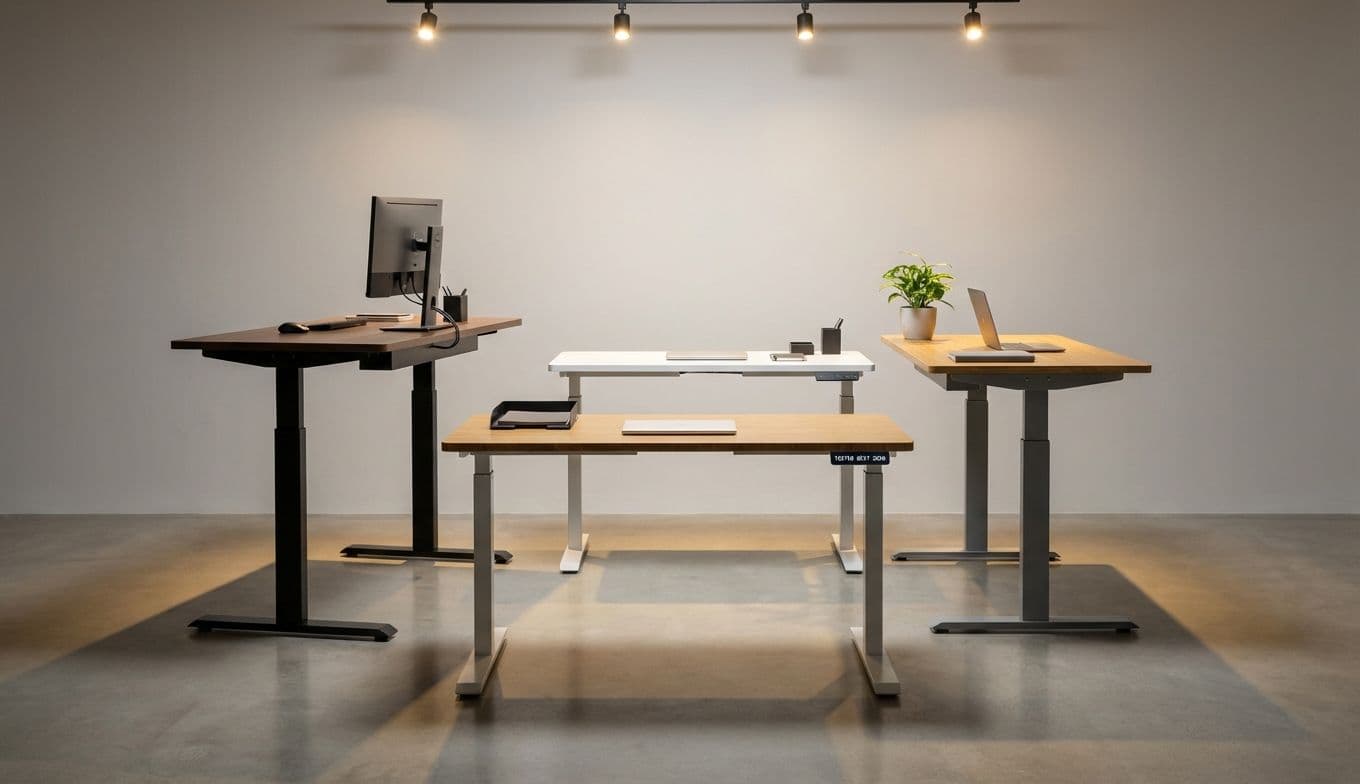
Discover the 12 best standing desks of 2026. From budget-friendly picks to premium smart desks, find the perfect ergonomic upgrade for your home office.
12 BEST STANDING DESKS OF 2026: TESTED, REVIEWED, AND FUTURE-PROOFED
The standing desk revolution has officially moved past the "fad" stage and into the realm of essential furniture. For years, we were told to sit less and move more, but the early hardware was often clunky, wobbly, and frankly, ugly. Fast forward to 2026, and the market has finally caught up to our hybrid-work reality. We aren't just looking for a table that moves; we’re looking for a productivity hub that integrates with our tech, supports our posture with AI precision, and looks good enough to live in our homes.
I have spent months testing the latest crop of desks, ranging from ultra-stable four-leg monsters to sleek, tech-heavy workstations. While the industry hype is louder than ever, the real winners of 2026 are those that offer seamless transitions, rock-solid stability, and features like integrated wireless charging and haptic posture feedback. Whether you are buying for yourself or looking for the ultimate well-being gift, here is the definitive guide to the best standing desks on the market today.
WHAT MATTERS IN 2026: BEYOND THE BASICS
Before we get into the picks, let’s talk about what defines a "great" desk today. Stability remains the foundation. If your monitors shake while you type, the desk has failed. However, 2026 has introduced a few new non-negotiables:
Advanced Collision Detection: Older desks would crush a chair arm or a trash can. New models use haptic and visual sensors to stop and reverse movement instantly.
Integrated Power: The best desks now feature built-in Qi2 wireless charging pads directly under the desktop surface and discreet USB-C PD ports.
Smart Health Syncing: We’re seeing desks that connect to your smartwatch, gently nudging you to stand based on your actual activity levels, not just a preset timer.
UPLIFT V2 COMMERCIAL
Best for: The Long-Haul Remote Professional
The Uplift V2 Commercial remains the gold standard for anyone who prioritizes stability above all else. Its heavy-duty crossbar and robust frame mean it stays rock-solid even at its maximum height of 48.7 inches. It’s a tank, but a highly customizable one, offering dozens of desktop materials from reclaimed wood to carbon fiber.
About Team Gimmie
A small team of friends and colleagues working together to produce useful content to help you...gift better.
Pros: Industry-leading stability; massive 15-year warranty; huge accessory ecosystem.
Cons: The crossbar can occasionally interfere with some under-desk CPU mounts.
FLEXISPOT E7 PLUS
Best for: The Budget-Conscious Power User
FlexiSpot has dominated the value market, and the E7 Plus is their crowning achievement. By utilizing a four-leg design at a mid-range price point, they’ve solved the "wobble" problem that usually plagues cheaper desks. It features a high weight capacity and a surprisingly quiet motor system.
Pros: Exceptional value for a four-leg frame; very quiet operation; high weight capacity.
Cons: The control panel feels a bit more "plastic" than premium competitors.
FULLY JARVIS L-SHAPED DESK
Best for: The High-Output Creative
If you need a command center, this is it. The L-shaped Jarvis provides enough surface area for multiple monitors, a drawing tablet, and a coffee station without feeling cramped. The 2026 refresh includes improved AI-driven posture reminders that learn your habits and suggest transitions.
Pros: Massive workspace; elegant design; smooth three-stage lifting columns.
Cons: Large footprint requires a dedicated room; assembly is a two-person job.
SECRETLAB MAGNUS PRO
Best for: The Cable Management Obsessive
The Magnus Pro is a marvel of engineering. It features a full-length cable management tray and a unique integrated power supply—meaning only one cable runs from the desk to the wall. For those who can’t stand a "spaghetti" mess of wires, this is the only choice.
Pros: Best-in-class cable management; built-in power strip; ultra-sleek steel finish.
Cons: Limited desktop material options (mostly metal with magnetic mats).
DESKHAUS APEX PRO
Best for: The Stability Purist
If you want a desk that feels like it’s bolted to the floor, the Apex Pro is the answer. It uses four motors—one in each leg—to provide unparalleled lifting power and zero lateral movement. It’s overkill for some, but for those with heavy setups (like custom water-cooled PCs), it’s the only desk that truly doesn't budge.
Pros: Virtually indestructible; four-motor system; American-made craftsmanship.
Cons: Very heavy; one of the more expensive options on the list.
BRANCH DUO
Best for: The City Apartment Dweller
Not everyone has a sprawling home office. The Branch Duo is designed specifically for small spaces. It has a compact footprint and a clean, minimalist aesthetic that doesn't scream "office furniture." The assembly is also one of the fastest in the industry, taking less than 20 minutes.
Pros: Beautiful, slim profile; very easy assembly; great color options for home decor.
Cons: Height range might be limiting for very tall users.
STEELCASE SOLO
Best for: The Minimalist Professional
Steelcase is a giant in office ergonomics, and the Solo is their "plug and play" masterpiece. It lacks the complex screens of other desks, instead using a simple "up/down" paddle. It features a unique 2026 collision sensor that uses acoustic tech to detect obstacles before it hits them.
Pros: Industrial-grade reliability; refined, simple aesthetics; advanced safety sensors.
Cons: Limited customization; lacks memory presets on the base model.
ERGONOFIS SWAY
Best for: The Eco-Conscious Executive
Crafted in Canada from solid local hardwoods, the Sway is arguably the most beautiful desk on this list. It feels like a piece of high-end furniture rather than a tech gadget. The touch-interface is embedded directly into the wood surface, maintaining a seamless, organic look.
Pros: Stunning solid wood tops; invisible tech integration; sustainable sourcing.
Cons: Very high price point; wood requires more care than laminate.
HERMAN MILLER RENEW
Best for: The Design-First CEO
Herman Miller’s Renew desk is about refinement. The motorized movement is so smooth you can leave a full cup of coffee on it without a ripple. It’s designed to look good from 360 degrees, making it perfect for desks that sit in the middle of a room rather than against a wall.
Pros: Peerless build quality; beautiful cable management "umbilical"; prestigious design.
Cons: Extremely expensive; weight capacity is lower than some industrial models.
VARI ELECTRIC STANDING DESK
Best for: The Non-Handy DIYer
If the thought of an Allen wrench gives you hives, buy a Vari. It arrives almost fully assembled. You can go from box to standing in about 10 minutes. The 2026 model includes a new 3D-laminate top that is incredibly resistant to scratches and spills.
Pros: Easiest assembly in the industry; very durable work surface; reliable shipping.
Cons: The design is a bit "corporate" and lacks a premium home feel.
FEZIBO S6 TRIPLE MOTOR
Best for: The Multi-Monitor Setup
For those running triple 32-inch monitors, you need width and weight capacity. The S6 offers a curved front that brings your side monitors into a more ergonomic peripheral view. The triple-motor system ensures that even a heavy load doesn't slow down the transition speed.
Pros: Ergonomic curved front; high-speed motors; built-in drawer for storage.
Cons: The multi-piece desktop has visible seams.
AUTONOMOUS SMARTDESK CONNECT
Best for: The Tech Enthusiast
This is the most "connected" desk on the list. It features a dedicated app that allows you to schedule your standing intervals, control the height from your phone, and even integrate with your smart home routines (like dimming the lights when you shift to "Focus Mode").
Pros: Great app integration; affordable tech features; solid warranty.
Cons: Requires a constant Wi-Fi connection for the best features.
MAKING THE TRANSITION WORK FOR YOU
Owning a standing desk is only half the battle; using it correctly is the other. The most common mistake is trying to stand for eight hours straight on day one. Think of it as a movement tool, not a standing tool. The goal is to change your posture every 45 to 60 minutes.
When you’re setting up your new desk—or gifting one to a loved one—remember to consider the accessories. An anti-fatigue mat is a must-have to protect your knees and lower back. Also, check the weight of your equipment. If you’re a "power user" with multiple monitors and a heavy PC tower, stick to the dual or quad-motor options like the Uplift or Deskhaus.
Ultimately, a standing desk in 2026 is an investment in your daily energy levels. It’s about that 3:00 PM moment when your brain starts to fog, and instead of reaching for a third coffee, you simply press a button, stand up, and reset your system. That physical shift is often the best productivity hack there is.
12 Best Standing Desks of 2026: Tested & Reviewed | Gimmie