Windows 11 Cross-Device Resume: The Ultimate Android Integration Guide
Team Gimmie
1/28/2026

The Digital Bridge: Why Windows 11 is Finally Getting Serious About Your Phone
We have all been there. You are halfway through a fascinating podcast on the train or deep into a research spiral on your phone during your lunch break. But the moment you sit down at your desk to actually get to work, that momentum vanishes. You have to unlock your PC, find the right tab, search for the podcast episode, and manually scrub to the thirty-minute mark. It is a small moment of digital friction, but it is one we encounter dozens of times a week.
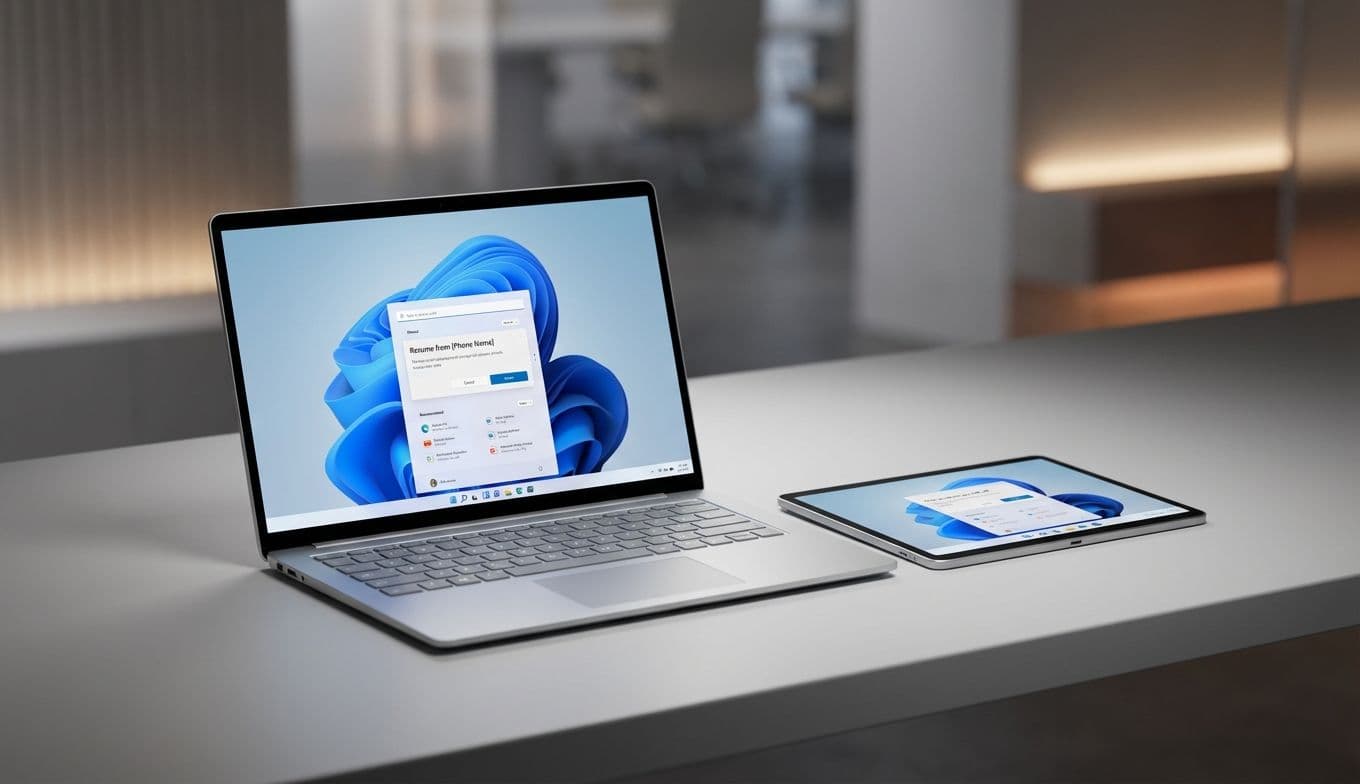
Microsoft is finally trying to sand down those rough edges. With the latest updates to Windows 11, the company is rolling out a feature called cross-device resume. The goal is simple: let you pick up exactly where you left off on your phone the moment you wake up your computer. While it sounds like a minor software tweak, it represents a massive shift in how Microsoft wants you to view your laptop—not as a standalone island, but as an extension of the device already in your pocket.
The Android Decision: A Tale of Two Ecosystems
Before you consider this a must-have feature for your next gift or personal upgrade, there is a massive caveat that needs to be addressed upfront. This is currently an Android-exclusive party.
If the person you are buying for is a die-hard iPhone user, this feature is essentially invisible. Apple famously keeps its ecosystem under lock and key, and while the Phone Link app on Windows has made some strides with iOS, it does not offer the deep, session-level integration seen here. However, for the millions of Android users who have long felt like second-class citizens in the world of seamless device hand-offs, this is a major win.
By focusing on Android, Microsoft is building a bridge for the demographic that has been left out of the Apple-to-Mac Continuity loop. It transforms a Windows laptop from a tool you use occasionally into a partner for your smartphone. If you are shopping for someone who uses a Samsung Galaxy, a Google Pixel, or any other modern Android device, a Windows 11 machine just became a significantly more attractive gift.
What Seamless Actually Looks Like
The cross-device resume feature is not just about seeing your phone notifications on your desktop. It is about active sessions. Here is how this actually plays out in a normal day:

The Morning Commute Hand-off: You are listening to a Spotify playlist or a specific podcast episode on your phone. When you open your laptop at the office, a prompt appears allowing you to resume that exact audio stream on your PC speakers without missing a beat.
The Mobile-to-Desk Workflow: You start drafting a quick thought in Word or Excel on your phone while waiting for coffee. When you get back to your desk, the document is right there, waiting for you to finish the thought on a full-sized keyboard.
The Browsing Transition: We have all found a great article on social media only to realize it is too long to read on a small screen. With this update, those browser sessions can be jumped over to your PC instantly.
This functionality has been refined in the Windows Release Preview channel and is now hitting the broader public. It is a subtle layer of polish that makes the entire computing experience feel more modern and less fragmented.
Pro Tip: The Best Laptops for the Connected Lifestyle
If you are looking to maximize this "always-connected" feeling, not all hardware is created equal. To get the best experience out of Windows 11 and its mobile integration, you want hardware that wakes up instantly and handles background syncing efficiently.
The Surface Pro 11 and the Surface Laptop 7 are the gold standards here. Specifically, the models equipped with the new Snapdragon X Elite chips are designed for this mobile-first world. They offer the kind of instant-on performance and long battery life that makes picking up a phone session feel natural. If you are buying a gift for a professional who is constantly on the move, these are the machines that showcase Microsoft’s vision most clearly.
The Gift-Giver’s Checklist: Before You Buy
Because this feature is so specific to the user’s other devices, it is not a "one size fits all" selling point. Before you pull the trigger on a new Windows 11 laptop based on these features, run through this quick checklist:
- Check the Phone: Does the recipient use an Android phone? If they use an iPhone, they will not be able to use the cross-device resume features.
- Verify the Apps: Does the recipient use the Microsoft 365 suite (Word, Excel, PowerPoint) and Spotify? These are the primary apps currently benefiting from the resume feature. While more third-party support is expected, these are the current heavy hitters.
- Account Alignment: Will they use the same Microsoft account on both devices? The magic only works if the phone and the PC are signed into the same ecosystem.
- Windows 11 Readiness: Ensure the laptop you are buying is fully compatible with the latest version of Windows 11. Most new machines are, but if you are looking at a "refurbished" deal, double-check the specs.
The Verdict: A Nice-to-Have with Real Potential
Microsoft’s enhanced cross-device resume is not going to change the world overnight, and it certainly won't convince an iPhone loyalist to switch to Android. However, for the Android-using professional or student, it is a significant quality-of-life improvement. It acknowledges the reality of 2026: we don't just use one device at a time; we bounce between them constantly.
As a gift, a Windows 11 PC now carries a bit more "ecosystem value" than it did a year ago. It is a signal that Microsoft is committed to making the PC a more integrated part of our digital lives. While we should always temper expectations for first-generation software features, the direction is clear. The gap between your pocket and your desk is finally closing.