Alexa Plus Web Interface: Is the Echo a Better Gift Now?

Team Gimmie

Team Gimmie

12/17/2025

Alexa Plus Web Interface: Is the Echo a Better Gift Now?

Alexa Just Moved Into Your Browser. Does That Make the Echo a Better Gift?

It is December 17, 2025. If you are reading this, you are likely in one of two states: You have finished your holiday shopping and are feeling smug, or you are staring at a calendar in mild panic, realizing standard shipping windows are closing in about forty-eight hours.

If you fall into the latter camp, you are probably eyeing the usual suspects for last-minute tech gifts. The smart speaker. The Echo Dot. The Echo Show. They are easy, they are always on sale this time of year, and they feel substantial enough to wrap.

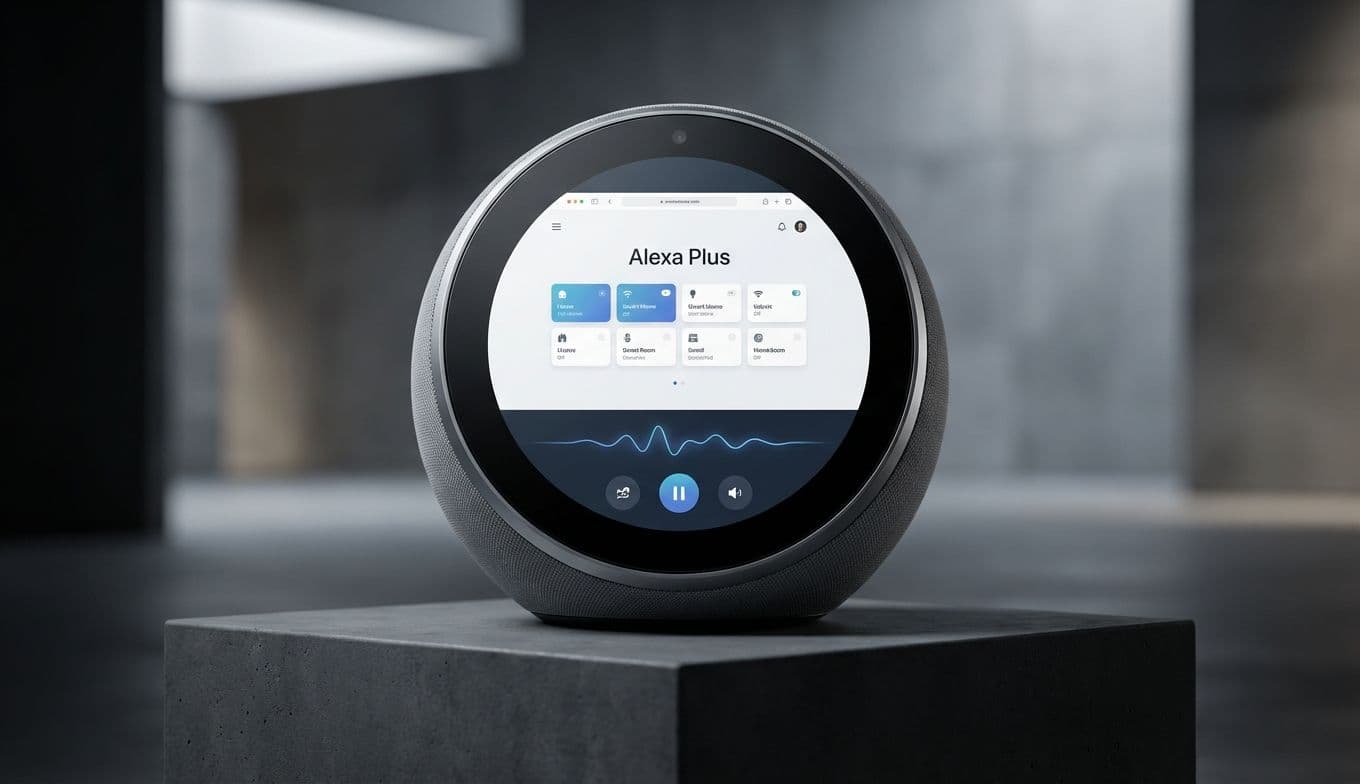
But something interesting happened this morning that changes the math on Amazon’s smart ecosystem. After launching the "Alexa Plus" AI overhaul back in February, Amazon has finally flipped the switch on a dedicated web interface. Alexa isn’t just a voice in a plastic puck anymore; she—or rather, it—is now a full-fledged chatbot living in your browser at Alexa.com.

I have spent the morning testing the new interface while finalizing my own gift list. Here is the verdict on what this means for the ecosystem, and whether it makes an Amazon device a smarter buy this season.

The News: Alexa Breaks Out of the Box

For the last decade, Alexa has been an audio-first experience. You shout a command, and you hope the blue ring understands you. Sometimes it sets a timer; sometimes it plays death metal when you asked for smooth jazz. It was a utilitarian relationship.

With the launch of Alexa Plus earlier this year, Amazon tried to make the assistant conversational, powered by a Large Language Model (LLM) similar to GPT-4. It was smarter, sure, but it was still trapped in a speaker.

Today’s update changes the modality. By logging into Alexa.com, Plus subscribers now get a visual, text-based interface. It looks a lot like the ChatGPT window we’ve all grown used to, but with a distinct advantage: it is hardwired into your house and your shopping history.

Why does this matter? Because voice is a terrible interface for complex tasks. I don’t want to ask my speaker to "read my calendar" and listen to it drone on for five minutes. I want to see it. I don’t want to shout items onto a grocery list and hope it heard "oat milk" correctly; I want to type it and drag it around.

The web interface bridges the gap between a "smart home controller" and a "personal assistant." You can type complex instructions—like "Draft a meal plan for next week using only what’s in my purchase history, then add the missing ingredients to my cart"—and see the results instantly on screen.

For the Gifter: Does This Save the Smart Speaker?

If you are thinking about gifting an Echo device this week, this update actually makes the hardware more viable, but only for a specific type of person.

The "Set It and Forget It" Crowd: If you are buying an Echo Dot for your grandmother so she can listen to the radio and check the weather, the web interface is irrelevant. She is never going to log into Alexa.com. Save your money and stick to the base model Echo. The standard, non-Plus version of Alexa is still perfectly fine for setting timers and playing music.

The Power User / The Parent: This is where the shift happens. If you are buying for someone who manages a busy household—a parent juggling soccer practice and grocery runs, or a techie who loves automation—the Alexa Plus ecosystem just got a lot more powerful.

Being able to manage the smart home from a desktop tab is a game changer for setup. The biggest friction point with smart homes has always been the setup process. trying to configure routines by voice is a nightmare. Doing it via a responsive web dashboard? That is actually useful.

If you are gifting to this persona, I’d skip the basic Echo Dot and go for the Echo Show 8. The visual component of the Show mirrors the new web interface, making the transition between "typing on the laptop" and "glancing at the kitchen counter" feel seamless.

The Elephant in the Browser: The Subscription Fatigue

Here is the catch, and it is a big one. The new web interface is part of the Alexa Plus tier. That means if you gift the hardware, you are essentially gifting a device that needs a monthly subscription to unlock its full potential.

We have reached a point in consumer tech where hardware is just a trojan horse for recurring revenue. As a reviewer, I am generally allergic to gifts that come with homework or bills.

However, unlike some other "AI Pin" type gadgets that launched and flopped over the last two years, the Echo works fine without the Plus subscription. It just isn’t smart smart. It’s 2018 smart.

My advice? If you gift an Echo this year, treat it like a gaming console. You buy the box, but let them decide if they want to pay for the "online pass." Don’t promise them the super-intelligent web-based AI you read about here unless you plan on taping a prepaid Visa card to the box to cover the first year of Alexa Plus.

Privacy: Now on Your Desktop

I would be remiss if I didn’t put on my skeptic’s hat for a moment. Bringing Alexa into the browser is a massive data play for Amazon.

When Alexa was just a speaker, it knew what you said and what you bought. Now that it is a browser-based assistant, the potential for data integration is higher. While the convenience is high—having an assistant that knows I just bought batteries and can remind me to put them in the smoke detector is genuinely helpful—it requires a level of trust in Amazon that not everyone has.

If your recipient is privacy-conscious (the type who puts tape over their laptop webcam), an always-listening, now browser-integrated assistant is not a gift. It’s a burden.

The Verdict

The launch of the Alexa Plus website is the missing link Amazon needed to make their AI compete with Google and OpenAI. It turns the Echo from a passive listener into an active productivity tool.

For the holiday shopper, it clarifies the hierarchy of smart speakers:

  1. For the casual user: Buy the Echo Dot (5th Gen). It’s cheap, it sounds good enough, and they can ignore the AI hype.
  2. For the organizer: Buy the Echo Show 8. The screen is essential now that Alexa is becoming a visual medium.
  3. For the skeptic: Buy a Sonos. It sounds better and doesn't try to read your emails.

Amazon has finally given Alexa a brain and a keyboard. It’s a powerful combination, provided you are willing to pay the monthly fee to keep the lights on.

#Amazon Echo gift guide 2025#Alexa.com features#Echo Show 8 vs Echo Dot#Alexa Plus subscription cost#Smart home automation browser